
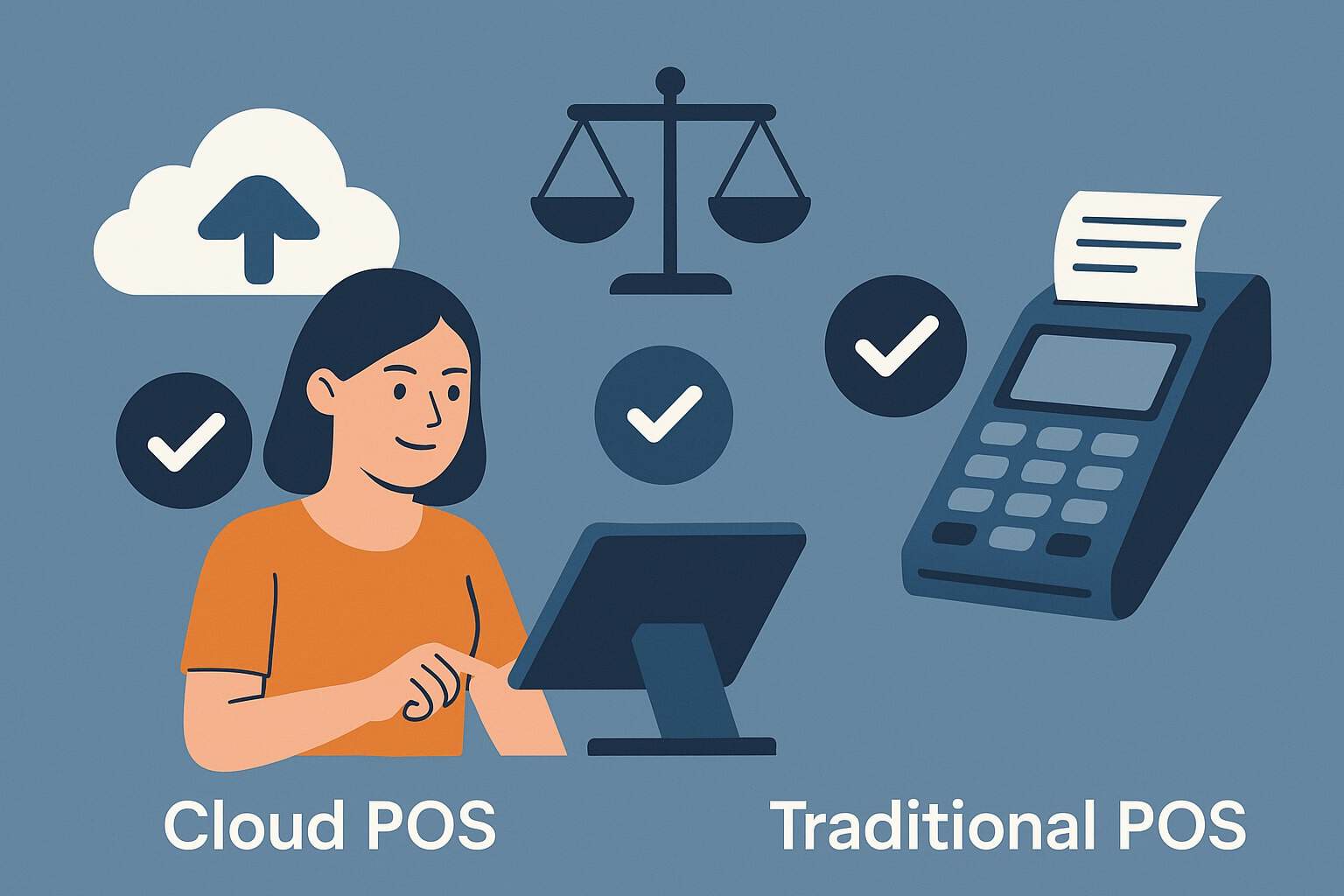
Choosing between Cloud POS vs. Traditional POS systems is one of the most consequential technology decisions a merchant can make. Your point-of-sale setup dictates how you ring up sales, manage inventory, accept card-present and card-not-present payments, and gather the insights that drive smarter decisions.
Get it right, and you gain speed, accuracy, and scalability. Get it wrong, and you invite downtime, data silos, and spiraling costs. This guide delivers a comprehensive, up-to-date comparison of cloud POS vs. traditional POS, with practical explanations, plain-English definitions, and clear trade-offs.
You’ll learn how architecture, cost, security, and reliability differ, what features to prioritize, and how to build a migration plan if you decide to switch. Throughout, we use relevant payment terms—tokenization, EMV, PCI DSS, offline mode, real-time sync, API integrations—so you can align technology with operational realities.
Whether you run a boutique, a multi-location restaurant, a mobile retail pop-up, or a service business with appointments and invoices, this guide gives you the confidence to evaluate cloud POS vs. traditional POS on the merits that matter: total cost of ownership, uptime, performance, compliance, and growth readiness.
What is Cloud POS?
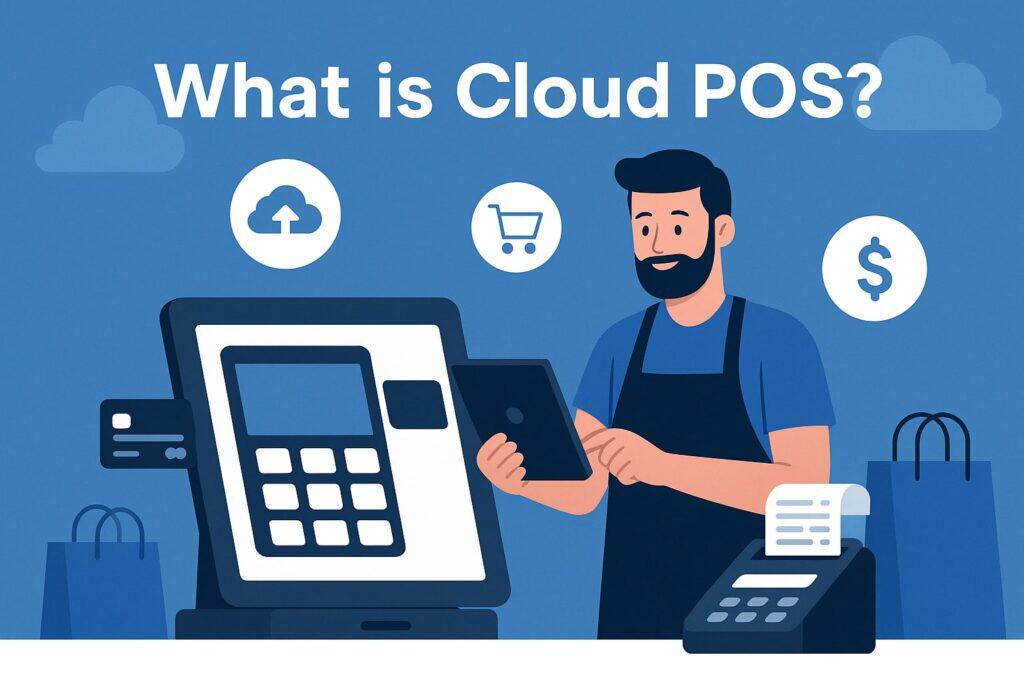
A cloud POS is a point-of-sale system where your core software, settings, reporting, and most data storage live in the vendor’s cloud.
Your registers typically run on lightweight devices—iPads, Android tablets, web browsers, or dedicated smart terminals—and connect to the internet to sync transactions, catalog updates, gift cards, loyalty, and inventory in real time.
Because cloud POS is delivered as software-as-a-service (SaaS), you receive continuous updates without manual patches, and new features arrive through the vendor’s release cycle.
This architecture simplifies multi-location management: prices, taxes, discounts, and employee roles can be controlled centrally and pushed to every store.
Modern cloud POS platforms often include integrated payments with EMV, NFC (tap to pay), and QR options; tokenization for card-on-file; and APIs or app marketplaces for ecommerce, accounting, and marketing automation.
Many also provide mobile POS for line-busting, curbside pickup, and events. A common concern is “What if the internet goes down?” Robust cloud POS systems include an offline mode that securely queues card transactions for later authorization and caches your catalog so you can continue selling.
The core value proposition of cloud POS is agility: faster innovation, simpler scaling, and unified data that travels wherever your business grows.
What is Traditional POS?
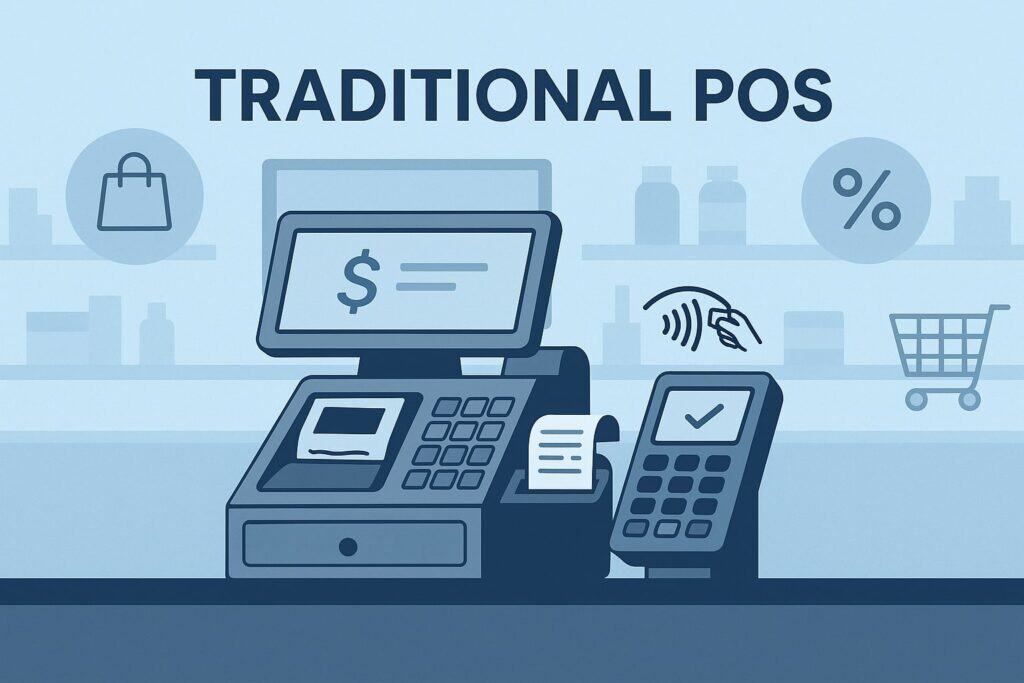
A traditional POS (sometimes called legacy or on-premise POS) installs the primary software and database on a local back-office server or on each register. Updates are manual, handled by your vendor or IT team via scheduled maintenance windows.
Reliability has long been the hallmark of traditional systems: they run even if the internet fails because transactions and inventory write to the local database, then sync to head office later.
Traditional POS often leverages purpose-built hardware—cash wraps, receipt printers, customer-facing displays, and Windows-based terminals—engineered for high-volume, all-day use.
Many merchants value the perceived control: your data lives on hardware you manage, and you choose when to upgrade. At the same time, this control carries responsibilities. You must plan backups, apply security patches, and orchestrate version upgrades across registers and locations.
Integrations—ecommerce, loyalty, ERP—may rely on custom middleware and file transfers, which can create data-latency gaps. For some environments—high-throughput grocery lanes, stadium concessions, or rugged warehouse settings—a well-tuned traditional POS still shines.
The core promise is stability and deterministic performance on the local network, with fewer dependencies on external connectivity.
Cloud POS vs. Traditional POS: Key Differences
At a high level, the cloud POS vs. traditional POS debate centers on architecture trade-offs. Cloud POS centralizes software delivery and data in the vendor’s cloud, while traditional POS centralizes it within your four walls.
That architectural choice cascades into cost structure (subscription vs. license), deployment speed (hours vs. weeks), integration style (modern APIs vs. custom connectors), and update cadence (continuous vs. scheduled).
Security responsibilities also shift: cloud vendors shoulder more patching and infrastructure hardening, whereas legacy systems put more of that on your team. In day-to-day operations, cloud POS excels at unifying multi-location analytics and omnichannel workflows—buy online, pick up in store; unified gift cards; and centralized inventory.
Traditional POS excels where local, deterministic performance is paramount and regulatory or operational constraints favor on-prem control.
Finally, consider people and process: cloud POS usually reduces IT lift and empowers managers with intuitive dashboards; traditional POS often requires more specialized support but can be deeply customized for niche workflows.
Understanding these differences will help you align cloud POS vs. traditional POS with your risk tolerance, budget, and growth strategy.
Total Cost of Ownership (TCO)
Cost in cloud POS vs. traditional POS is not just sticker price—it’s the sum of software, hardware, implementation, maintenance, payment processing, and downtime risk. Cloud POS typically uses a monthly subscription per register or per location, often bundling support, hosting, backups, and upgrades.
Hardware can be more affordable (tablets or smart terminals), and rollout is faster, reducing professional services. Over time, subscription costs add up, but you avoid large capital expenditures and many hidden maintenance fees.
Traditional POS often starts with higher upfront costs: perpetual software licenses, on-prem servers, enterprise-grade terminals, and implementation services. Ongoing expenses include maintenance contracts, version upgrades, backups, and possibly third-party IT.
If you operate many high-duty lanes, ruggedized hardware may still make sense, but factor in lifecycle replacements and the labor to manage them.
Also weigh the operational cost of downtime: cloud systems rely on internet connectivity (mitigated by offline mode and redundant links), while traditional POS relies on local infrastructure (mitigated by UPS power, RAID storage, and failover).
A structured TCO analysis should model 3–5 years, include payment processing rates, and attach a realistic value to avoid downtime and faster feature delivery.
Security & Compliance
Security in cloud POS vs. traditional POS hinges on where data is stored and who maintains the defenses. Reputable cloud POS vendors operate hardened data centers, enforce network segmentation, and push security updates continuously.
They typically support EMV, point-to-point encryption (P2PE), tokenization, and PCI DSS compliance programs that reduce your scope. Centralized logging and anomaly detection can help spot fraud early, and role-based access controls make it easier to enforce least-privilege.
In traditional POS, security is only as strong as your local controls: patched operating systems, restricted admin access, firewall rules, secure remote access, and disciplined backup/restore procedures.
You can absolutely run a secure on-prem POS, but it demands consistent investment and oversight. With both models, payment data should be encrypted end-to-end and never stored unprotected.
Consider additional controls like strong MFA for back-office access, device management (MDM) for tablets, and audit trails for discounts, returns, and voids.
The best approach is defense-in-depth: combine EMV for liability shift, tokenization for card-on-file safety, and staff training to reduce social-engineering risks—regardless of whether you choose cloud POS vs. traditional POS.
Reliability & Offline Continuity
Reliability is central to cloud POS vs. traditional POS. Traditional POS thrives on local resilience: if your WAN link fails, you can still ring sales, print receipts, and update inventory within the local database.
Risks concentrate around local hardware failure, power loss, or corrupt data, which you mitigate with redundant servers, RAID storage, and disciplined backups. Cloud POS shines with distributed resilience: vendor-managed infrastructure, automatic failover, and continuous backups reduce the chance of catastrophic loss.
The Achilles’ heel is connectivity—so adopt best practices: business-grade internet, automatic LTE/5G failover, and a POS that supports secure offline mode for authorizing cards falls back with floor limits.
Evaluate how each system handles edge cases: partial authorizations, split payments, gift card redemptions, and loyalty accruals while offline. Also consider peripheral reliability—receipt printers, barcode scanners, cash drawers—and whether your POS offers device-health alerts.
In practice, well-architected cloud POS can deliver excellent uptime, while well-maintained traditional POS can deliver low-latency stability. The right choice depends on your tolerance for internet dependency versus on-prem maintenance and your plan to minimize both kinds of risk.
Pros and Cons of Cloud POS
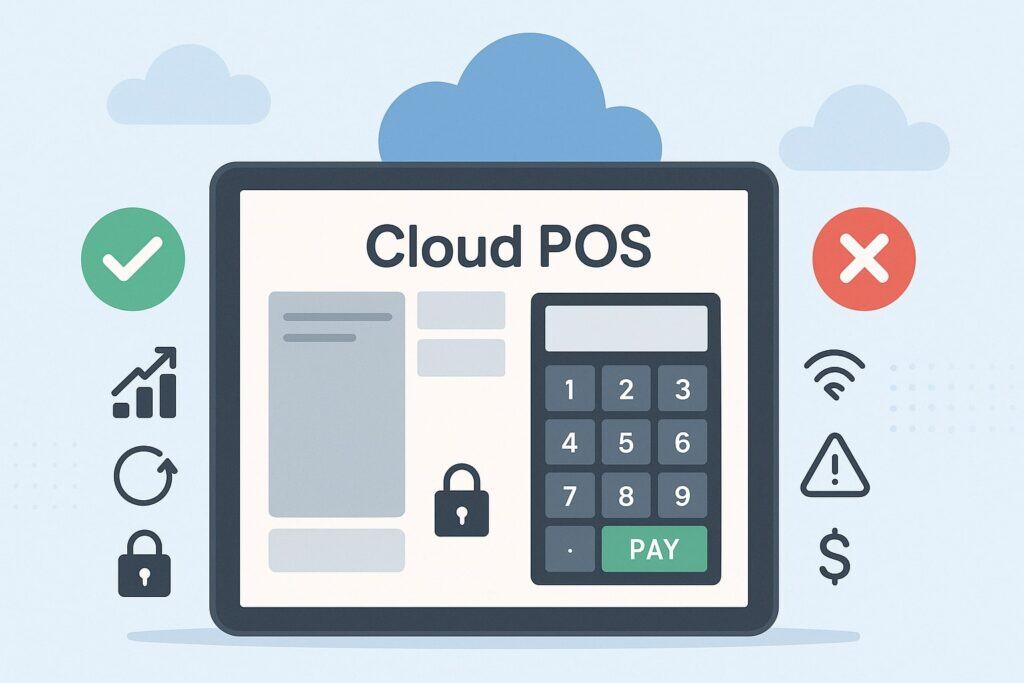
The cloud POS vs. traditional POS decision often tilts toward cloud when speed, flexibility, and data unification drive ROI. Cloud POS is built for modern retail and hospitality workflows that blur online and in-store boundaries.
Rolling out a new store can be as simple as shipping hardware, logging in, and pulling down your configuration. Real-time inventory syncing reduces stockouts and overselling. Central reporting consolidates location, channel, and employee data into live dashboards.
App marketplaces and APIs let you add ecommerce, subscriptions, buy-now-pay-later, or kitchen display systems without custom coding. On the flip side, you inherit a subscription model and rely on vendor roadmaps for features. Connectivity planning is essential—redundant ISPs or cellular backup are smart insurance.
Finally, evaluate how your provider handles data export, account portability, and service-level agreements. When comparing cloud POS vs. traditional POS, cloud’s productivity gains often outweigh its dependencies, especially for brands scaling to multiple locations or seeking unified omnichannel operations.
Advantages of Cloud POS
Cloud POS delivers continuous innovation. Instead of scheduling weekend upgrades, you benefit from automatic updates that add features, patch vulnerabilities, and improve performance with minimal disruption.
Centralized administration lets you set taxes, promos, and employee permissions once and deploy everywhere, keeping compliance consistent. Real-time analytics surface KPIs like gross margin, average order value, basket composition, table turn time, and void/discount trends across locations.
Mobility is another edge: use handhelds for line-busting, tableside ordering, curbside pickup, or in-aisle product lookups. Integrations are easier thanks to modern REST APIs and pre-built connectors for ecommerce platforms, accounting systems, CRMs, and marketing tools.
Payment flexibility is strong: EMV, tap-to-pay, tokenized card-on-file, and invoicing are commonly native. For scaling businesses, adding lanes or opening new stores is far faster with cloud.
In the cloud POS vs. traditional POS comparison, these advantages translate into lower operational friction, faster staff training through intuitive UIs, and richer customer experiences that can lift conversion and loyalty.
Disadvantages of Cloud POS
Cloud POS is not without trade-offs. First, you must engineer connectivity: business-grade internet, QoS on your router, and automatic cellular failover to protect peak hours. Even with offline mode, certain functions—like real-time gift card balance checks across locations—may be limited when offline.
Second, subscription creep can surprise teams: base fees, add-on modules, and per-location charges add up. Conduct a 3–5-year TCO model that includes hardware, payment rates, and any premium features. Third, vendor roadmap and data portability matter.
Ensure you can export your data in usable formats if you ever switch, and review SLAs for uptime and support responsiveness. Finally, rugged environments may require specialized hardware protective cases or enterprise-grade tablets.
In short, cloud POS vs. traditional POS demands honest evaluation: cloud boosts agility and insight, but success hinges on disciplined network planning, clear budgeting, and a vendor that’s transparent about feature availability and migration paths.
Pros and Cons of Traditional POS
Traditional POS offers predictable, local performance and a feeling of control that some operators prefer—especially in high-throughput environments with deterministic latency requirements.
Because the database and application run on-prem, you are not dependent on the internet for core transactions. Many long-standing features—advanced kitchen routing, complex combo pricing, or bespoke label printing—are deeply baked into mature legacy platforms.
For certain verticals, purpose-built peripherals and integrations are time-tested. However, the cloud POS vs. traditional POS evaluation must also weigh the operational burden: backups, patching, and multi-site version control are on you.
Integrations can be costly, relying on custom middleware or scheduled file exchanges that delay data. Scaling to new locations requires more IT labor and longer lead times. If you choose traditional POS, plan for lifecycle refreshes, documented disaster recovery, and clear processes for patch management and PCI DSS compliance.
Advantages of Traditional POS
Traditional POS excels at local reliability and low-latency performance. If your store or restaurant experiences frequent ISP issues, a well-maintained on-prem system can protect throughput during busy periods.
Hardware is often industrial-grade, with sturdy cash drawers, thermal printers, and customer-facing displays designed for heavy use. Many legacy systems offer nuanced pricing engines, PLU/UPC handling, kitchen and bar routing, or scale integrations that have been refined for years.
You can schedule upgrades at your convenience and avoid forced UI changes that disrupt staff. For some regulated environments or corporate policies, keeping systems and data on-premise simplifies governance and satisfies internal security standards when executed correctly.
In the cloud POS vs. traditional POS comparison, these strengths matter most where network volatility, extreme transaction volumes, or specialized peripherals dominate daily operations.
Disadvantages of Traditional POS
On-prem control comes with ongoing responsibilities. You must safeguard servers, apply security patches, manage antivirus, and test backups regularly. Hardware replacements are costlier, and scaling to new locations requires imaging, provisioning, and onsite installation.
Feature velocity is slower, with major updates tied to maintenance windows and per-site rollouts. Integrations can lag, and omnichannel workflows—unified gift cards, real-time inventory across stores and ecommerce—often require custom projects that add cost and complexity.
Analytics suffer when data lives in separate silos; you may wait hours or days for consolidated reports. Remote work becomes harder as managers rely on VPNs and remote desktop tools to access the back office.
Over several years, the operational friction adds up. When weighing cloud POS vs. traditional POS, recognize that traditional can deliver rock-solid lanes but at the price of heavier IT lift, slower innovation, and more complex cross-channel experiences.
How to Choose the Right POS (Practical Checklist)
Start with business goals, not features. Are you expanding to more locations, adding ecommerce, or introducing new fulfillment methods like BOPIS or curbside?
If so, cloud POS vs. traditional POS likely tilts toward cloud. Next, map your workflows: SKUs, modifiers, menu changes, split checks, returns, exchanges, purchase orders, receiving, and cycle counts. Identify the must-haves and the “nice-to-haves.”
Quantify constraints: average tickets, peak transactions per minute, number of lanes, and network reliability. Build a TCO model over 3–5 years that includes software, hardware, payment processing, implementation, IT labor, and realistic downtime costs.
Evaluate security posture: EMV, point-to-point encryption, tokenization, user roles, audit trails, and PCI DSS scope. Demand clear SLAs and data-export options. Pilot with real staff and peripherals—scanners, scales, kitchen displays, label printers—to validate latency and usability.
Finally, consider the vendor ecosystem: app marketplace depth, API documentation, and certified integrations for ecommerce, accounting, loyalty, and delivery platforms. A methodical process based on outcomes and risk tolerance will lead to the best cloud POS vs. traditional POS choice for your operation.
Migration Checklist (If You’re Switching)
If your cloud POS vs. traditional POS analysis points to a change, plan the move deliberately. First, clean your data: standardize SKUs, modifiers, categories, taxes, and tender types. Validate customer profiles, gift cards, and loyalty balances.
Second, stage hardware: confirm compatibility of scanners, printers, scales, cash drawers, and payment terminals. If adopting tablets or smart terminals, configure device management (MDM) for updates and security.
Third, map workflows: refunds, exchanges, tips, voids, discounts, and manager overrides. Fourth, test payments: EMV chip, contactless, magstripe (if needed), gift cards, split tenders, and offline authorizations with floor limits.
Fifth, train your team with role-based access and quick-reference guides. Sixth, run a soft launch: operate in parallel, validate inventory adjustments, and reconcile daily totals. Seventh, schedule go-live with support on call and a rollback plan.
Finally, monitor KPIs—transaction speed, error rates, shrinkage, and upsell adoption—and refine. A structured migration minimizes risk and turns your cloud POS vs. traditional POS decision into operational gains from day one.
Future Trends in POS
The future of cloud POS vs. traditional POS is trending toward hybrid resilience and unified commerce. Expect more edge computing in cloud systems, caching logic at the device level while syncing to the cloud for analytics and AI-driven insights.
Payments will continue to converge: EMV and NFC everywhere, Tap to Pay on mobile devices, network-tokenized card-on-file, and real-time payouts for marketplaces and restaurants. AI will assist with demand forecasting, smart reordering, dynamic pricing, and fraud detection.
Omnichannel will normalize: shoppers start online and finish in-store, or vice versa, with unified customer profiles and promotions. Hardware will become more modular: kiosk modes, handhelds, and fixed registers sharing the same software.
Compliance will keep tightening: PCI DSS 4.0 practices, stronger MFA, and least-privilege defaults. Traditional POS will persist in niche, high-throughput or specialty scenarios, but cloud architectures will dominate new deployments due to speed of innovation and cross-channel visibility.
Your strategy should embrace resilience—redundant networks, offline safeguards—and capitalize on unified data to turn POS from a cash register into a growth engine.
FAQs
Q.1: Is a cloud POS secure enough for card-present and card-on-file payments?
Answer: Yes—when you choose a reputable provider and follow best practices. Look for EMV support, point-to-point encryption (P2PE), tokenization for card-on-file, and a well-documented PCI DSS compliance program. Confirm that the vendor applies patches automatically and performs regular third-party audits.
Use strong MFA for admin accounts, lock down roles and permissions, and enable audit logs for discounts, returns, and voids. On devices, enforce passcodes, auto-lock, and mobile device management if you deploy tablets.
Finally, ensure secure offline mode: transactions should be encrypted and queued with configurable floor limits until connectivity returns. In cloud POS vs. traditional POS, security is achievable in both models, but cloud reduces your patching burden while still demanding disciplined user and device controls.
Q.2: What happens if my internet goes down with a cloud POS?
Answer: A mature cloud POS should include an offline mode that caches your catalog and securely queues card transactions for later authorization. You can continue ringing sales, printing receipts, and opening the cash drawer.
To minimize risk, implement dual-WAN or automatic LTE/5G failover on your router so registers switch seamlessly during an ISP outage. Set sensible offline floor limits and train staff on how receipts, partial approvals, or declined transactions are handled once the system syncs.
Evaluate how gift cards, loyalty, and discounts behave offline; some features may be view-only or restricted until you reconnect. In the cloud POS vs. traditional POS conversation, connectivity planning is the cloud side’s non-negotiable. With the right safeguards, you can keep selling even during short outages.
Q.3: Does traditional POS still make sense in 2025?
Answer: Absolutely—context matters. If you operate very high-throughput lanes with strict latency needs, unreliable internet, or specialized peripherals and workflows that a legacy platform handles exceptionally well, traditional POS can still be the best fit.
You’ll benefit from local performance and full control over upgrade timing. However, factor in the real operational costs: server maintenance, patching, backups, slower feature delivery, and more complex integrations for ecommerce or unified gift cards.
For brands prioritizing omnichannel, multi-location analytics, and faster rollouts, cloud POS usually wins. The smartest approach is to evaluate your precise requirements, run pilots, and measure outcomes. That is the most honest way to settle cloud POS vs. traditional POS for your business.
Conclusion
When you strip away the buzzwords, cloud POS vs. traditional POS is a question of agility versus autonomy. Cloud POS centralizes innovation and data so you can scale faster, unify channels, and tap into a robust ecosystem of integrations with lower day-to-day IT effort—provided you engineer resilient connectivity and choose a transparent vendor.
Traditional POS maximizes local control and deterministic performance, which can make sense for specialized or high-throughput environments—provided you’re willing to shoulder maintenance, slower updates, and heavier integration work.
The right choice depends on your goals, constraints, and appetite for operational complexity. Build a 3–5-year TCO, test real workflows with real hardware, validate security and offline behavior, and negotiate clear SLAs and data-export rights.
Do that, and your cloud POS vs. traditional POS decision becomes straightforward: select the platform that reduces friction, safeguards revenue, and equips your team to deliver the fast, consistent, and modern checkout experiences customers expect.