
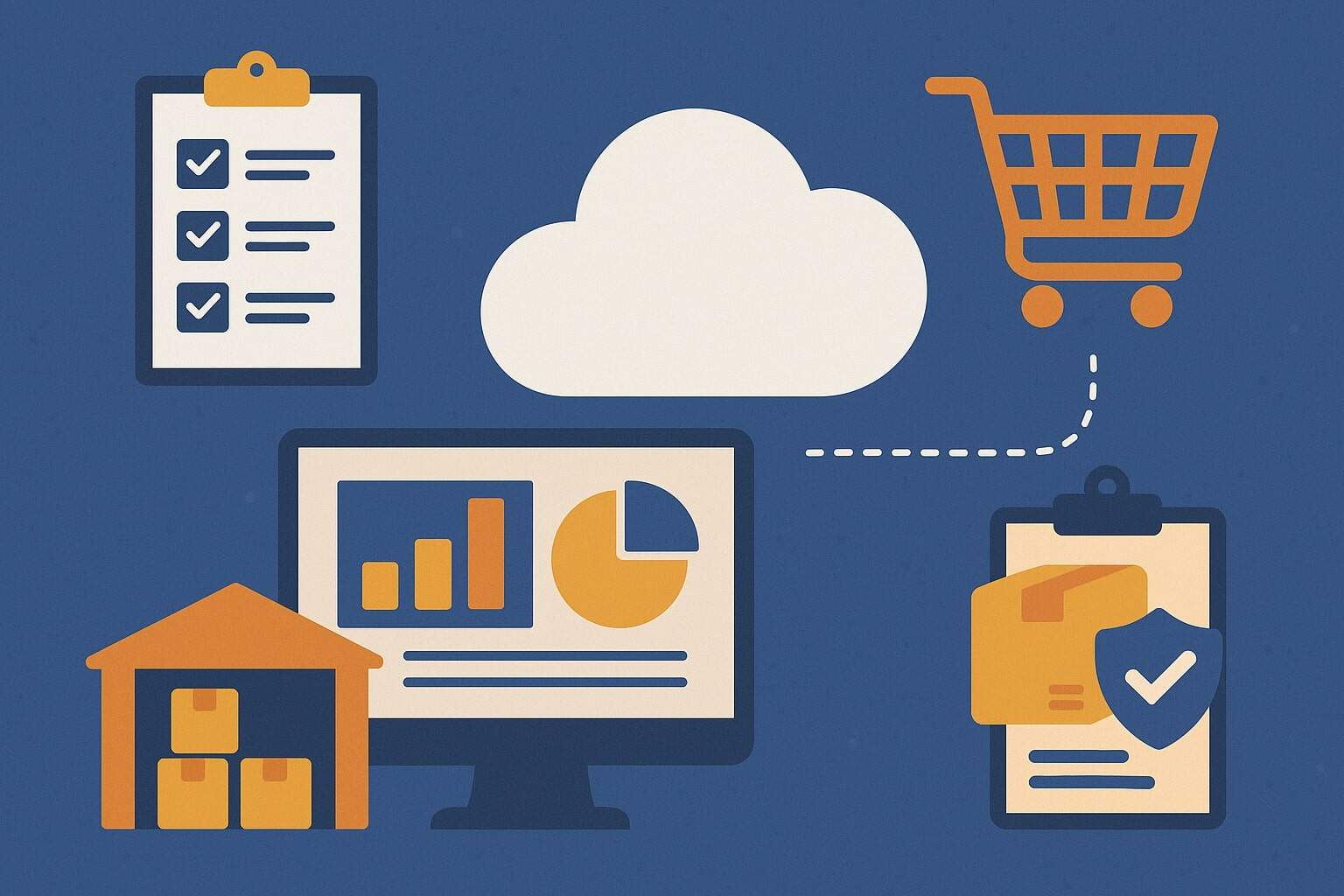
Inventory management in cloud restaurant software is the always-on system that tracks what you buy, store, prep, cook, and sell—across one location or many—without relying on local servers or spreadsheets. It centralizes ingredients, recipes, suppliers, and counts in a secure, web-based platform that updates in real time.
Because it lives in the cloud, managers, chefs, and owners can see stock levels, food costs, and variances from any device. That means fewer blind spots, faster decisions, and tighter control of cost of goods sold (COGS).
At its core, inventory management in cloud restaurant software connects the dots between purchasing, receiving, storage, prep, and sales. Each sale in the POS reduces raw ingredients based on your recipes and yields.
Each delivery received increases on-hand levels with accurate costs, including fees and taxes. Waste, transfers, and manual adjustments are logged and audited. The result is a living ledger of your food business.
Cloud systems also support operational discipline. They standardize naming with SKUs, apply units of measure, and enforce first-in-first-out (FIFO) or first-expired-first-out (FEFO). They capture batch yields, prep loss, and cooking shrink.
They surface exceptions, like negative stock or sudden spikes in usage. And they scale effortlessly—from a single café to an enterprise brand—without new servers or costly upgrades. For operators who want predictable food costs and consistent menus, inventory management in cloud restaurant software is the foundation.
Why Cloud-Based Inventory Beats Spreadsheets and On-Premise
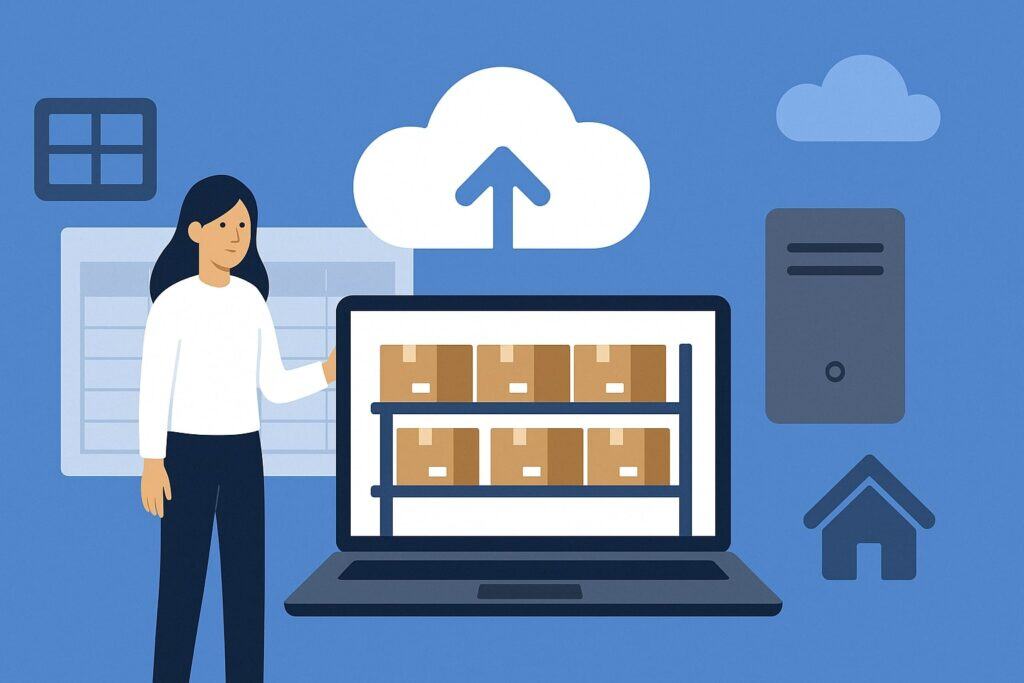
Spreadsheets are flexible, but they depend on manual data entry and human vigilance. On-premise systems improve structure, but they tether you to a back-office computer and scheduled data syncs.
Inventory management in cloud restaurant software closes those gaps. It automates data flow from POS to purchasing to accounting. It updates counts as transactions happen. And it provides mobile access, so teams can complete cycle counts with a phone, even during service.
Reliability matters. Cloud platforms typically offer redundant infrastructure, automatic backups, and routine security patches. You get continuous improvements without reinstalling software. Multi-unit brands benefit from centralized controls and role-based permissions.
Corporations can lock recipes, costs, and par levels while local teams count, receive, and request transfers. With spreadsheets, versioning and errors multiply. With on-prem, hardware failures and local outages can derail operations. In contrast, inventory management in cloud restaurant software offers resilience.
Cloud tools also unlock modern analytics. You can analyze menu performance, theoretical vs. actual usage, and supplier pricing trends in one place. Alerts notify you when COGS exceeds thresholds or when a vendor’s price creeps up.
Integrations sync invoices into accounting and reflect landed costs instantly. The outcome is faster decisions and fewer surprises. When margins are tight, real-time visibility delivered by cloud restaurant software isn’t a luxury; it is the competitive edge.
Core Features to Look For
A great platform balances power with day-to-day usability. Below are essential modules that make inventory management in cloud restaurant software effective and scalable for any concept.
Real-Time Stock Sync and Multi-Location Visibility
Real-time sync is the beating heart of inventory management in cloud restaurant software. Every sale decrements ingredient stock according to the mapped recipe. Every return or comp adjusts usage smartly.
Every transfer between stores updates both locations. This live ledger stops you from ordering blind and reduces out-of-stocks that frustrate guests.
Multi-location visibility lets you view aggregate on-hand, par levels, and slow movers across the brand. You can balance stock by transferring products instead of overordering. Central teams can set minimums and maximums by store, vendor, or season.
With mobile counting, teams complete cycle counts faster, and discrepancies trigger automated variance workflows. The system should support catch weight items, lot tracking, and alternate units (case, pack, each) with automatic conversions.
A robust audit trail is critical. You need to know who counted, who adjusted, and why. Role-based permissions protect data integrity. Offline capture with later sync helps during weak connectivity.
Finally, dashboards should highlight negative stock, imminent expirations, and items below par. These surfaces convert raw data into actions, which is the promise of inventory management in cloud restaurant software.
Recipe-Level Costing, Yield, and Theoretical Usage
Recipes are where money is made—or lost. In inventory management in cloud restaurant software, every menu item links to a bill of materials (BOM) with precise units, prep yields, and cooking shrink.
The platform calculates theoretical usage based on sales and compares it to actual usage from counts and receiving. The gap is variance, and variance reveals over-portioning, theft, or waste.
Accurate costing needs more than list price. Include vendor fees, taxes, and freight so you capture true landed cost. Use weighted-average or FIFO costing, and record alternative ingredients for substitutions.
Batch recipes and prep items should roll up into final plates. When a vendor price updates, the system should automatically recost menu items and flag those whose margins fall below target.
With recipe yields in place, cooks get clear portion guides. Prep teams see batch quantities that align with forecasted sales, reducing waste. Managers can run menu engineering reports to tag stars, plowhorses, puzzles, and dogs.
This turns inventory management in cloud restaurant software into a strategic tool, not just a counting app.
Vendor Management, Purchasing, and Receiving Automation
Purchasing should feel like a few clicks, not a weekly marathon. In inventory management in cloud restaurant software, suggested orders use par levels, lead times, and sales forecasts to generate accurate purchase orders (POs).
The system groups items by preferred supplier and supports EDI or email ordering. It should highlight contract items, alternates, and current pricing to prevent overpaying.
On receiving, mobile devices scan barcodes, capture photos, and record temperatures for HACCP compliance. Shortages, damages, and substitutions are flagged immediately. The platform updates on-hand stock and posts costs to accounting automatically.
Three-way matching checks POs, invoices, and receipts to catch errors before payment. For chains, approval workflows and tolerance rules reduce the need for manual review.
Strong vendor analytics complete the loop. Track fill rate, on-time delivery, and price changes over time. Compare suppliers on key items. Build a preferred list and enforce it.
With purchasing wired into inventory management in cloud restaurant software, you buy smarter, receive cleaner, and close the books faster.
Implementation Roadmap: From Setup to First Accurate Count
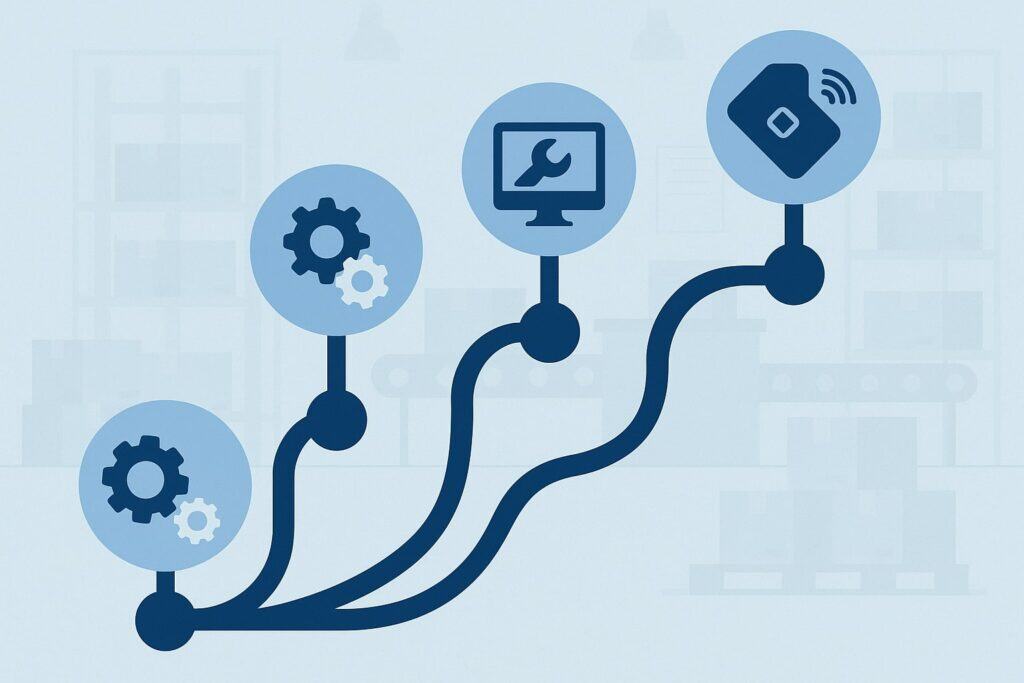
Rolling out inventory management in cloud restaurant software is a project, but a manageable one with the right sequence. Start with data. Standardize item names, units, and SKUs. Map alternate pack sizes and conversion factors.
Create a location map of shelves, fridges, and freezers to speed counting. Import vendor catalogs with current costs and lead times. This groundwork prevents confusion later.
Next, integrate systems. Connect the POS so sales drive theoretical usage. Connect accounting so invoices and journal entries flow without rekeying.
If you use a delivery marketplace or KDS, integrate them to align modifiers and bundles with recipe components. Decide whether to use weighted-average or FIFO and set global rules for waste reasons and variance approvals.
Finally, pilot. Choose one store for two weeks. Run full counts, receive with the app, and build the big-hit recipes first (top 20 items by sales). Validate variance and adjust yields. Then roll to other stores with a repeatable checklist.
Clear ownership helps: a project lead, a kitchen champion, and a purchasing contact. With this structure, your first accurate stock valuation—and real food-cost control—arrives quickly through inventory management in cloud restaurant software.
Data Migration and Master Catalog Build
Data quality drives outcomes. Begin by consolidating all items into a single master catalog. Normalized names (“Tomatoes, Roma 25lb” vs. “Roma Tom 25#”). Set base units (lb, kg, each) and define conversions (1 case = 6 #10 cans; 1 #10 can = 6.6 lb drained). Add allergen tags and storage locations. For proteins and dairy, enable lot tracking and FEFO rotation.
Load vendor relationships for each SKU with contract pricing, minimum order quantities, and lead times. Capture alternate suppliers and emergency backups. If you prep in-house, treat prep items as SKUs with batch yields. Once the catalog is clean, import into the platform and test: create a dummy PO, receive it, and check on-hand updates.
The goal is frictionless daily work. When you open inventory management in cloud restaurant software, your teams should find the exact item they need in seconds, with correct packs, costs, and units. Invest the time upfront and you earn it back weekly through accurate orders and tight counts.
Building Recipes, BOMs, and Prep Standards
Translate your menu into recipes with precise quantities. Record trim loss and cooking shrink for meats, produce, and starches. Add container weights to avoid false variance. Define plating instructions and standard portion scoops to align kitchen execution. For prep items, store batch sheets with critical control points and cooling steps for HACCP.
Connect modifiers and combos to base recipes. If guests can add bacon or extra cheese, those modifiers must decrement the related SKUs. Create seasonal versions when ingredients swap. As you enter recipes into inventory management in cloud restaurant software, keep your naming consistent and include photos where helpful.
Test theoretical vs. actual usage over a week. If variance is high, check yields, prep loss, and portion tools. Adjust and retest. When recipes mirror reality, the system becomes a reliable compass for food cost, waste, and pricing decisions.
Training, SOPs, and Change Management
Technology succeeds when people adopt it. Build simple SOPs: how to receive, how to count, how to log waste, and when to escalate. Use checklists with screenshots. Appoint “inventory champions” per shift to ensure counts and waste logs happen. Incentivize accuracy by recognizing teams that maintain low variance.
Run short, hands-on sessions. Practice scanning, counting, and approving POs on real deliveries. Keep feedback loops short during the first month.
If a workflow is clunky, refine it. Configure role-based access so team members see only what they need. When staff experience how inventory management in cloud restaurant software makes their day smoother, adoption sticks.
Daily and Weekly Workflows that Keep Numbers Honest

Success depends on rhythm. Set daily, weekly, and monthly cadences in your platform. Daily tasks include receiving, waste logging, and spot counts on top movers. Weekly tasks include cycle counts for a subset of categories, review of variances, and order approvals. Monthly tasks include a full inventory valuation and menu engineering review.
Cycle counting is more sustainable than only doing month-end marathons. Count 20–25% of items weekly so every SKU is touched each month. Use ABC analysis to prioritize high-value and high-velocity items.
Let the system generate count sheets by storage location for speed. Inventory management in cloud restaurant software should highlight items with frequent discrepancies so you can tighten process or storage.
Finally, run exception reports. Investigate negative stock, large day-over-day swings, and items with perpetual variance. Pair data with walk-throughs: check labels, temperatures, and FIFO rotation. When teams follow this cadence, numbers stay honest and food costs stabilize.
Waste Tracking and Variance Control
Waste is inevitable, but unmanaged waste is profit leakage. Build a short list of standardized waste reasons: spoilage, over-portion, mis-fire, comp, breakage, theft, and donation. Require a reason code and, where helpful, a photo. For high-value items, set a threshold that triggers manager approval.
Run weekly variance reports at the category and item level. Focus on the top ten offenders. For each, investigate yields, portion tools, and prep batch sizing. Adjust SOPs and recipe factors as needed. Tie corrective actions to a playbook: new scoop size, new shelf label, or smaller prep batches. Over time, your variance curve flattens.
Inventory management in cloud restaurant software turns waste into a dataset you can act on. When reasons are consistent and teams log them daily, you learn which menu items drive loss and which suppliers consistently deliver short. That is how waste tracking becomes margin recovery.
Purchase Ordering Cadence and Par Level Tuning
Par levels should reflect sales velocity, supplier lead times, and storage constraints. Start with historical usage, then apply seasonality and event overlays. In your system, set minimums and maximums that trigger suggested orders. Review vendor lead times and delivery days so orders land before you hit zero.
Use the platform’s demand forecasting to adjust orders for holidays, weather, and promotions. Keep a simple calendar noting peak events, then link it to purchasing. After each period, compare overstock and stock-outs.
Tweak parts and safety stock accordingly. With inventory management in cloud restaurant software, your purchasing evolves from gut feel to data-driven discipline.
Advanced Analytics, Forecasting, and Menu Engineering
Modern platforms apply forecasting and machine learning to make inventory proactive. They learn from historical sales, day-of-week patterns, and local events to predict demand. This feeds suggested orders, prep lists, and labor planning. It also helps right-size batch recipes, which cuts waste and improves freshness.
Menu engineering uses contribution margin and popularity metrics to rank items. Pair this with theoretical vs. actual usage to spot recipes that look profitable on paper but leak in practice.
Track elasticities: what happens to sales when prices move by 25¢? Identify attachment rates for add-ons and size upgrades. Inventory management in cloud restaurant software becomes the single source of truth for item-level profitability.
For multi-concept groups, cross-brand analytics reveal shared SKUs you can consolidate for buying power. Category scorecards flag opportunities in proteins, dairy, produce, and dry goods. Over time you build a continuous improvement loop—small weekly adjustments that compound into real margin.
Integrations: POS, Accounting, Delivery Marketplaces, and BI
Integrations reduce duplicate work and keep numbers aligned. The POS drives sales, modifiers, comps, and voids into inventory for theoretical usage.
Accounting integrations push invoices, credit memos, and journal entries, closing the loop from purchasing to the general ledger. Delivery marketplaces feed order data with item-level granularity so third-party sales decrement inventory with the same accuracy as dine-in.
Bi-directional APIs matter. Your team should map menu items to recipes once, not repeatedly. If you change a menu item in the POS, the update should prompt a recipe check.
BI tools can connect to the inventory data warehouse for deeper analysis or corporate dashboards. When everything talks, inventory management in cloud restaurant software acts like connective tissue—not another data silo.
Compliance, Food Safety, and Traceability
Food safety is non-negotiable. Use receiving checklists to record temperatures of TCS foods, take photos of labels, and verify lot numbers. FEFO rotation ensures products with earlier expiration dates are used first.
Log corrective actions when temperatures are out of range. Attach SOPs and allergen information to items and recipes for quick reference.
Traceability protects your guests and your brand. Lot tracking and supplier details allow targeted recalls. The system should find every batch that used a suspect lot and identify affected menu items and days.
Generate pull lists and communication templates in minutes. Inventory management in cloud restaurant software turns chaotic recalls into controlled operations.
Documentation also supports audits and certifications. Keep digital records of receiving, waste, sanitation checks, and temperature logs. Build an audit trail for every stock movement. When documentation is embedded in daily workflows, compliance becomes effortless.
ROI, KPIs, and Executive Dashboards
Return on investment shows up in lower COGS, faster counts, and reduced waste. Typical wins include 1–3 percentage points of COGS reduction, fewer emergency orders, and tighter cash tied up in stock.
Time savings come from automated POs, mobile counts, and three-way matches. Add fewer stock-outs and better guest satisfaction, and the business case is clear.
Track KPIs weekly: theoretical vs. actual variance, waste as % of sales, inventory turns, days on hand, on-time/in-full (OTIF) deliveries, price creep by supplier, and negative stock incidents. Monitor category-level COGS and contribution margin.
Executive dashboards should surface trend lines and alert exceptions automatically. With inventory management in cloud restaurant software, leaders move from static reports to live, actionable metrics.
Finally, connect KPIs to accountability. Assign owners to each metric and review in structured ops meetings. Celebrate improvements and address chronic gaps. This keeps momentum and ensures the system pays for itself many times over.
Common Pitfalls and How to Avoid Them
The biggest risk is treating the rollout as a one-time project instead of an ongoing practice. Data slips, recipes drift, and new items arrive weekly. Put ownership in writing and schedule recurring hygiene—catalog cleanup, recipe reviews, and par recalibration.
Another pitfall is overcomplicating early. Start with top movers, then add long-tail items once your team is confident.
Under-training is common. If staff don’t know how to log waste or receive substitutions correctly, the numbers won’t make sense. Keep SOPs simple and reinforce them in pre-shift huddles. Also beware of “dirty integrations” where POS buttons don’t match recipes.
Audit mappings monthly. Finally, avoid counting only at month-end. Cycle counts spread the load and keep accuracy high. Addressing these pitfalls keeps inventory management in cloud restaurant software accurate and trusted.
Security, Reliability, and Data Ownership
Trust starts with security. Choose vendors that encrypt data in transit and at rest, offer SSO/MFA, and maintain regular third-party audits. Ensure role-based permissions restrict who can see costs, adjust stock, or approve POs. Ask about data residency, backup frequency, and disaster recovery RPO/RTO targets.
Reliability means performance during peak restaurant hours. Look for uptime commitments and transparent status pages. Offline workflows let you count and receive even if Wi-Fi wobbles, with automatic resync later.
Clarify data ownership in the contract. You should be able to export items, recipes, transactions, and reports at any time. Inventory management in cloud restaurant software should strengthen your control of data—not limit it.
Finally, evaluate vendor roadmap and support. You want a partner investing in usability, integrations, and analytics. Responsive support shortens the time from issue to resolution, protecting operations.
Future Trends: AI, IoT, Computer Vision, and Sustainability
Emerging tech is reshaping inventory management in cloud restaurant software. AI forecasts blend historical sales with day-part, weather, local events, and even social buzz to predict demand with higher accuracy.
That yields smarter orders and right-sized prep. Generative tools summarize weekly exceptions and propose corrective actions for high-variance items.
IoT scales and temperature sensors stream data into the platform. Real-time alerts catch walk-in failures before product spoils. Computer vision can estimate on-hand levels for produce or paper goods from a quick shelf photo, reducing counting time.
RFID and smart labels improve traceability and automate FEFO rotation. Sustainability analytics track waste diversion, carbon impacts, and supplier sourcing to meet guest expectations and regulatory goals.
As these capabilities mature, inventory becomes more autonomous. Your team will spend less time counting and more time improving menus, negotiating with suppliers, and elevating guest experience. The future of inventory management in cloud restaurant software is predictive, connected, and sustainable.
FAQs
Q.1: What’s the fastest way to get started without overwhelming my team?
Answer: Begin with a pilot at one location and focus on your top 50 SKUs by spend or usage. Build recipes for your top-selling 20 menu items first.
Enable suggested ordering, mobile receiving, and daily waste logs. Once variance stabilizes, expand to long-tail items. This phased approach proves the value of inventory management in cloud restaurant software quickly while keeping training lightweight.
Q.2: How often should we count inventory?
Answer: Adopt weekly cycle counts instead of only month-end counts. Prioritize A-items (high value or velocity) every week, B-items every two weeks, and C-items monthly. Use location-based count sheets and mobile scanning.
Inventory management in cloud restaurant software will highlight frequent offenders and negative stock so you can target accuracy where it matters most.
Q.3: Can we manage prep kitchens or commissaries?
Answer: Yes. Treat commissary outputs as manufactured SKUs with batch yields. Create transfer orders from the commissary to restaurants, and let recipes consume those SKUs at the store.
This preserves visibility of true costs and waste at each step. It’s a natural fit for inventory management in cloud restaurant software.
Q.4: How do we handle substitutions and catch weight?
Answer: Enable catch-weight items for proteins and cheeses. Configure receiving to enter actual weights, not just cases. For substitutions, set approved alternates with cost impacts and allergen notes.
The system will recost recipes automatically and preserve theoretical usage. This flexibility is central to reliable inventory management in cloud restaurant software.
Q.5: What KPIs should we review weekly?
Answer: Focus on theoretical vs. actual variance, waste %, inventory turns, days on hand, negative stock incidents, and vendor OTIF. Pair these with menu contribution margins. Use alerts to flag exceptions.
With inventory management in cloud restaurant software powering your dashboard, you can correct course before issues snowball.
Conclusion
Restaurants win on tight margins and consistent execution. Inventory management in cloud restaurant software gives you the visibility and discipline to achieve both. It connects sales to usage, purchasing to receiving, and recipes to real-world prep.
It replaces manual effort with automation, replaces guesswork with forecasts, and replaces chaotic month-end counts with steady cycle counting.
The payoff is tangible: lower COGS, fewer stock-outs, faster closes, and smarter menus. Your teams spend more time delighting guests and less time chasing spreadsheets.
As AI, IoT, and computer vision spread, the system will become even more predictive and hands-off. The operators who embrace these tools today will set tomorrow’s standard.
If you’re ready to reduce waste, increase cash flow, and scale with confidence, start now. Pilot one location, build accurate recipes, and establish a counting cadence. Within weeks, you’ll see how inventory management in cloud restaurant software turns data into decisions—and decisions into profit.