
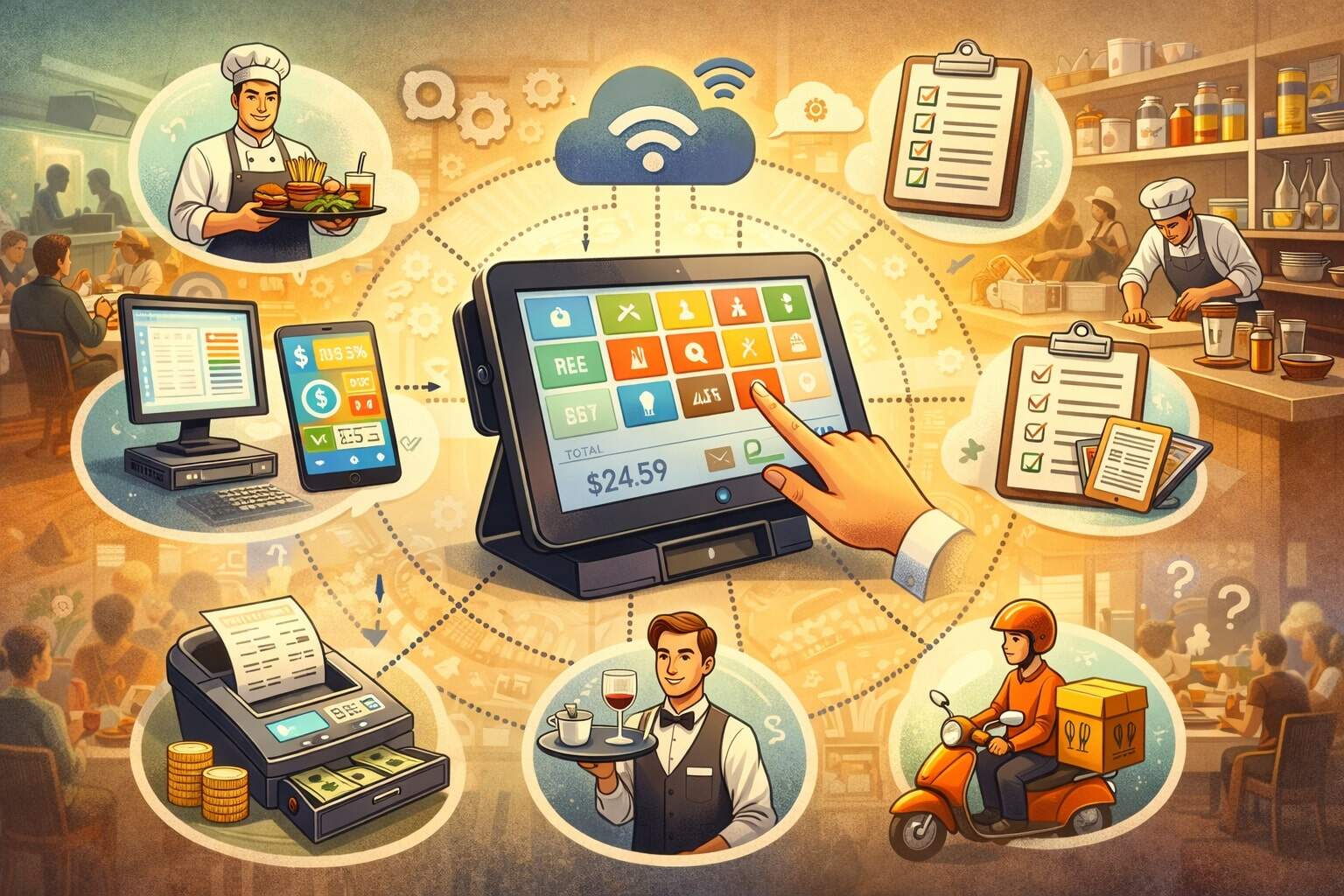
Running a restaurant looks simple from the outside: take orders, cook food, serve guests, and collect payment. In real life, it’s a fast-moving operation with dozens of parts that need to work together—front of house, kitchen, inventory, staffing, accounting, marketing, and customer service—often all at once.
A restaurant management system is the software “command center” that ties those parts together so your team can move faster, make fewer mistakes, and stay profitable even when costs rise and customer expectations change.
A modern restaurant management system is not just a cash register. It typically includes point-of-sale tools, online ordering, reservations, inventory tracking, staff scheduling, kitchen workflows, and reporting—plus integrations that connect to payroll, accounting, delivery platforms, and payment processors.
Many restaurants start with one feature (like POS) and grow into a full restaurant management system over time. Others choose an all-in-one platform right away so they can centralize everything from day one.
For beginners, the key idea is simple: the best restaurant management system helps you run the business using data and automation instead of sticky notes, spreadsheets, and guesswork.
It reduces friction at the counter, prevents inventory surprises, improves labor planning, and makes guest experiences smoother across dine-in, takeout, delivery, drive-thru, catering, and events.
And with technology trends like kiosks and AI-driven ordering growing quickly in food service, selecting the right restaurant management system is becoming a competitive advantage—not a “nice to have.”
What Is a Restaurant Management System?
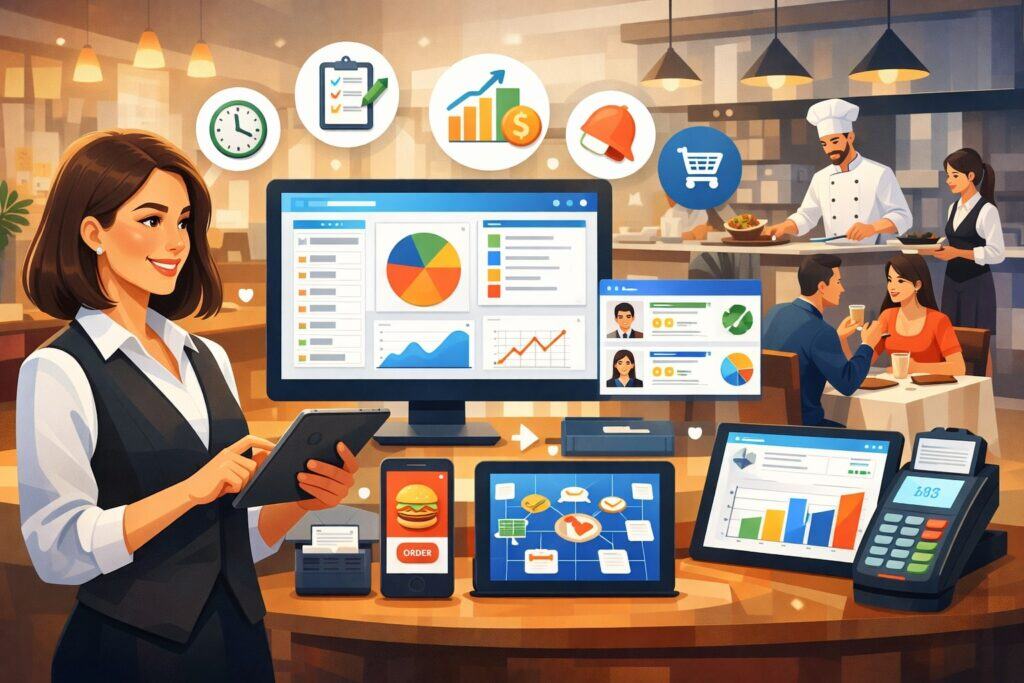
A restaurant management system is a collection of connected software tools designed to manage daily restaurant operations from one place. Think of it as a single platform (or a tightly integrated set of apps) that tracks orders, payments, menu items, staff shifts, inventory, guest details, and business performance.
Instead of each department working in a separate silo—kitchen using paper tickets, managers using a spreadsheet, servers using a standalone POS—a restaurant management system keeps everyone working from the same “source of truth.”
At the center of most restaurant management systems is the POS. But the POS is only one piece. A full restaurant management system also handles what happens before the guest arrives (marketing, reservations, waitlist, online ordering), during service, and after the guest leaves (loyalty, feedback collection, reporting, and re-engagement).
For multi-location operators, a restaurant management system can centralize menu updates, pricing changes, and performance comparisons across stores so leadership doesn’t have to chase down information.
Beginners sometimes confuse a restaurant management system with a “POS system,” and it’s understandable. Many vendors started as POS companies and expanded. Today, the line is blurry because the POS often bundles additional tools.
The practical definition is: if it helps you run the restaurant beyond just taking payments, it’s part of the restaurant management system. The more unified those tools are, the fewer manual steps your team has to do, and the easier it is to make decisions using real data instead of instincts.
Why Restaurant Management Systems Matter More Than Ever
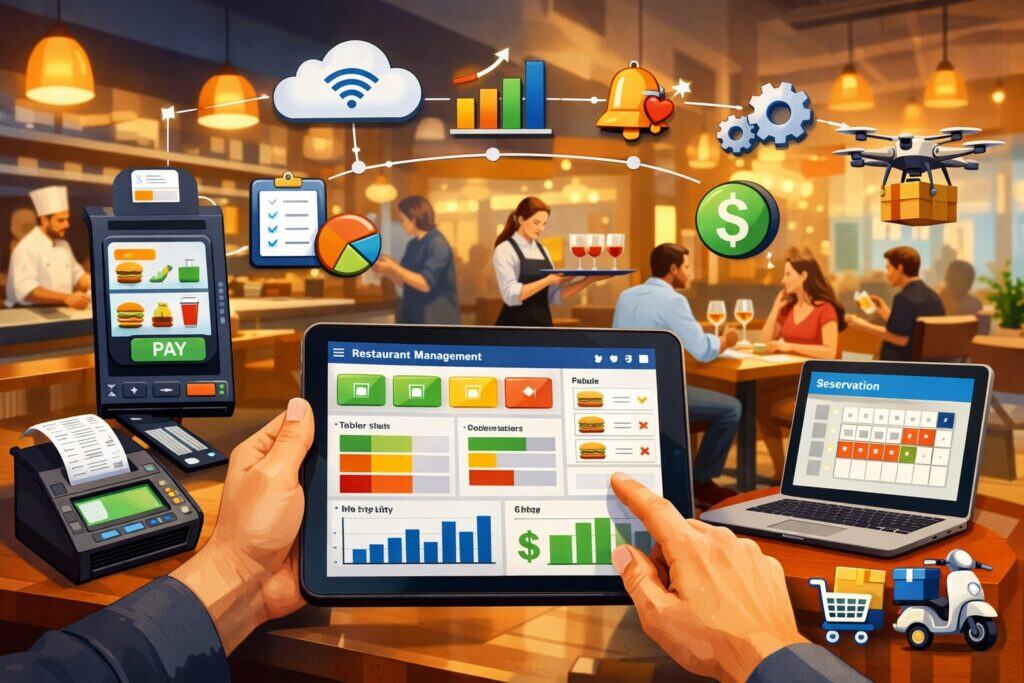
Restaurant operations have become more complex. Guests expect fast service, accurate orders, flexible pickup options, and consistent experiences even during rush periods.
At the same time, operators face labor constraints, higher input costs, and pressure to improve margins. A modern restaurant management system helps reduce complexity by standardizing workflows and automating repetitive tasks.
One major reason restaurant management systems matter is channel growth. Many restaurants now operate in multiple modes: dine-in, takeout, delivery, curbside pickup, and catering.
Without a solid restaurant management system, these channels can create chaos—duplicate orders, missed modifiers, poor timing, and inventory running out unexpectedly. With a connected platform, online orders flow into the same kitchen system, production timing becomes clearer, and staff can see everything in one place.
Another reason is data. Even small operators can track key metrics like labor percentage, food cost percentage, ticket times, top-selling items, discount usage, and repeat guest frequency.
A well-configured restaurant management system turns daily transactions into insights you can act on—like identifying menu items that sell well but hurt profit, or discovering staffing patterns that cause overtime.
Industry outlook reports highlight technology adoption as a growing focus for restaurant performance and consumer expectations, reinforcing why the right restaurant management system is central to staying competitive.
Core Parts of a Restaurant Management System
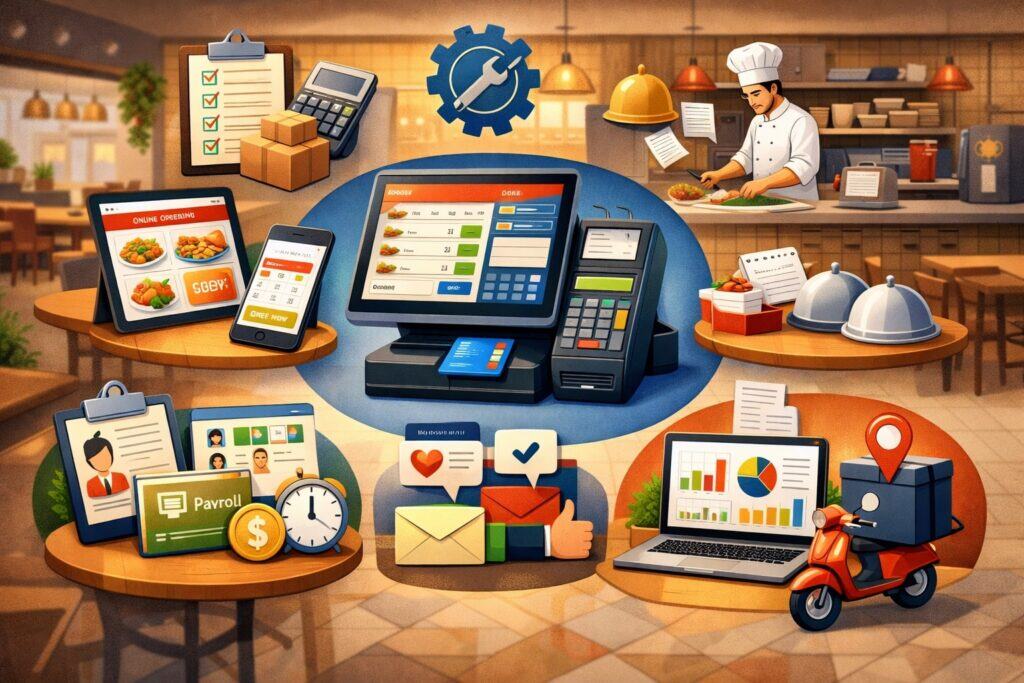
A complete restaurant management system is built from modules. Some restaurants buy them as an all-in-one package. Others connect best-in-class tools through integrations. Either way, beginners should understand the major building blocks so they can evaluate what they truly need.
Most restaurant management systems include (or integrate tightly with) a POS for order entry and payments, menu management to control items and modifiers, and reporting dashboards.
Beyond that, the most valuable modules often include inventory management, purchasing, recipe costing, staff scheduling, time tracking, and kitchen workflow tools like a kitchen display system (KDS). Many platforms also provide reservations, waitlist, and table management for full-service dining.
For guest growth, a restaurant management system may include loyalty programs, email/text marketing tools, and customer profiles (sometimes called a guest database). For operational control, it may include permissions, manager approvals, audit logs, and cash management features.
For off-premise sales, online ordering, delivery integration, and third-party marketplace management are often critical parts of the restaurant management system.
Beginners should remember: the “best” restaurant management system is not the one with the most features—it’s the one that fits your service model, staff skills, and growth plans, while staying reliable during peak periods.
Point of Sale as the Heart of the Restaurant Management System
The POS is usually the first thing people think of when they hear about a restaurant management system. That’s because the POS is where orders, payments, and guest checks come to life.
A strong POS speeds up order entry, reduces mistakes with modifiers, supports split checks and partial payments, and helps your team handle busy rushes without slowing down.
In a good restaurant management system, the POS is connected to the menu database so pricing, taxes, and item availability stay consistent. It also connects to reporting so every transaction is tracked in real time.
For table service, POS tools often include table mapping, coursing, seat numbers, and check transfers. For quick service, the POS focuses on speed, combo building, upsell prompts, and order accuracy.
Payment processing is also a major POS function. A modern restaurant management system supports chip cards, tap-to-pay, mobile wallets, and online payments. Security standards for card acceptance continue to evolve, so restaurants benefit from systems that make compliance easier—especially when it comes to protecting cardholder data and reducing fraud.
PCI DSS 4.0 timelines and requirements became a major industry focus as organizations moved through the transition period, making secure payment design an important selection factor for any restaurant management system.
Inventory and Purchasing in Restaurant Management Systems
Inventory is where profits can quietly disappear. Over-ordering leads to waste. Under-ordering leads to 86’d items and unhappy guests. A modern restaurant management system helps you track inventory counts, vendor orders, and ingredient usage so you can control food cost more consistently.
Most restaurant management systems handle inventory in a few ways. First, they track stock on hand—either through manual counts, barcode scanning, or integration with smart scales and supplier data.
Second, they connect recipes to menu items so each sale reduces expected ingredient levels. Third, they support purchasing workflows like suggested orders, par levels, vendor catalogs, and approval steps.
For beginners, the biggest win is visibility. When your restaurant management system shows what you have, what you used, and what you should order next, you stop making last-minute emergency runs and reduce spoilage.
Many operators are also looking at automation and AI-assisted forecasting to predict demand and reduce waste—especially for high-variance ingredients. These trends are becoming part of how advanced restaurant management systems improve margins.
Staff Scheduling and Labor Control in Restaurant Management Systems
Labor is one of the largest controllable costs in food service, and it’s also one of the hardest to manage. A restaurant management system with scheduling and time tools helps you build smarter schedules, reduce overtime surprises, and align staffing with forecasted sales.
Scheduling modules often include shift templates, availability tracking, shift swapping, manager approvals, and labor law alerts (like break reminders or overtime thresholds). Time tracking may include clock-in/out on POS terminals, tablets, or employee mobile apps.
More advanced restaurant management systems connect labor data to sales data so managers can see labor percentage during service and adjust staffing levels in real time.
Beginners should also pay attention to communication. Many restaurant management systems include team messaging, task lists, and shift notes so information doesn’t get lost between managers and staff.
With ongoing labor challenges and operational pressure, many restaurants are exploring more automation in scheduling and workforce management, including AI-driven tools that reduce administrative workload and improve retention.
Kitchen Workflow and Order Accuracy Tools
A restaurant can have a beautiful dining room and an amazing menu, but if the kitchen workflow breaks down, guest satisfaction drops fast. That’s why kitchen tools are a core part of the modern restaurant management system. The goal is simple: get the right items to the right station at the right time, with minimal confusion.
Kitchen display systems (KDS) replace paper tickets with digital screens that show orders, modifiers, timing, and routing rules.
In a connected restaurant management system, the POS sends orders directly to the appropriate kitchen station—grill, sauté, salad, expo, bar—based on item configuration. KDS tools can also track ticket times, highlight late orders, and help managers identify bottlenecks during rushes.
For beginners, a strong kitchen workflow setup reduces comped meals, remakes, and staff stress. It also improves consistency across shifts and locations. If you operate multiple service channels, kitchen workflow becomes even more important.
A good restaurant management system should unify dine-in and online orders into one clear production queue, with smart throttling options so the kitchen doesn’t get overwhelmed.
Reservations, Waitlists, and Table Management
For full-service restaurants, managing the flow of guests is just as important as cooking the food. A restaurant management system that includes reservations and table management helps you control seating pace, reduce wait frustration, and increase turns without making guests feel rushed.
Reservations tools typically include online booking, capacity controls, deposit options, automated confirmations, and cancellation management. Waitlist tools help hosts manage walk-ins and send SMS updates to guests.
Table management features include floor plans, server sections, pacing controls, and tracking of table status (seated, ordered, appetizers, entrées, checks).
For beginners, the main benefit is predictability. When your restaurant management system knows what tables are available, what’s coming next, and how long each party is likely to stay, it becomes easier to staff properly and reduce peaks and valleys.
These tools can also improve guest experience by keeping communication clear and minimizing idle time at the host stand.
Online Ordering, Delivery, and Off-Premise Operations
Off-premise sales changed how many restaurants operate. The challenge is that online ordering introduces more complexity: timing, packaging, delivery handoff, refunds, third-party commissions, and order accuracy without face-to-face confirmation.
A solid restaurant management system helps you manage these channels without breaking your in-house service.
The best restaurant management systems connect online ordering directly to the POS and kitchen workflow so orders don’t have to be retyped. That reduces errors and saves labor. Many also integrate with delivery marketplaces so orders flow into one system.
For pickup operations, features like curbside check-in, pickup timers, and order status notifications improve handoff and reduce guest frustration.
Beginners should also consider menu strategy. Off-premise menus often need different packaging, different prep timing, and different pricing. A flexible restaurant management system lets you create channel-specific menus and control item availability by time of day.
Technology adoption in areas like kiosks, digital ordering, and customer experience tools continues to expand, making off-premise capabilities an essential part of a modern restaurant management system.
Reporting and Analytics for Smarter Decisions
A restaurant management system becomes truly valuable when it helps you make better decisions. Reporting dashboards turn daily transactions into insights you can act on quickly. For beginners, this can feel intimidating, but the most useful reports are straightforward.
Common reports include sales by daypart, sales by item category, modifiers usage, server performance, voids and comps, discount trends, and payment mix. Operations reports include ticket times, table turns, wait times, and kitchen throughput. Financial reports may include gross sales, net sales, taxes, tips, and payouts.
The best restaurant management systems also provide trend analysis—week-over-week comparisons, seasonality insights, and forecasting tools. Over time, analytics helps you answer real questions: Which items drive profit? Which shifts are overstaffed? Are promotions increasing sales or just reducing margins?
When you consistently use the restaurant management system’s reporting, you build a habit of managing with data instead of stress.
Integrations: Connecting Your Restaurant Management System to Everything Else
No restaurant runs on one tool alone. Even if you choose an all-in-one restaurant management system, you’ll likely connect it to payroll, accounting, marketing platforms, delivery services, or customer feedback tools. Integrations matter because they reduce manual work and prevent errors.
Accounting integrations sync sales totals, taxes, and deposits into bookkeeping systems. Payroll integrations sync time clock data, tips, and wages. Inventory integrations may pull vendor invoices, update ingredient costs, and support food cost tracking. Marketing integrations connect customer data and purchase history to campaigns, loyalty offers, and messaging.
Beginners should evaluate integrations in practical terms: Does the integration sync automatically or require manual exports? How often does it sync? Is it a native integration or a third-party connector? Strong integrations make the restaurant management system feel like one unified engine instead of a collection of disconnected apps.
Payments, Security, and Compliance Basics
Restaurants handle sensitive information every day—especially payment data. That’s why security is a major part of any restaurant management system. Even beginners should understand a few fundamentals: protect cardholder data, control staff permissions, and keep systems updated.
A secure restaurant management system supports tokenization (so card numbers are not stored in plain form), encryption, secure user access controls, and audit logs that record key actions like voids and refunds. It should also support modern payment methods such as tap-to-pay and mobile wallets while maintaining strong security practices.
Compliance standards evolve. PCI DSS 4.0 introduced updated requirements and a transition timeline that pushed organizations to adopt the newer standard for assessments and prepare for future-dated requirements.
Choosing a restaurant management system that supports secure payments and simplifies compliance can reduce risk, lower the chance of breaches, and protect your reputation.
How to Choose the Right Restaurant Management System
Choosing a restaurant management system is both a technology decision and an operations decision. Beginners often focus on features, but the real success comes from fit: how well the system matches your service style, team workflow, and growth plans.
Start by defining your restaurant type: quick service, full service, fast casual, bar, café, food truck, catering, or multi-location. Each model needs different priorities.
For example, table management and coursing matter more in full service, while speed, kiosks, and drive-thru flow matter more in quick service. Next, list your top three pain points—like order mistakes, inventory waste, labor scheduling chaos, or slow checkout. The best restaurant management system should directly solve those issues.
Then evaluate reliability. Ask about offline mode, uptime history, and support response times. Consider hardware needs (terminals, handhelds, printers, kitchen screens) and how easy it is to train new staff. Finally, review total cost—not just subscription fees, but payment processing terms, add-on modules, installation, and ongoing support.
A beginner-friendly rule: pick the restaurant management system your team will actually use correctly every day. A simpler system fully adopted beats a complex system ignored.
Implementation Steps for Beginners
Implementing a restaurant management system is a project. If you rush it, you can create menu errors, pricing issues, training gaps, and service disruptions. If you plan it properly, rollout can be smooth—even for small teams.
First, map your menu. Clean up item names, modifiers, sizes, and combo logic. Decide how you want tickets to route to the kitchen. Next, configure taxes, service charges, and tips. Then build permissions—servers should not have the same access as managers.
After that, set up payments and test every scenario: refunds, split checks, tips, partial payments, online orders, and gift cards if you use them.
Training is essential. Schedule role-based training: hosts, servers, bartenders, kitchen staff, and managers. Run a mock service day with real scenarios before going live. Keep quick-reference guides near terminals. During the first week, monitor reports closely to catch any pricing or routing issues.
Finally, treat implementation as continuous improvement. A restaurant management system is not “set and forget.” As your menu evolves and your business grows, you’ll adjust settings, add integrations, and refine workflows.
Costs and Pricing Models of Restaurant Management Systems
Beginners often ask: “How much does a restaurant management system cost?” The honest answer is: it depends on your restaurant size, modules, hardware, and service model. But you can understand pricing by looking at common cost categories.
Most restaurant management systems use monthly subscription pricing. The base plan usually includes POS functions and basic reporting. Add-ons may include online ordering, loyalty, reservations, inventory, and advanced analytics.
Hardware costs can include terminals, handheld devices, printers, cash drawers, routers, and kitchen screens. There can also be setup fees, installation fees, and training fees depending on the vendor.
Payment processing is another major cost area. Some restaurant management systems bundle processing, while others let you choose your processor. Compare rates, contract terms, chargeback support, and funding speed. Also consider support: 24/7 support may cost more but can be worth it when a Friday-night issue hits.
A beginner-friendly approach is to calculate total monthly cost and compare it to expected gains—fewer order errors, lower waste, better labor control, and higher ticket size through upsells. A good restaurant management system should pay for itself through operational improvements.
Common Mistakes Beginners Make—and How to Avoid Them
When beginners buy a restaurant management system, mistakes usually happen in planning and configuration, not in the software itself. The first common mistake is choosing a system based only on a demo. Demos show best-case scenarios. You need to test real workflows: split checks, complex modifiers, rush conditions, and online order timing.
The second mistake is messy menu setup. If your menu structure is confusing, staff will make mistakes, and guests will feel it. Spend time building clear modifier groups and logical item flows. The third mistake is under-training. Even the best restaurant management system fails if staff don’t know how to use it confidently.
Another mistake is ignoring reporting. Many restaurants have powerful dashboards but never check them. Set a weekly routine: review top items, comps, voids, labor percentage, and ticket times. Also avoid “integration overload.” Each integration adds complexity. Start with the few that deliver immediate value, then expand.
Finally, don’t ignore security. Use strong passwords, role-based permissions, and keep devices updated. A restaurant management system should improve operations and reduce risk, not create new vulnerabilities.
Future Trends and Predictions for Restaurant Management Systems
The future of the restaurant management system is moving toward more automation, personalization, and smarter decision-making. One major trend is AI-driven ordering and support.
Large brands have publicly discussed expanding AI voice ordering and AI tools that improve order accuracy and operations, signaling that similar capabilities will likely filter down into broader restaurant management system ecosystems over time.
Another trend is personalized guest experiences. Some operators are exploring AI “personalization engines” that recommend menu items and tailor offers based on customer behavior.
As loyalty and customer data become more integrated, the restaurant management system will increasingly act like a customer experience platform, not just an operations tool.
Self-ordering kiosks, QR ordering, and digital-first service models are also expanding. These tools reduce line pressure and can increase average ticket size through guided upsells. For many restaurants, kiosks and digital ordering will become standard options, especially in high-volume environments.
On the operations side, forecasting and inventory optimization are becoming more advanced. AI-based demand prediction and waste reduction tools are increasingly discussed as ways to protect margins.
Over the next few years, more restaurant management systems will likely offer built-in predictive ordering, smarter labor scheduling, and automated anomaly detection (like alerts for unusual void patterns or inventory shrinkage).
The practical prediction: the best restaurant management system will feel less like “software” and more like an operations assistant—helping managers plan, catch problems early, and deliver consistent experiences across every guest touchpoint.
FAQs
Q.1: What’s the difference between a POS and a restaurant management system?
Answer: A POS focuses mainly on taking orders and payments. A restaurant management system includes the POS plus additional modules like inventory, scheduling, reservations, online ordering, loyalty, and reporting.
Many modern platforms bundle these features, but the broader term “restaurant management system” refers to the full operations toolkit, not just checkout.
Q.2: Do small restaurants really need a restaurant management system?
Answer: Yes, even small restaurants benefit from a restaurant management system because it reduces manual work and prevents costly mistakes. Inventory tracking, labor control, and accurate reporting can make a big difference in profit—especially when you’re operating with a lean team.
Q.3: Can a restaurant management system help increase sales?
Answer: A restaurant management system can increase sales by improving speed, reducing order errors, supporting online ordering, and enabling upsell prompts. Loyalty tools and guest messaging can also bring customers back more often and increase repeat business.
Q.4: How long does it take to implement a restaurant management system?
Answer: Implementation depends on menu complexity, hardware setup, integrations, and training. Many restaurants can configure a basic restaurant management system in a short period, but a smoother rollout happens when you allow time for menu testing, staff training, and real-world scenario practice.
Q.5: What features should beginners prioritize first?
Answer: Most beginners should prioritize: a reliable POS, easy menu management, strong reporting, secure payments, and basic labor tools. If off-premise sales matter, online ordering integration becomes a priority. You can expand your restaurant management system later with inventory, loyalty, reservations, and advanced analytics.
Q.6: Are restaurant management systems secure for payments?
Answer: A properly designed restaurant management system supports secure payment practices and helps simplify compliance. Standards like PCI DSS continue to evolve, and PCI DSS 4.0 timelines pushed many organizations to focus on updated controls and requirements.
Choose a system that uses secure payment methods, tokenization, role-based access, and strong audit logs.
Conclusion
A restaurant management system is one of the most important decisions a restaurant makes because it touches every part of daily operations—orders, kitchen workflow, staff scheduling, inventory, guest experience, and reporting.
For beginners, the goal isn’t to buy the most complicated platform. The goal is to choose a restaurant management system that matches your service style, is easy for staff to learn, stays reliable during busy hours, and gives you clear insights into costs and performance.
Start by identifying your top operational pain points. Then select the restaurant management system that solves those issues with the least friction. Implement it carefully with clean menu setup, role-based training, and real-world testing. Once you’re live, use the system’s reporting regularly and continue improving workflows as your business grows.
Looking ahead, restaurant management systems are moving toward more automation, smarter forecasting, and more personalized guest experiences—powered by new tools like AI-driven ordering, digital kiosks, and advanced analytics.
Restaurants that treat their restaurant management system as a strategic advantage—not just a cash register—will be better positioned to deliver consistent experiences, protect margins, and adapt quickly as the industry evolves.