By cloudrestaurantmanager January 5, 2026
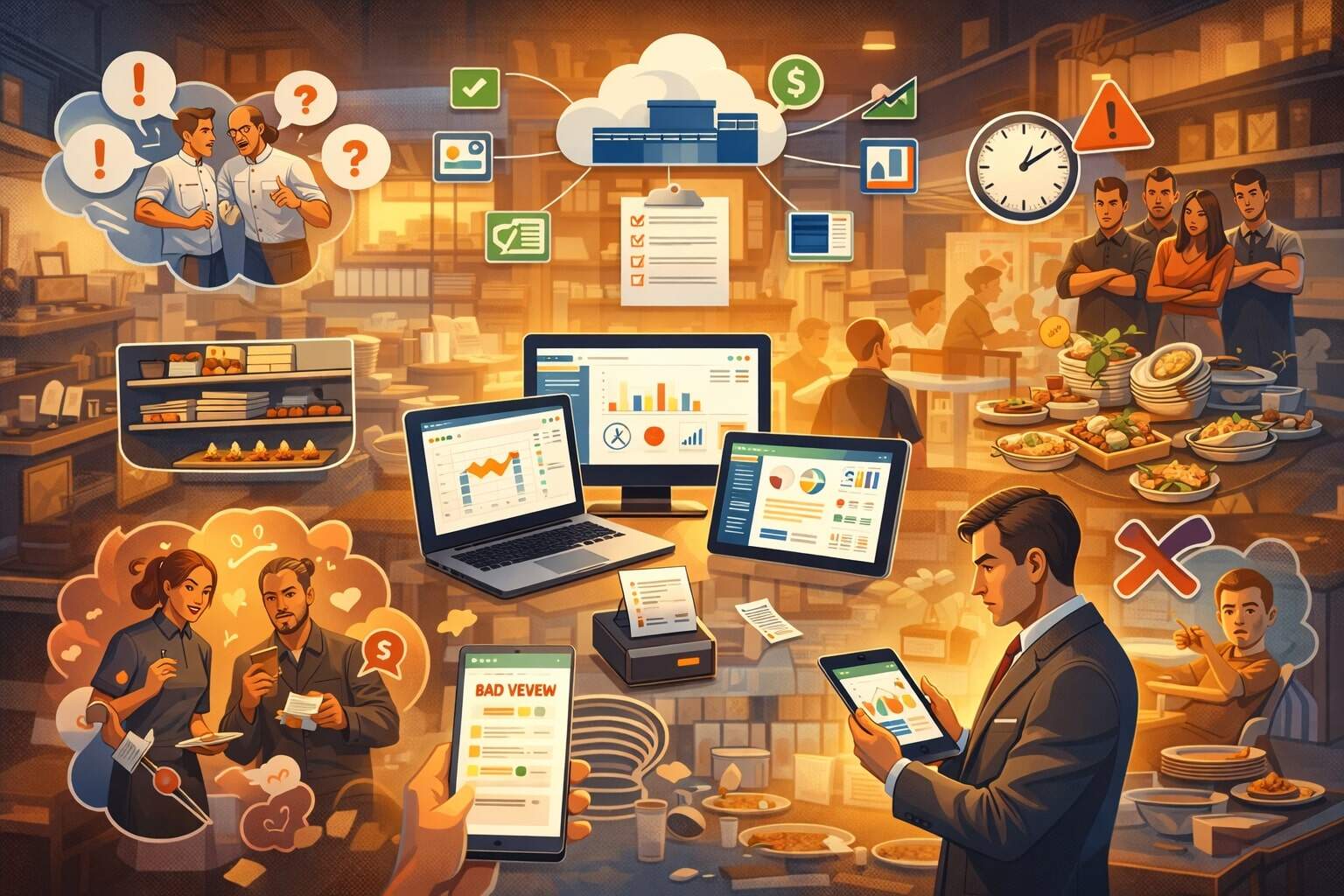
Running a restaurant is a daily balancing act: guest experience, food quality, labor, costs, inventory, speed, and consistency—all while margins stay tight. Restaurant management software is built to reduce that pressure by connecting front-of-house and back-of-house workflows into one coordinated system.
Instead of managing operations with disconnected spreadsheets, handwritten logs, and “tribal knowledge,” restaurant management software centralizes ordering, inventory, labor, scheduling, kitchen communication, customer data, and reporting so teams can execute faster with fewer mistakes.
Today’s restaurant management software typically includes a POS (point-of-sale) core plus add-ons like online ordering, delivery aggregation, kitchen display systems (KDS), staff scheduling, inventory and recipe management, loyalty, and analytics.
Many platforms are also adding automation features—like smarter labor forecasts, predictive prep suggestions, and AI-assisted guest personalization—reflecting what’s being showcased across the restaurant technology ecosystem.
This guide breaks down the most common restaurant problems and explains how restaurant management software solves them in practical, measurable ways. You’ll also see how to choose the right features, what “good” implementation looks like, and where restaurant management software is heading next.
The most expensive problem: operational chaos and inconsistent execution
Operational chaos doesn’t always look dramatic. Often it’s “small” inconsistencies—tickets printed twice, servers forgetting modifiers, cooks missing allergy notes, prep lists not updated, and managers chasing yesterday’s numbers.
But those small gaps compound into slower service, higher waste, inaccurate reporting, and lower guest satisfaction. The biggest hidden cost is that every shift becomes dependent on a few people who “know how it works,” rather than a repeatable process anyone can follow.
Restaurant management software solves operational chaos by creating one operational source of truth. The POS standardizes how orders are entered. The KDS standardizes how orders are displayed and fulfilled. Inventory modules standardize how ingredients are received, counted, and deducted.
Labor modules standardize scheduling, time tracking, and role-based permissions. When the entire operation runs through restaurant management software, the system becomes your “playbook,” not a binder that no one opens.
Another big win is accountability. Restaurant management software time-stamps actions and creates clear ownership: who voided an item, who discounted a check, who changed a menu price, who adjusted inventory, and when.
That transparency reduces “mystery losses” and helps managers coach with facts instead of assumptions. It also enables smoother handoffs between shifts—because performance and open tasks are visible in the same dashboard rather than buried in messages.
As restaurant tech evolves, operators are also leaning into automation for consistency. Industry coverage of restaurant technology showcases growing interest in AI-driven operational assistance—like tools that help managers spot bottlenecks, reduce mistakes, and keep execution consistent across locations.
Order errors and ticket confusion at peak hours
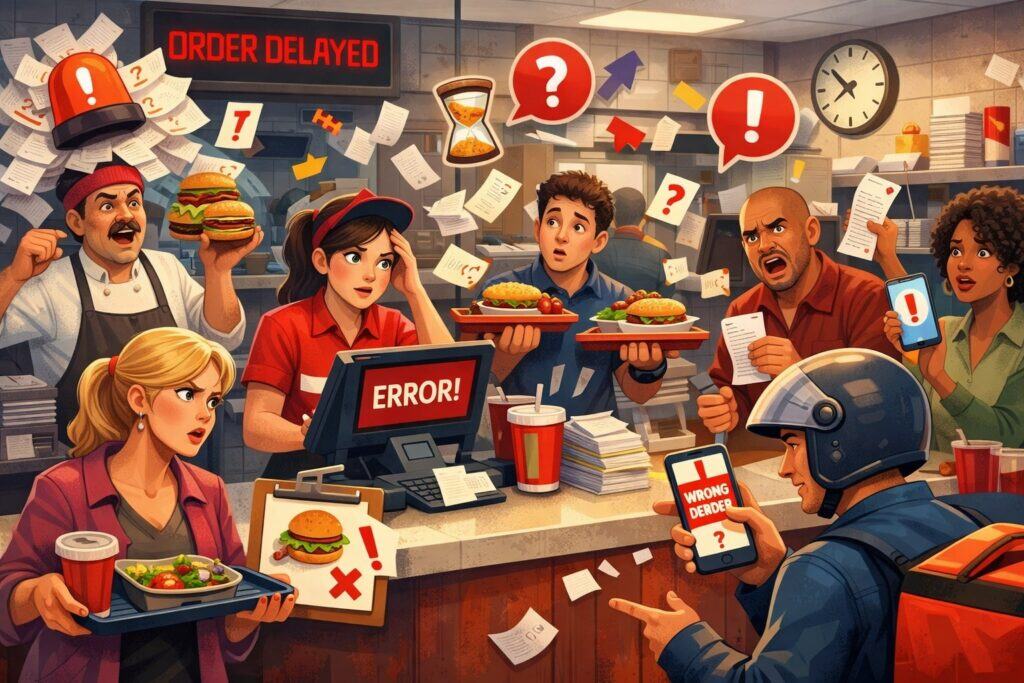
Mistakes during rush are one of the fastest ways to lose margin and loyalty. A single wrong entrée can trigger comps, remakes, delays, and negative reviews.
The root causes are predictable: unclear handwriting, verbal handoffs, inconsistent modifier entry, missing allergy notes, and kitchen visibility gaps. Even strong teams struggle when the system isn’t designed for speed and clarity.
Restaurant management software reduces order errors by forcing structured order entry and routing. Instead of relying on memory, the POS prompts for modifiers, cooking temps, upcharges, and special instructions.
Menus can be configured with guardrails—like requiring a side selection or prompting for allergy warnings on common triggers. Many systems also support “item firing” rules so courses appear in the right sequence and the kitchen isn’t overwhelmed with everything at once.
Kitchen display systems that eliminate paper chaos
A KDS is one of the most practical upgrades within restaurant management software. It replaces paper tickets with an organized display that can be color-coded, timed, and routed to stations (grill, sauté, expo).
Orders are less likely to be lost or duplicated, and managers can see where tickets are stacking up. That visibility enables real-time fixes: reassign a station, pause online orders briefly, or shift staffing.
Online ordering and delivery accuracy
When online orders come in through separate tablets, accuracy suffers: retyping items into the POS causes mistakes and delays. Modern restaurant management software increasingly consolidates orders into one flow—so in-house and off-premise orders print or display through the same logic.
This “single funnel” approach is frequently highlighted as a key differentiator in modern restaurant platforms because it reduces duplication and keeps operations aligned.
Over time, restaurant management software is also adding smarter order verification and automation, including AI-based tools demonstrated in industry technology previews that focus on speed and accuracy improvements.
Slow table turns, long wait times, and broken guest flow
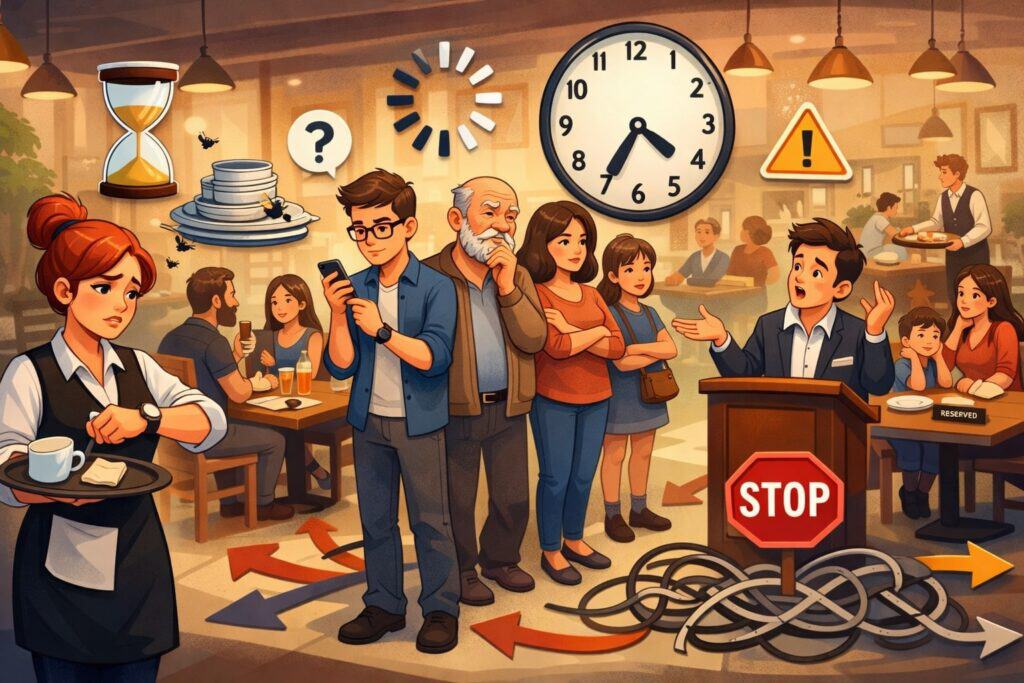
A packed dining room is only profitable if guests move through smoothly. Slow table turns often come from poor visibility: hosts don’t know what’s truly available, servers don’t know what’s lagging in the kitchen, and managers don’t know where the bottleneck is forming.
Add split checks, payment delays, and understaffed sections, and you get the classic scenario: a full restaurant with frustrated guests and stressed staff.
Restaurant management software improves guest flow through table management, pacing tools, and faster payment. A strong POS ties checks to tables and servers, shows table status, and tracks time at each stage: seated, ordered, entrées out, check dropped, paid.
That makes it easier to identify what’s slowing turns. Many systems also support waitlist and reservation integration, so hosts can quote accurate wait times and avoid over-seating the kitchen.
Faster payments with contactless and pay-at-table
Payment is a major choke point. Restaurant management software supports QR code payments, handheld devices, or tap-to-pay options that reduce checkout time. Fewer end-of-meal delays means quicker turns and better guest satisfaction—without rushing the dining experience.
Smarter pacing for the kitchen
When the kitchen gets slammed, service slows everywhere. Restaurant management software can control pacing by managing how online orders are throttled, how tickets are fired, and how coursing is timed. That coordination is often the difference between “busy but controlled” and “busy and chaotic.”
Looking forward, technology trends at major restaurant industry showcases emphasize tools that give operators clearer real-time operational visibility—because visibility is what enables speed without sacrificing quality.
Inventory waste, food cost spikes, and missing ingredients
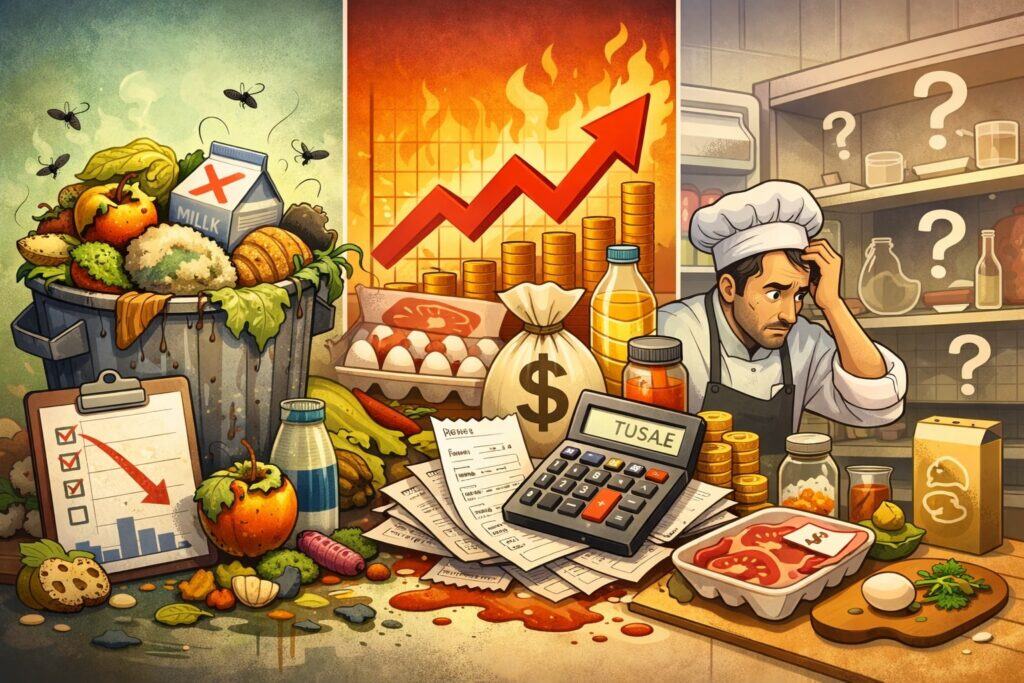
Food cost problems rarely come from one big issue. They come from steady leaks: over-ordering, inconsistent portioning, spoilage, recipe drift, untracked comps, and inaccurate counts.
Without a reliable system, managers end up guessing—ordering “what we usually order” and hoping the numbers work out.
Restaurant management software fixes food cost leaks by connecting sales to ingredients. Inventory and recipe modules let you map each menu item to its ingredients and theoretical usage. When you sell a dish, the system estimates ingredient depletion.
That gives you “expected” inventory and highlights variance between expected and actual counts. Variance is where you find the truth: portioning problems, theft risk, vendor issues, or production waste.
Recipe costing and menu engineering
Restaurant management software can calculate plate cost and gross margin per item based on ingredient pricing. That allows smarter menu decisions: promote high-margin items, reprice low-margin items, or adjust recipes without guessing. Menu engineering becomes easier when the data is reliable and updated.
Receiving and vendor management
Receiving is a common failure point: invoices aren’t checked, substitutions aren’t noted, and prices change quietly. Restaurant management software helps by logging vendor pricing, tracking purchase orders, and flagging price variance. Over time, this creates negotiating power because managers can show patterns, not anecdotes.
Inventory automation is also a major “tech trend” area—smart inventory and waste reduction tools frequently show up in discussions of restaurant technology priorities because they directly protect margin.
Labor scheduling headaches, overtime creep, and burnout
Labor is one of the largest controllable costs, but it’s also the hardest to manage. You need enough coverage to deliver great service, but not so much that labor percentage explodes.
Meanwhile, schedule fairness, shift swaps, call-outs, and overtime rules create constant pressure. If managers build schedules manually, they often lean on habit rather than demand patterns—leading to overstaffing on slow days and understaffing on busy ones.
Restaurant management software reduces labor stress with forecasting, scheduling automation, time tracking, and compliance tools. When labor modules are integrated with sales data, the system can forecast demand by daypart and recommend staffing levels by role.
Managers still control the schedule, but they’re no longer guessing. Time clocks, break tracking, and overtime alerts help prevent cost surprises before payroll hits.
Shift swapping and communication that actually works
Modern restaurant management software supports staff apps where employees can request time off, swap shifts, and get schedule notifications. That reduces last-minute manager calls and makes coverage gaps visible earlier.
Retention support through predictability
Burnout isn’t only about long shifts—it’s also about unpredictability. When restaurant management software helps build stable schedules and reduces chaos, retention improves. Workforce automation and scheduling intelligence are repeatedly cited as major technology themes for restaurant operators heading into 2025.
Training gaps, high turnover, and inconsistent service quality
Turnover forces restaurants to train constantly. The hidden cost isn’t just hiring—it’s the dip in quality while new hires learn. When training lives in someone’s head, new team members inherit inconsistency: different servers ring items differently, different managers comp differently, and guests feel the uneven experience.
Restaurant management software helps stabilize training by standardizing workflows and permissions. A well-configured POS guides staff through correct steps: required modifiers, seat numbers, coursing logic, and discount rules.
Role-based permissions reduce risk by limiting what new hires can override. This protects revenue and reduces “accidental comps.”
Digital checklists and sidework systems
Many restaurant management software setups include task lists and checklists for opening, shift change, and closing. When tasks are time-stamped and assigned, managers can verify completion without hovering. That reduces missed steps like “label sauces,” “calibrate thermometers,” or “clean soda lines.”
Knowledge capture for repeatability
The best operators treat restaurant management software as a knowledge system. Recipes, prep specs, station diagrams, and service standards can be documented inside integrated tools or linked directly through staff apps. Over time, this turns training from “shadow and hope” into a repeatable onboarding pathway.
As technology continues evolving, industry coverage points to more manager-assist tools and operational intelligence that reduces reliance on “superhero employees” to keep shifts running.
Delivery and takeout overwhelm with fragmented systems
Off-premise revenue is valuable—but operationally messy when it’s built on disconnected tablets and manual processes. Common pain points include missed orders, delayed pickups, incorrect packaging, cold food, and inconsistent throttling. When the kitchen is slammed, online orders can quietly destroy dine-in experience by flooding production capacity.
Restaurant management software solves off-premise overwhelm by unifying ordering channels and adding control. Instead of separate tablets for each delivery service, integrated restaurant management software can aggregate third-party orders into one workflow.
That reduces re-entry errors and keeps production consistent. Many platforms also let you set prep times, limit order volume, and schedule availability so the kitchen isn’t ambushed.
Item-level controls and smart menus
Off-premise menus shouldn’t always match dine-in menus. Restaurant management software supports channel-specific menus, item availability rules, and modifier controls. For example, you can disable items that don’t travel well, limit customizations that slow production, or auto-86 items when inventory is low.
Expo and packaging workflows
Some restaurant management software setups include takeout expo screens or labeled packing slips. This reduces missing items and improves order accuracy. Clear packaging workflows matter because guests judge takeout harshly—one missing sauce can ruin the whole experience.
Technology showcases and POS evaluations consistently highlight online ordering, delivery management, and order aggregation as core capabilities of modern restaurant management software because off-premise is now operationally central.
Guest feedback problems: bad reviews, no visibility, and slow recovery
Reviews can shape revenue, but many restaurants treat feedback like weather—something that happens to them. The real problem is response time and pattern detection. If you don’t see complaints quickly, you can’t recover guests.
If you don’t aggregate feedback, you can’t spot operational patterns like “cold fries at lunch” or “slow bar tickets on weekends.”
Restaurant management software helps by centralizing guest data, receipts, and feedback prompts. Integrated CRM and loyalty tools allow you to identify repeat guests, track order history, and offer targeted recovery (like a credit or invitation back). Instead of generic apologies, you can respond with context: “We see you ordered X at Y time; we’d like to fix this.”
Automated review requests with guardrails
When configured carefully, restaurant management software can send post-visit surveys or review prompts. The key is doing it ethically: don’t spam, and don’t gate reviews in ways that violate platform rules. The goal is consistent feedback capture so you can improve operations, not manipulate ratings.
Closed-loop feedback for real improvement
The best setups route feedback to the right owner: kitchen issues to the chef, service issues to the FOH manager, delivery issues to the off-premise lead. Restaurant management software makes that routing systematic so complaints become operational insights, not random noise.
Future prediction: personalization will get sharper. Restaurant brands are exploring AI personalization engines that tailor recommendations and offers based on guest behavior. That same approach will likely extend into smaller operators via restaurant management software as AI capabilities become packaged and accessible.
Marketing inefficiency and the “discount trap”
Many restaurants default to discounts when traffic slows. But repeated discounting trains guests to wait for deals and erodes margin. Another issue is scattershot marketing: posting randomly on social media, running generic ads, or sending blasts to everyone. Without targeting, marketing spends grow while results stay inconsistent.
Restaurant management software improves marketing by connecting promotions to data. Loyalty modules track who visits, how often, what they buy, and when they lapse.
That allows segmented campaigns—like win-back offers to lapsed guests, birthday rewards, or targeted promos for slow dayparts. The difference is precision: you’re spending incentives on the guests most likely to return, not giving away margin to people who would have come anyway.
Loyalty that fits operations
A loyalty program only works if it’s easy at the register and understandable for guests. Restaurant management software makes loyalty automatic—earning and redeeming without complicated steps. Some systems also support digital wallets or phone-number lookup, reducing friction.
Campaign measurement that protects profit
When promotions are tied to the POS, you can measure lift: incremental sales, check size changes, and repeat rates. This helps avoid the discount trap because you can stop what isn’t profitable and double down on what works.
As AI and personalization capabilities expand across the restaurant tech landscape, expect restaurant management software to provide smarter campaign recommendations and automated “next best offer” suggestions based on guest behavior.
Theft, shrink, and “mystery losses” you can’t explain
Restaurants lose revenue in ways that don’t show up as a single obvious event: unauthorized comps, fake refunds, under-ringing, cash drawer discrepancies, free drinks, “forgotten” voids, and inventory shrink. When systems are loose, it’s difficult to separate honest mistakes from intentional abuse.
Restaurant management software reduces shrink by controlling permissions and creating traceability. You can require manager approval for comps, discounts, refunds, and voids. You can limit discount types by role. You can track cash drawer opens, reconcile drawers per shift, and enforce checkout steps.
Exception reporting that tells you where to look
Good restaurant management software doesn’t just store data—it surfaces anomalies. Exception reports highlight unusual void patterns, high discount rates by employees, or refund frequency. This allows calm, fair investigations based on patterns rather than suspicion.
Inventory variance as a shrink signal
The inventory side matters too. When theoretical usage diverges from actual counts, you can investigate: portioning, waste, or theft. Restaurant management software makes variance visible so you can act quickly.
Future prediction: more operators will adopt computer vision and sensor-based monitoring to reduce loss and verify accuracy. These tools are increasingly discussed in restaurant technology coverage, suggesting a growing move toward “verification systems” rather than manual audits.
Menu updates, pricing changes, and the pain of staying current
Menus change constantly: seasonal items, supplier price increases, new promos, discontinued SKUs. The longer it takes to update menus and prices, the more margin you lose and the more confusion guests experience.
Worse, if dine-in, online ordering, and delivery menus are updated separately, you get mismatches: wrong prices, missing items, or broken modifiers.
Restaurant management software solves menu management by centralizing control. Update an item once, and it can push across POS, online ordering, kiosks, and even third-party integrations depending on your setup. Modifiers, allergens, upsells, and combo logic are managed consistently, reducing errors.
Real-time 86ing and item availability
When inventory runs out, you need instant availability updates. Restaurant management software can support “86 lists” that remove items from ordering channels. That prevents the nightmare scenario where guests order items you can’t fulfill.
Pricing strategy and elasticity testing
As data gets cleaner, restaurants can test pricing changes and track impact on volume and margin. Restaurant management software makes this possible by showing sales mix shifts and item performance over time.
Technology trend reports and POS reviews emphasize integrated menu controls and channel consistency as essential for modern operations—because menu mismatch is one of the most common causes of guest frustration and operational rework.
Reporting blind spots: not knowing what’s actually happening
Many operators can tell you last night was “busy,” but can’t tell you which items drove profit, which shifts were overstaffed, or why labor percentage jumped. Without trusted reporting, decisions become reactive: cut labor broadly, raise prices randomly, or blame staff. That’s how restaurants drift into long-term inefficiency.
Restaurant management software solves reporting blind spots with real-time dashboards and consistent data structure. You can track sales by hour, daypart, channel, category, and item.
You can see labor vs sales, comps and discounts, voids, ticket times, and average check size. More importantly, you can compare performance across periods—so you can separate a bad night from a bad trend.
Daily manager review routines
The biggest impact comes when restaurant management software becomes part of a daily habit:
- Review labor vs sales and overtime risk
- Check top movers and low sellers
- Review void/discount exceptions
- Review ticket times and bottlenecks
- Review inventory variance signals
This turns data into action instead of a weekly spreadsheet no one trusts.
Predictive analytics and “what’s next” reporting
Restaurant technology coverage shows rising interest in predictive and AI-driven tools—systems that can identify risks early, like equipment issues or operational bottlenecks. The direction is clear: restaurant management software will move from reporting “what happened” to recommending “what to do next.”
Compliance, food safety, and audit readiness
Compliance isn’t optional. Restaurants deal with food safety procedures, temperature logs, allergen handling, employee documentation, and operational standards—often across multiple locations. Paper logs are easy to fake, easy to lose, and hard to audit. When an issue happens, the lack of records can turn a small problem into a major one.
Restaurant management software supports compliance by digitizing logs, checklists, and records. Temperature checks can be recorded digitally with time stamps. Cleaning schedules can be tracked and assigned. Incident notes can be stored in one place. For multi-unit groups, standardized compliance templates can be rolled out across all locations.
Allergen controls and order-level safeguards
Order accuracy becomes a safety issue when allergens are involved. Restaurant management software can flag allergen items, require acknowledgement prompts, and route allergy tickets differently to the kitchen. This reduces risk and protects guests.
Role-based access and secure operations
Permissions matter for compliance too. Restaurant management software can restrict who changes menu prices, who issues refunds, and who edits timecards. That helps protect payroll integrity and reduces internal compliance risk.
Future prediction: compliance workflows will become more automated, with more sensor integrations and smarter alerts—like reminding managers when critical logs are overdue or detecting gaps in routine execution.
Choosing restaurant management software that actually solves your problems
Not all restaurant management software is equal, and “most features” doesn’t always mean “best fit.” The right system depends on your service model (quick service, full service, bar, multi-unit), your off-premise mix, and your operational maturity.
Start by choosing your must-win problems:
- If you’re losing margin: prioritize inventory, recipe costing, and variance tools.
- If you’re losing guests: prioritize speed, table flow, KDS, and payments.
- If you’re losing staff: prioritize scheduling, communication, and training tools.
- If you’re off-premise heavy: prioritize aggregation, throttling, and packing workflows.
Independent evaluations of restaurant POS options consistently emphasize ease of use, support quality, integrations, and restaurant-specific workflows as the real differentiators.
Implementation matters more than brand
Even the best restaurant management software fails when implementation is rushed. Success looks like:
- Clean menu configuration
- Clear permissions by role
- Staff training with real practice
- A simple “day one” playbook
- Weekly review of reports and adjustments
Future-proofing checklist
To stay current as technology evolves, pick restaurant management software that offers:
- Open integrations or an ecosystem
- Reliable online ordering options
- Strong reporting and export access
- Multi-location capabilities if growth is planned
- Vendor roadmap transparency
Restaurant technology coverage around major industry events shows fast-paced innovation in AI, automation, and operational tools, making future-proofing a real consideration—not a buzzword.
Future predictions: where restaurant management software is heading next
Restaurant management software is moving from “systems of record” to “systems of assistance.” The next generation will do more than track sales—it will actively guide decisions and reduce cognitive load for managers.
AI-assisted operations and smarter staffing
AI tools are increasingly positioned to help with scheduling, labor optimization, and operational forecasting. Expect restaurant management software to recommend staffing adjustments based on real-time demand, weather patterns, and local events—then learn from outcomes over time.
Voice and automation in ordering
Voice ordering, call automation, and conversational ordering assistants are being explored across the industry, aiming to reduce staff workload and speed up service. Even if not every operator adopts voice ordering, the direction suggests more automation around routine interactions (hours, menu questions, order status).
Computer vision for verification and cleanliness
Computer vision can support order accuracy verification, table readiness detection, and loss prevention. Technology coverage indicates growing experimentation in this area, especially for operational verification rather than “surveillance.”
Unified guest profiles across channels
Guests don’t think in channels—they think in experiences. Restaurant management software will increasingly unify dine-in, pickup, and delivery behaviors into one profile, enabling better personalization and smarter offers.
FAQs
Q.1: What problems does restaurant management software solve the fastest?
Answer: The quickest wins usually come from reducing order errors, speeding payments, improving kitchen visibility, and tightening discount/refund controls. These areas deliver immediate impact because they reduce remakes, comp costs, and end-of-meal bottlenecks.
Once those are stable, inventory and labor optimization become the next wave of savings—because they require clean habits and consistent use inside the restaurant management software.
Q.2: Is restaurant management software only for large restaurants?
Answer: No. Small operators often benefit the most because they don’t have extra managers to “patch” broken processes. Restaurant management software creates structure: standardized ordering, clear reporting, and repeatable training.
The key is choosing a setup that matches your complexity. If you’re a single-location concept, you still want restaurant management software that scales without forcing enterprise complexity on day one.
Q.3: How do I know if my restaurant management software is configured correctly?
Answer: A good test is whether your team can run a busy shift without “workarounds.” If staff regularly bypass modifiers, managers override issues constantly, inventory counts don’t match reality, or online orders create chaos, your restaurant management software configuration needs work. Correct configuration means the system supports your workflow instead of fighting it.
Q.4: Can restaurant management software reduce labor costs without hurting service?
Answer: Yes—when it’s used to match staffing to demand rather than simply cutting hours. Scheduling tools inside restaurant management software help forecast volume and align roles to dayparts. The goal is to reduce wasted labor, not reduce coverage. AI and automation trends suggest even more scheduling intelligence is coming, which will make this easier for managers.
Q.5: What should I prioritize if I’m adding online ordering?
Answer: Prioritize order aggregation, accurate prep times, throttling controls, and packaging workflows. Online ordering should not overload your kitchen or degrade dine-in experience. Restaurant management software that unifies channels helps prevent re-entry mistakes and makes pacing manageable.
Q.6: What’s the biggest mistake restaurants make when buying restaurant management software?
Answer: Buying based on demos instead of real workflows. A demo can look perfect, but the real test is how restaurant management software handles your modifiers, coursing, void rules, offline mode, reporting needs, and staff training.
The second biggest mistake is weak implementation—because even strong restaurant management software fails if menus, roles, and training aren’t set up carefully.
Conclusion
Most restaurant problems aren’t caused by a lack of effort. They’re caused by a lack of coordination and visibility. When orders, labor, inventory, guest data, and reporting live in disconnected tools, managers spend their day chasing information instead of improving execution.
Restaurant management software solves this by centralizing the operation: structured order flow, clearer kitchen communication, tighter inventory control, smarter scheduling, and measurable performance reporting.
The best operators use restaurant management software as an operating system—not just a checkout tool. They configure it to match their concept, train staff with consistent workflows, and use reporting as a daily routine. Over time, restaurant management software becomes a compounding advantage: fewer mistakes, faster service, stronger margins, and a more stable team.
And the technology is accelerating. What’s being highlighted in restaurant tech coverage points toward a future where restaurant management software does more assisting than tracking—AI-driven insights, smarter automation, and better real-time verification.