By cloudrestaurantmanager January 4, 2026
Running a restaurant is a constant balancing act. You’re tracking orders, managing labor, watching food costs, handling suppliers, resolving customer issues, and keeping service moving—often all at the same time.
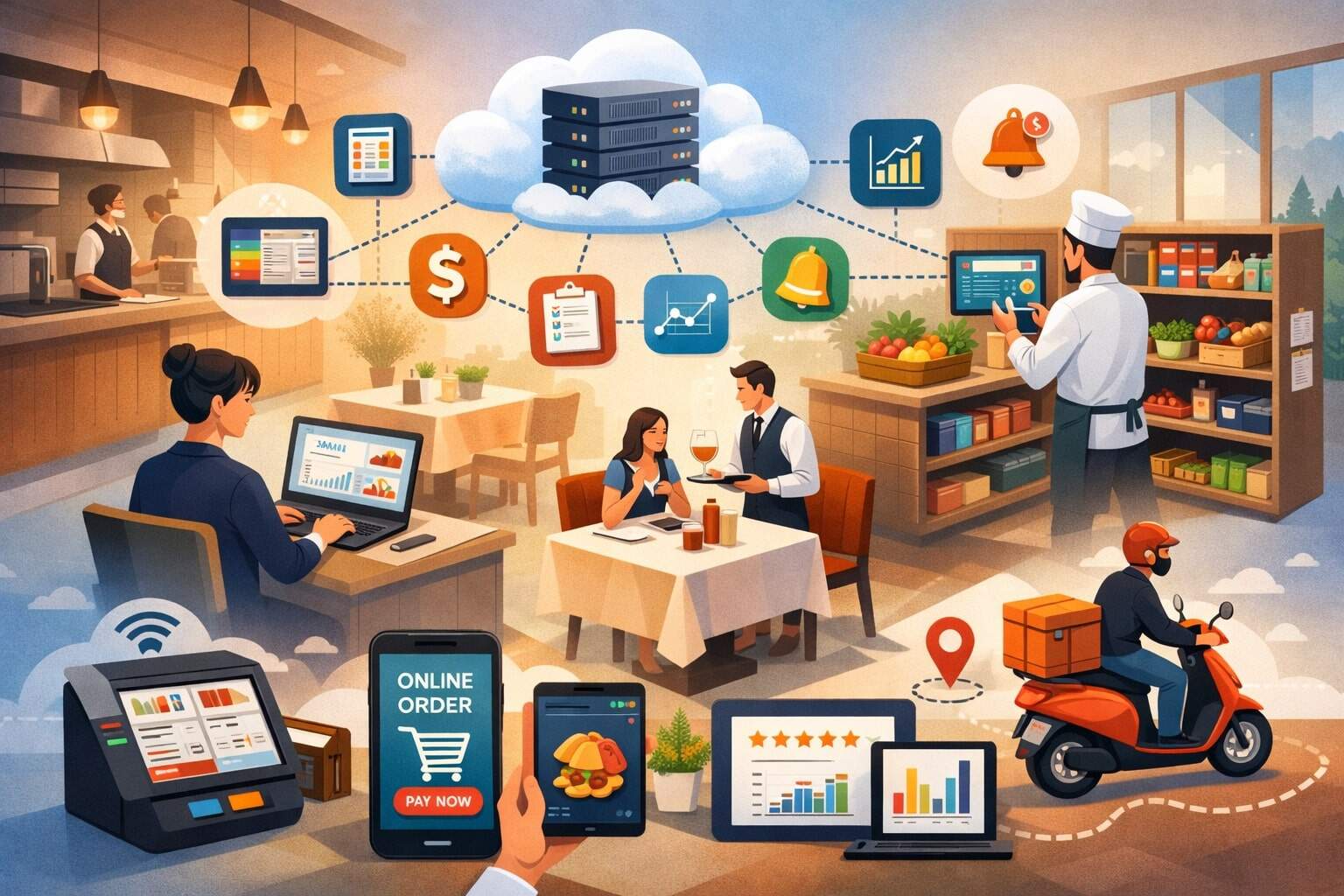
Cloud restaurant software is designed to reduce that daily friction by connecting the systems that power ordering, point of sale, inventory, staff scheduling, customer engagement, and reporting into one always-available platform.
Unlike older systems tied to a single on-site computer, cloud restaurant software stores data securely online and syncs it across devices in real time.
That means your front-of-house team can take orders and accept payments, your kitchen can see tickets instantly, your manager can adjust schedules from a phone, and your accountant can pull sales summaries without waiting for end-of-day exports. The result is fewer manual tasks, fewer mistakes, and faster decision-making.
This guide explains how cloud restaurant software improves daily operations from opening prep to closing reports. You’ll also learn what features matter most, how to roll out the system smoothly, and what the next few years could bring as restaurants adopt more automation and data-driven workflows.
What Cloud Restaurant Software Is and Why It Changes Restaurant Operations
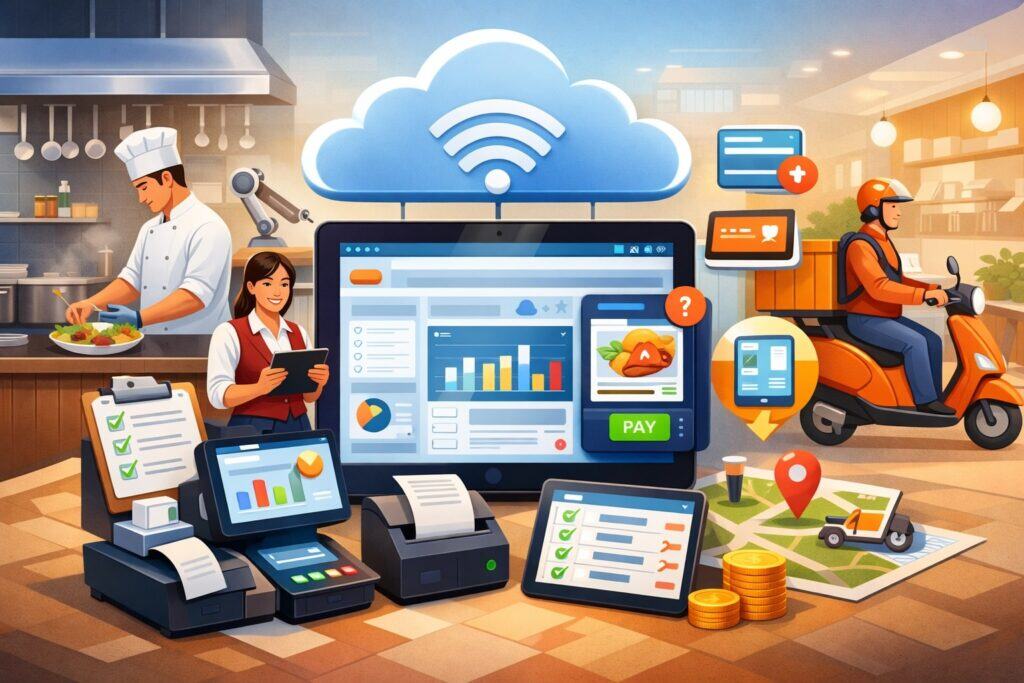
Cloud restaurant software is a set of restaurant management tools delivered through the internet instead of installed on one local server.
It typically includes a cloud-based POS, menu management, kitchen display system (KDS) options, online ordering integrations, inventory tracking, labor and scheduling modules, customer relationship tools, and analytics dashboards.
Because the software is cloud-hosted, updates happen automatically, features improve continuously, and data is accessible from approved devices wherever you are.
This matters operationally because restaurants don’t run in neat, separate lanes. Sales affects inventory. Inventory affects menu availability. Menu availability affects ordering. Ordering affects kitchen flow. Kitchen speed affects guest experience and reviews.
Reviews affect demand. Demand affects staffing. Cloud restaurant software improves daily operations by connecting these moving parts with consistent data and shared visibility.
A simple example: a menu item starts selling faster than expected. With a traditional setup, you may not realize the pace until you’re close to running out.
With cloud restaurant software, sales velocity can alert you earlier, inventory levels update automatically, and you can adjust purchasing or add a menu note before a shortage impacts service. That’s operational control, not just reporting.
In busy service windows, speed and accuracy are everything. Cloud platforms reduce re-entry and duplication by syncing orders, payments, modifiers, and timing across devices instantly. That helps teams stay aligned during rush periods and reduces the “telephone game” effect between servers, expo, and kitchen.
Faster Order Taking and More Accurate Tickets With Cloud POS Features
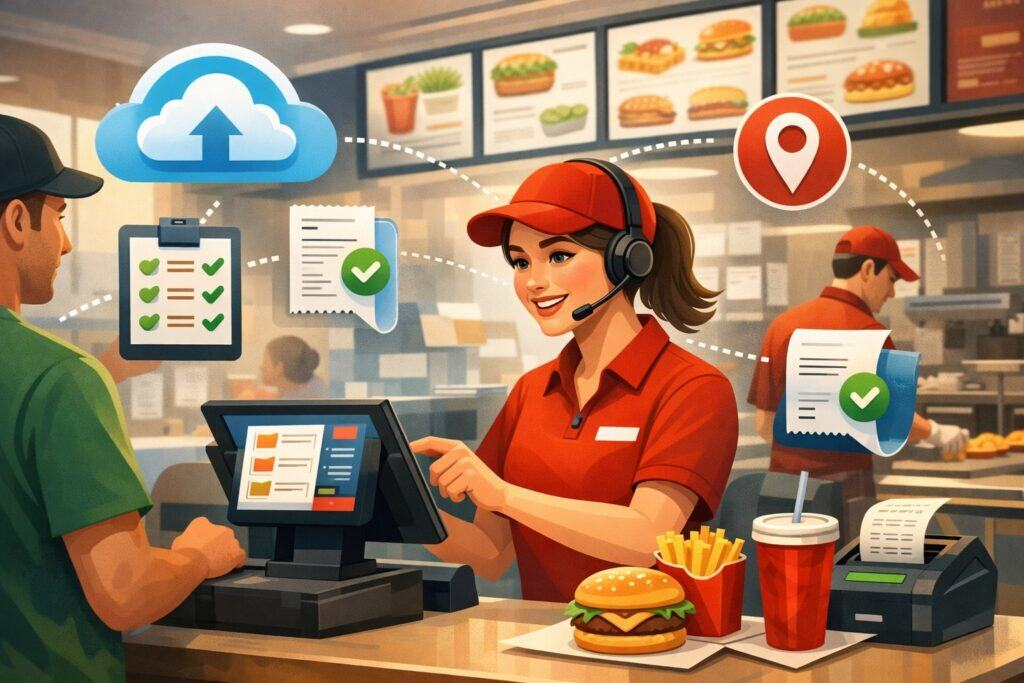
One of the biggest daily wins from cloud restaurant software is faster ordering with fewer mistakes. A cloud POS is built to handle modifiers, substitutions, split checks, tabs, coursing, and special requests cleanly.
Instead of writing notes that can be misread, staff select options from standardized screens. That protects ticket accuracy, reduces remakes, and improves guest satisfaction.
Cloud ordering screens can be configured for different roles. Servers see dining-room workflows like table status, coursing, and seat numbers. Cashiers see quick-service layouts built for speed and combos.
Bartenders can run bar tabs and track open checks. Managers can override discounts and refunds with role-based permissions. This role design reduces training time and prevents unauthorized changes.
Cloud restaurant software also improves ticket flow. Orders fire to the kitchen instantly, and changes or voids update in real time. That eliminates delays caused by printers, lost tickets, or miscommunication. When paired with a KDS, kitchens can prioritize and pace orders, flag allergens, and track prep times more consistently.
Another daily advantage is payment flexibility. Modern cloud restaurant software supports contactless payments, mobile wallets, QR code checkout, and handheld devices at the table. Faster payments reduce line buildup and table “dead time.” For full-service operations, pay-at-the-table helps turn tables faster without rushing the guest experience.
The operational impact shows up in measurable metrics: lower comp rates, fewer voids, shorter ticket times, improved throughput, and higher order accuracy. Even small gains per ticket add up across a full day of service.
Kitchen Display Systems and Production Controls That Reduce Chaos During Rush
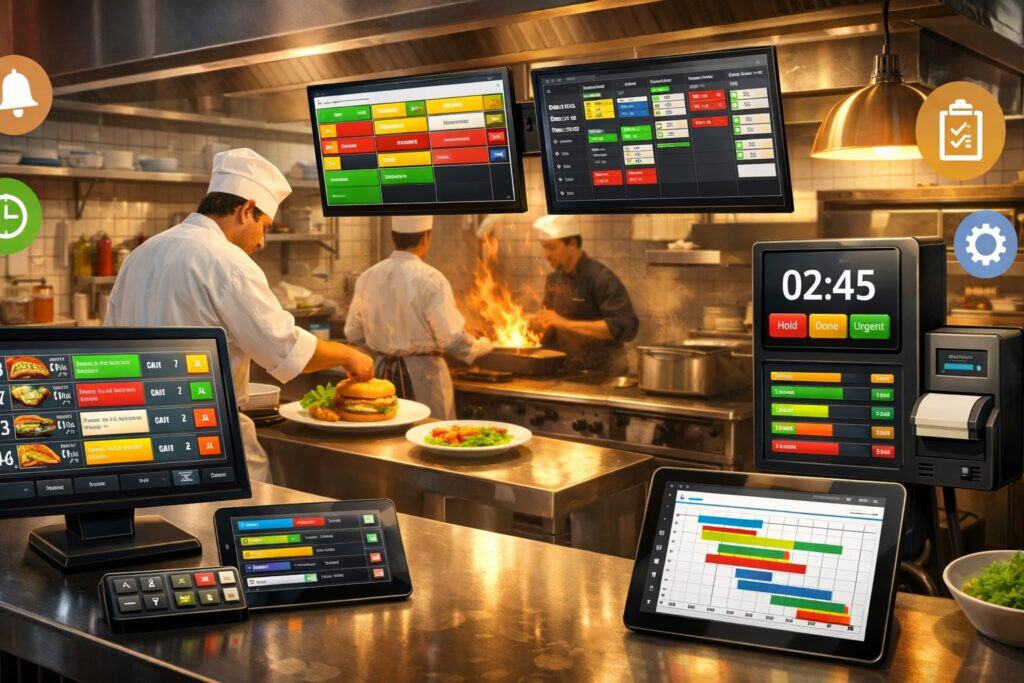
The kitchen is where service either comes together or falls apart. Cloud restaurant software improves daily operations by giving kitchens clearer visibility and control over production. With a connected KDS, tickets display immediately, with color-coded timing, item grouping, and routing rules based on station or prep area.
Routing is a major operational upgrade. Instead of printing one ticket and hoping it reaches the right cook, items can be routed automatically: grill items to grill, salads to pantry, desserts to pastry, and drinks to bar.
This reduces interruptions and keeps stations focused. If your menu has complex builds, KDS logic can also group items by course or send hold-fire instructions automatically.
A KDS within cloud restaurant software can track ticket age and highlight late orders. That allows the expo to intervene early rather than discovering delays after guests complain.
Some systems also support production throttling, which helps protect food quality in peak demand. When too many orders hit at once, the system can pace firing or display capacity warnings so teams can adjust.
Cloud-based kitchen tools also help with consistency. Standardized prep notes, photos, and allergen flags can be attached to items. That improves training and reduces variance when the kitchen is staffed with new hires or seasonal employees.
From an operations standpoint, KDS data is gold. You can measure prep times by daypart, station, or item. You can identify bottlenecks, rebalance labor, simplify menu items that slow the line, and plan better for high-volume shifts. Over time, these insights help restaurants maintain speed without sacrificing quality.
Inventory Management That Shrinks Waste and Prevents Stockouts
Inventory is one of the most painful daily tasks when it’s manual. Counting, logging invoices, tracking usage, and reconciling what “should” be on hand can steal hours each week. Cloud restaurant software improves daily operations by automating inventory tracking and tying it directly to sales activity.
When inventory is integrated, each sale can decrement ingredient-level usage based on your recipes. That gives you real-time insight into what’s being consumed, not just what’s being ordered from vendors.
It also helps spot problems like over-portioning, theft, or recipe variance. If a key ingredient is trending low, managers can reorder before service is impacted.
Waste control becomes more structured with cloud restaurant software. Staff can log waste events quickly with reasons like spoilage, overcooking, returned items, or prep errors. Over time, waste reporting can reveal patterns—like a specific item that consistently gets returned or a station that needs retraining.
Invoice processing is another daily improvement. Many platforms allow digital invoice entry or integrations that reduce manual data input. That makes food cost tracking more accurate and timely. Instead of waiting for end-of-month numbers, operators can see food cost shifts weekly and respond faster.
Inventory insights also support smarter menu decisions. If an item has high waste or unpredictable demand, you can adjust prep levels or redesign the recipe. If a vendor price increases, you can reprice the menu quickly with confidence. The day-to-day result is fewer “86” moments, more consistent prep, and tighter cost control.
Smarter Scheduling and Labor Controls Without Micromanagement
Labor is one of the largest controllable costs in restaurant operations. Cloud restaurant software improves daily operations by giving managers better tools to schedule efficiently, track labor in real time, and communicate with staff without endless texts and paperwork.
Cloud scheduling tools can build shifts based on forecasted sales, typical traffic patterns, and staffing templates by daypart. Instead of guessing how many servers you need on a Friday night, you can use actual data from previous weeks.
Many systems also support availability management, shift swaps, and time-off requests inside a staff app, reducing manager overhead.
Time tracking is more accurate when labor tools connect directly to the POS. Clock-ins and clock-outs are recorded cleanly, overtime flags appear early, and you can enforce break rules with prompts.
For multi-location operators, cloud restaurant software can standardize labor policies while still allowing each store to adjust to local demand.
Daily operational control improves through real-time labor dashboards. Managers can see labor percentage as sales come in and decide whether to cut or add staff before costs drift. This is especially helpful during slow periods or unpredictable weather days when demand swings quickly.
Communication improves too. Staff can receive schedule updates, announcements, menu changes, and training notes through the same system. That reduces confusion and prevents costly errors like selling an item that’s unavailable or missing a new allergen procedure.
Over time, better scheduling and clearer communication typically reduce burnout, call-outs, and turnover. That stability improves service quality and makes daily operations smoother for everyone.
Unified Online Ordering, Delivery, and Curbside Workflows
Guests increasingly expect online ordering, delivery options, and quick pickup experiences. When these channels are bolted on with separate tablets and disconnected menus, daily operations suffer.
Cloud restaurant software improves daily operations by unifying ordering channels so menus, pricing, modifiers, and item availability stay consistent.
A unified menu means you update once and push everywhere. That prevents situations where online customers order items you no longer carry or choose modifiers that the kitchen can’t fulfill. Item throttling and “sold out” controls can also reduce cancellations and negative reviews.
Order aggregation is a major benefit. Instead of juggling multiple delivery tablets, orders can flow directly into the POS and kitchen system. This reduces re-entry errors and speeds production. It also improves reporting by tracking channel performance accurately.
Pickup management improves with timed order promises, status notifications, and clearly labeled tickets. If your operation handles curbside, cloud restaurant software can support order status tracking, customer arrival prompts, and simple workflows so staff can hand off orders efficiently.
The daily impact is less channel chaos during rush periods. Your kitchen sees one consistent queue. Your front-of-house doesn’t waste time reconciling totals across tablets. Your manager gets cleaner sales data by channel to plan staffing and prep.
That’s how cloud restaurant software turns digital demand into a manageable workflow instead of a daily headache.
Better Guest Experience Through Consistency, Loyalty, and Faster Service Recovery
Great guest experience isn’t only about friendly service—it’s about consistency, speed, and problem resolution. Cloud restaurant software improves daily operations by making guest-facing experiences more reliable while giving managers tools to fix issues quickly.
Consistency starts with accurate orders and stable prep. When the POS, KDS, and menu rules work together, guests receive what they ordered with fewer delays. That reduces complaints and comping. It also improves reviews, which drive future traffic.
Loyalty features within cloud restaurant software help restaurants build repeat business. Digital loyalty programs track visits, points, or rewards automatically.
Because the system is connected to transactions, guests don’t need paper punch cards and staff don’t need manual entry. Loyalty data can also support targeted offers, like rewards for slow dayparts or incentives for higher-margin items.
Service recovery becomes faster when managers have immediate access to ticket history and guest details. If a guest calls about a missing item or a delivery issue, staff can look up the transaction, confirm what happened, and resolve it without guessing. Clear transaction trails reduce disputes and improve trust.
Some platforms also support feedback prompts or post-visit surveys. That helps you capture issues before they appear as negative reviews.
Even if you don’t use surveys, the operational data from cloud restaurant software—ticket times, void reasons, comps, and item performance—helps pinpoint where the guest experience breaks down and how to fix it.
Real-Time Reporting That Helps Managers Make Better Same-Day Decisions
Restaurant reports shouldn’t be something you dread at closing time. Cloud restaurant software improves daily operations by providing real-time dashboards that show sales, labor, product mix, discounts, comps, and performance by hour, employee, or channel.
Same-day visibility changes how managers operate. If sales are under forecast, you can run a limited-time offer, push a high-margin special, or adjust labor before the shift ends. If a specific item is selling unusually fast, you can protect inventory or shift prep. If one cashier has a high void rate, you can check training or policy compliance immediately.
Cloud reporting also reduces manual reconciliation. End-of-day summaries can be generated automatically, often with export options for accounting and payroll. Managers spend less time compiling numbers and more time coaching teams and improving service.
For multi-unit operators, cloud restaurant software makes it easier to compare locations consistently. You can standardize KPIs and view trends across stores, helping identify best practices and underperformance quickly.
Even single-location restaurants benefit from trend visibility—like comparing week-over-week daypart performance or tracking promotions.
The bigger advantage is decision confidence. When data is updated in real time, managers aren’t relying on gut feeling alone. Over time, better reporting improves pricing decisions, menu strategy, purchasing, and staffing—core areas that shape daily profitability.
Security, Compliance, and Uptime Considerations for Cloud-Based Restaurants
Any technology that touches payments and customer data must be secure and reliable. Cloud restaurant software improves daily operations partly because security and updates are handled centrally, but operators still need to understand what “secure” actually means in practice.
A strong cloud system uses encryption, role-based access, audit logs, and secure payment processing. Modern platforms typically use tokenization so sensitive card data isn’t stored on restaurant devices.
Permissions are equally important operationally. Staff should only see what they need—servers shouldn’t have refund authority, and cash drawer activity should be logged clearly.
Compliance matters too, especially for payment processing and data handling. While your processor and POS provider handle many requirements behind the scenes, your team still needs good operational habits: strong passwords, unique logins, controlled manager overrides, and consistent closing procedures. Cloud restaurant software supports these habits with permission settings and audit trails that reduce internal risk.
Uptime is a practical concern. The best systems offer offline modes so you can still take orders if the internet drops temporarily. Cloud-based doesn’t mean “internet-dependent with no backup.”
When evaluating cloud restaurant software, operators should confirm what offline features exist, how transactions sync afterward, and what hardware redundancy is recommended.
When security and uptime are planned properly, daily operations become more stable. Staff trust the system, managers spend less time troubleshooting, and the restaurant avoids costly disruptions.
Implementation Tips: How to Roll Out Cloud Restaurant Software Without Disrupting Service
Switching systems can feel risky. The best rollouts are structured, staged, and focused on real workflows. Cloud restaurant software improves daily operations only if the team adopts it confidently.
Start with workflow mapping. Identify how orders move today: who takes orders, how modifiers are handled, how tickets reach the kitchen, how payments are closed, how voids are approved, and how inventory is tracked. Then configure the system to support those steps cleanly. Avoid trying to change every process on day one.
Menu build is critical. Ensure modifiers are logical, allergen notes are clear, and item routing matches kitchen stations. A clean menu prevents daily confusion. Many restaurants also create training modes so staff can practice without fear of messing up live tickets.
Training should be role-based. Servers need table workflows and split checks. Cashiers need speed screens. Kitchen staff need KDS navigation. Managers need overrides, reporting, and end-of-day procedures. Short, repeated training sessions usually work better than one long meeting.
A phased go-live reduces risk. Some operations start with one revenue channel first—like in-house dining—then add online ordering and delivery integrations after the team stabilizes. Others run parallel reporting for a week to ensure numbers match expectations.
Finally, set success metrics. Track ticket times, voids, comps, labor percentage, and order accuracy. Cloud restaurant software is measurable. If the numbers improve, you know adoption is working. If not, you can adjust configuration or training quickly.
Future Predictions: Where Cloud Restaurant Software Is Headed Next
The next phase of cloud restaurant software is about automation, personalization, and predictive operations. Many restaurants already use cloud tools for visibility. The future is using that visibility to make decisions automatically—or at least recommend actions in real time.
AI-driven forecasting will become more common. Instead of basic sales projections, systems will predict demand by daypart using historical sales, events, seasonality, and local conditions. That will improve scheduling, purchasing, and prep planning. As forecasting improves, waste decreases and service becomes more consistent.
Automation will expand in the kitchen and front-of-house. More restaurants will adopt handheld ordering, QR ordering, and self-service kiosks, all tied into cloud restaurant software. This isn’t just about labor savings—it’s about throughput, accuracy, and predictable service speed.
Personalization will also grow. Loyalty programs will evolve from generic points to behavior-based offers that reflect what guests actually buy. Cloud systems will help restaurants target slow dayparts, increase average ticket size, and improve repeat visits with less manual marketing work.
Another likely shift is deeper integration with supplier ordering and invoice reconciliation. The dream is “closed-loop operations,” where sales drive inventory, inventory drives purchasing suggestions, and invoices reconcile automatically. As these features mature, managers spend less time on admin tasks and more time on coaching and guest experience.
In short, cloud restaurant software will keep moving from “systems of record” to “systems of action.” Restaurants that adopt early will likely run leaner, respond faster, and deliver more consistent service.
FAQs
Q.1: What is the biggest daily benefit of cloud restaurant software?
Answer: The biggest day-to-day benefit is real-time synchronization across ordering, kitchen, payments, and reporting. Cloud restaurant software reduces manual handoffs, prevents ticket errors, and gives managers immediate visibility into sales and labor so they can adjust during the shift, not after it.
Q.2: Is cloud restaurant software only for large restaurants?
Answer: No. Cloud restaurant software can benefit small and mid-size restaurants because it reduces admin time and improves consistency. Smaller teams often feel the impact faster because fewer mistakes and smoother workflows make a noticeable difference during busy periods.
Q.3: What happens if the internet goes down?
Answer: Many cloud restaurant software platforms offer offline modes that allow basic ordering and payment workflows until the connection returns. The key is to confirm the offline capabilities and sync process during evaluation, and to have a stable network setup with backup options when possible.
Q.4: Does cloud restaurant software work with online ordering and delivery?
Answer: Yes, and this is where cloud restaurant software often shines. Unified menus, item availability controls, and direct kitchen routing reduce tablet chaos and order re-entry. When channels are connected, digital orders become part of one consistent workflow.
Q.5: How long does it take to train staff?
Answer: Training time depends on complexity, but many restaurants can train most roles within a few sessions when the system is configured well. Cloud restaurant software often reduces training time long-term because interfaces are consistent and workflows are standardized.
Q.6: How does cloud restaurant software help with food cost?
Answer: Cloud restaurant software supports recipe-based inventory tracking, waste logging, and cleaner invoice processes. When sales tie directly to ingredient usage, you can spot variance sooner and tighten ordering and portion control, which improves food cost accuracy.
Conclusion
Restaurants don’t succeed because they have more tools. They succeed because daily operations run smoothly: orders are accurate, kitchens stay organized, inventory is under control, staff schedules match demand, guests have a consistent experience, and managers can make fast decisions with confidence.
Cloud restaurant software improves daily operations by connecting the workflows that restaurants rely on every hour. It reduces ticket mistakes, accelerates service, simplifies scheduling, strengthens inventory control, and delivers real-time reporting that helps managers act the same day.
When implemented thoughtfully, it becomes the operating backbone of the restaurant—supporting growth, improving consistency, and protecting margins.
Looking ahead, cloud restaurant software will continue evolving toward automation and predictive insights. Restaurants that adopt and optimize cloud tools now are better positioned to handle demand swings, staffing challenges, and rising operational costs—while delivering the speed and reliability guests expect.