By cloudrestaurantmanager January 5, 2026
Running a restaurant is a daily balancing act: food costs shift, labor rules evolve, guests expect speed, and margins stay tight. The difference between “busy” and “profitable” often comes down to systems.
The right restaurant management tools turn scattered tasks—orders, inventory, schedules, reviews, invoices—into one coordinated operation.
Modern restaurant management tools are not just “software.” They are the connective tissue between front of house, back of house, and admin work.
When they are chosen well and implemented with discipline, they reduce waste, protect cash flow, improve the guest experience, and give owners real visibility into what is happening in the business—today, not last month.
This guide walks through the most important restaurant management tools every owner should know, what each tool actually does, how to evaluate it, and how to stack them into a practical tech setup.
You’ll also see where the industry is heading—especially with AI, automation, and compliance—so your choices still make sense next year.
Point-of-Sale Systems That Connect Ordering, Payments, and Reporting
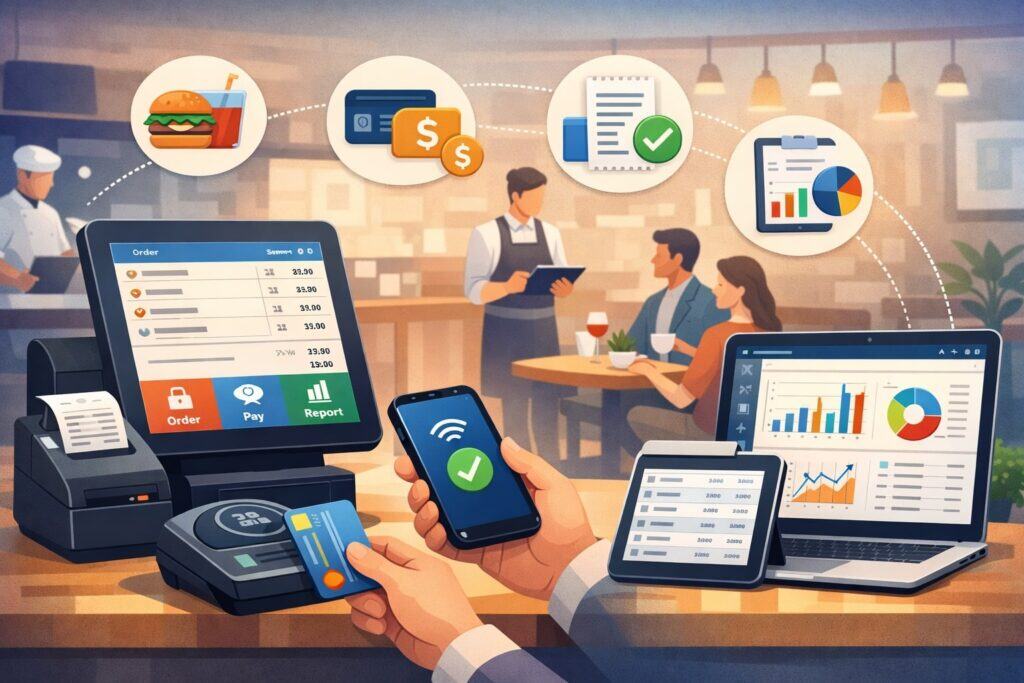
A modern POS is the operational hub of most restaurant management tools. It’s not just a register; it’s a workflow engine that routes orders, tracks modifiers, manages menus, controls discounts, captures payments, and feeds reporting.
If your POS is outdated or poorly configured, every other tool becomes harder because the POS is the system everyone touches.
What to prioritize first is speed and reliability in real service conditions. A POS must handle lunch rush ordering without freezing, maintain offline mode if connectivity drops, and sync data correctly after recovery.
Cloud-based POS platforms have become popular because they push updates automatically and support multi-location oversight. But “cloud” is not automatically better—your network design and device management still matter.
Payment acceptance is equally critical. Look for a POS that supports modern checkout flows: contactless, mobile wallets, digital receipts, and split payments. A POS should also simplify reconciliation by matching tender types to deposits and chargebacks.
The best restaurant management tools reduce “mystery money” by making every transaction traceable from order to bank settlement.
Reporting is where POS value compounds. You want item-level sales, modifier trends, discounts by employee, void and comp controls, and hourly sales patterns. These reports feed forecasting, purchasing, and labor decisions. If your POS doesn’t make that data easy to extract, you’ll end up operating on intuition instead of facts.
Future direction is clear: POS systems are becoming command centers that orchestrate other restaurant management tools—inventory, online ordering, loyalty, scheduling, and analytics—through native integrations and APIs.
In the coming years, expect more POS platforms to include AI-driven suggestions like “prep more of X” or “adjust staffing for the next hour,” similar to what large chains are already experimenting with in manager-assist tooling.
Inventory and Food Cost Tools That Protect Your Margin Every Week
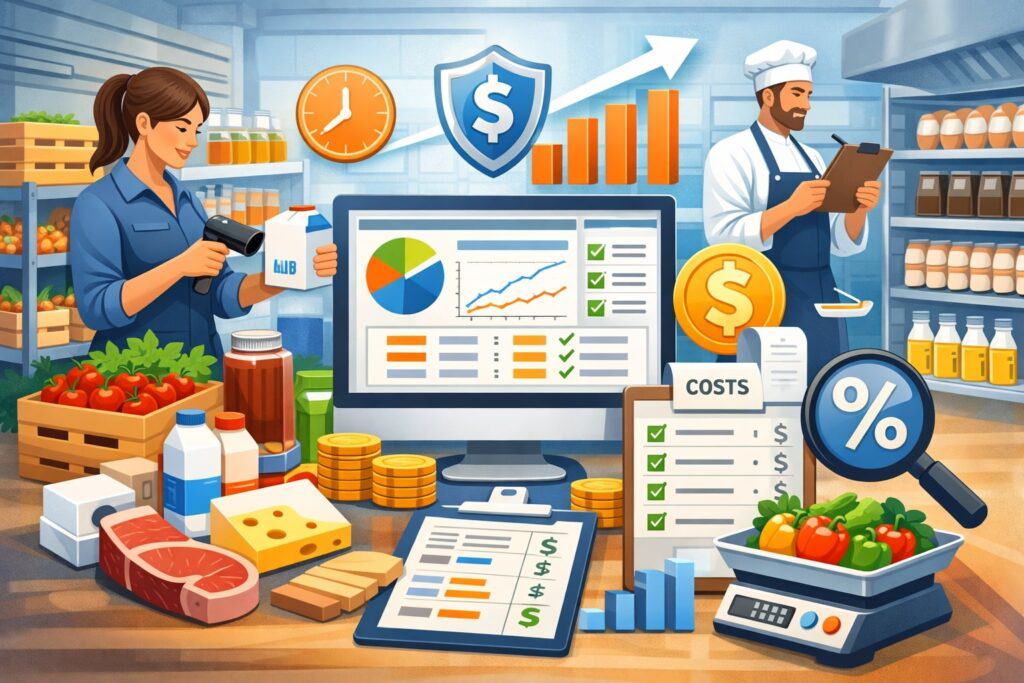
Food cost is one of the biggest controllable expenses, and inventory software is one of the highest-ROI restaurant management tools when used consistently. The goal is not to “count faster.”
The goal is to reduce variance: the gap between theoretical usage (what you should have used based on sales) and actual usage (what you really burned through).
A strong inventory tool connects recipes, portions, purchases, and sales. It helps you standardize recipe costing, flag price spikes, and identify which ingredients are quietly draining margin.
When your menu changes often, recipe costing becomes a living process—inventory tools should make it easy to update yields, vendor pack sizes, and substitute items.
Waste tracking matters more than many owners realize. Spoilage, over-portioning, comped items, and employee meals all blur into “normal” unless tracked.
The right restaurant management tools put structure around waste: reason codes, unit costs, and patterns by shift or station. That structure is what lets you coach staff without guessing.
Many inventory platforms are moving toward automation: invoice scanning, automated vendor ordering suggestions, and predictive purchasing. Industry trend coverage for 2025 emphasizes AI and automation to reduce waste and improve accuracy, especially for restaurants managing multiple vendors and volatile pricing.
How to choose inventory restaurant management tools for real kitchens
Inventory tools fail when they are too complicated for real operators. The best choice is the one your team will actually use weekly. Prioritize a workflow that matches how you run counts—par levels by storage location, mobile-friendly counting, and simple variance dashboards.
Also assess integrations. If your inventory tool can pull sales mix from your POS automatically, you save hours and reduce human error. If it can import invoices from vendors, you avoid double entry. And if it can export data to accounting tools, you eliminate reconciliation headaches.
Finally, look for forecasting that supports decision-making, not just reporting. Some tools recommend order quantities based on seasonality, upcoming reservations, and sales trends.
As AI features mature, expect more restaurant management tools to forecast demand using weather, local events, and even marketing campaigns—without requiring the owner to manually stitch data together.
Labor Scheduling, Time Tracking, and Compliance Tools That Reduce Risk
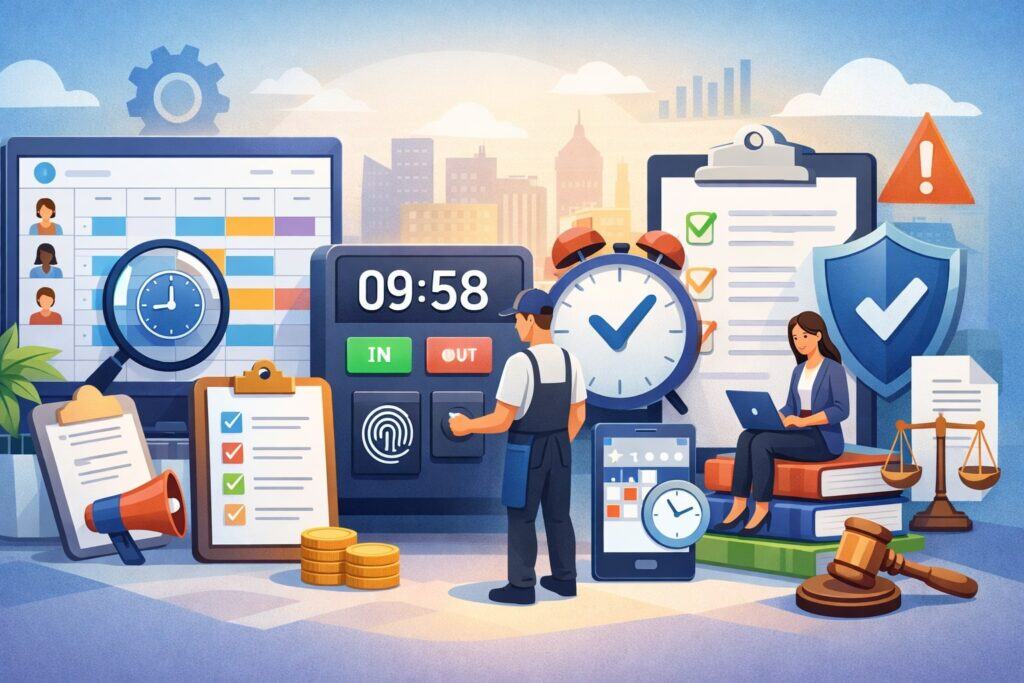
Labor is often the biggest expense after food, and the most emotionally draining to manage. Labor-focused restaurant management tools help you plan schedules, capture time punches, prevent buddy punching, reduce overtime surprises, and control labor percentage without sacrificing service quality.
The core capability is scheduling with forecasting. A schedule shouldn’t start with “who’s available.” It should start with expected sales by hour, then build labor to match. Tools that forecast from POS history help you staff the floor properly, which improves speed and guest satisfaction.
Time tracking and payroll rules are where risk lives. Break compliance, overtime calculations, and tip reporting mistakes can create expensive problems.
Federal guidance on tipped wages and tip credit requirements is detailed, and restaurants operating across different states face different minimums and enforcement patterns. Reliable compliance references and consistent documentation matter.
Labor compliance has also become a moving target. Industry compliance updates highlight ongoing legal disputes and jurisdiction differences around tipped-work rules, which makes accurate tracking and documentation more important, especially for multi-location operators.
Using restaurant management tools to control labor without hurting service
Labor control fails when it’s only about cutting hours. The best approach is protecting throughput: making sure you have the right people at the right times, then removing friction from their work.
That means pairing scheduling tools with operational tools like handheld ordering, kitchen display systems, and clear side-work checklists.
Use your labor tool to set performance baselines: sales per labor hour, labor % by daypart, overtime triggers, and call-out patterns. Over time, the system becomes your early warning system.
Many modern restaurant management tools now add manager prompts: “You’re trending +2% labor vs forecast” or “Consider sending one server home after 8:30.”
Future prediction: AI-driven “manager coaches” will become common in labor tools, recommending staffing actions in real time based on attendance, sales flow, and production constraints. Large brands are already showcasing manager-assist AI concepts tied to labor and inventory decisions.
Reservation, Waitlist, and Table Management Tools That Maximize Seat Utilization
For full-service restaurants, reservations and table flow are profit levers. Reservation-focused restaurant management tools reduce chaos at the host stand, improve guest communication, and help you serve more covers without making guests feel rushed.
A table management platform should provide a real-time floor plan, pacing controls, and accurate wait estimates. When you control pacing, you control kitchen stress and service quality.
Tools that send automated texts—“Your table is ready”—reduce congestion and no-shows. They also create a guest-friendly impression without the host team making constant calls.
The highest-impact feature is demand shaping. Many reservation tools support prepaid deposits, experience-based booking, variable table durations, and automated confirmation sequences. These features reduce no-shows and protect peak hours. They also help you build a predictable service rhythm.
Reservation and waitlist data is also marketing data. These restaurant management tools capture guest frequency, seating preferences, and special dates. When connected to CRM or loyalty systems, they enable personalized outreach: “We saved your usual booth” or “Your anniversary is coming up—want to book the chef’s counter?”
Online Ordering and Delivery Management Tools That Protect Brand and Profit
Online ordering can lift sales, but it can also destroy margin if fees, refunds, and operational strain are unmanaged. Delivery-focused restaurant management tools help you centralize orders, manage menus across channels, throttle order volume during rush, and keep prep times realistic.
First, you need menu control. Your online menu should not be a copy-paste of the dine-in menu. It must be engineered for delivery: items that travel well, clear modifiers, and packaging notes. The best tools let you set channel-specific pricing, item availability by time, and substitutions when inventory runs low.
Second, you need order consolidation. If you receive orders from multiple marketplaces plus your own online ordering, you need an aggregator so orders flow into one system. Otherwise, missed orders and delays become normal. These restaurant management tools also reduce manual re-entry, which lowers errors.
Third, you need guest communication. Delivery problems are often communication problems. Automated updates—“Order confirmed,” “Being prepared,” “Ready for pickup”—reduce inbound calls and help guests stay calm even when timing shifts.
Future prediction: online ordering tools will increasingly include profitability intelligence. Expect automatic prompts like “This item is low margin on Channel A” or “Increase prep time by 5 minutes due to kitchen load.”
Kiosk and digital ordering tools are also rising; reporting suggests kiosks can increase spending due to consistent upselling and frictionless browsing, which is why many operators are expanding them.
Kitchen Display Systems and Back-of-House Workflow Tools That Reduce Mistakes
The back of the house is where guest promises either happen or break. Kitchen display systems (KDS) are foundational restaurant management tools for improving ticket accuracy, timing, and accountability.
KDS replaces paper tickets with screens organized by station, course, and priority. The value is not just “no paper.” It’s that KDS timestamps every step: when the order was fired, when each station bumped it, and where bottlenecks occurred.
That data becomes operational truth. You can see if delays come from grill, expo, or packaging, and you can fix the real constraint.
A good KDS supports routing logic. For example, modifiers can trigger special prep steps. Allergens can create alert banners. Rush orders can be highlighted. Many systems also support prep screens that show upcoming demand so the kitchen can stage intelligently.
Back-of-house workflow tools also include digital prep lists, recipe SOP libraries, cleaning checklists, and production planning. When used together, these restaurant management tools reduce dependency on “tribal knowledge.” That’s crucial when turnover is high or you operate multiple shifts.
Future direction: more automation and predictive pacing. As AI becomes embedded, KDS platforms will increasingly suggest cook starts based on real-time table pacing and delivery ETAs.
Some kitchens will also integrate smart sensors for equipment health and energy optimization, aligning with broader restaurant tech trends toward IoT and smart management systems.
Accounting, Invoicing, and Cash Flow Tools That Keep the Business Clean
You can be busy and still go broke if your cash flow is messy. Accounting-focused restaurant management tools keep your books accurate, speed up reconciliation, and make tax and payroll processes less painful.
At minimum, you want a clean workflow for: vendor bills, invoices, bank feeds, POS deposits, payroll entries, and category-based expense tracking.
If your accounting system doesn’t match POS deposits to daily sales automatically, you’ll spend hours chasing discrepancies. The best setups either integrate directly with the POS or use middleware that standardizes data.
Invoice management is underrated. Restaurants handle many small vendor bills with variable pricing. A tool that captures invoices digitally, routes approvals, and maps items to categories makes weekly accounting far faster. When paired with inventory systems, it can also help you spot vendor price changes immediately.
Cash flow forecasting is the next step. Instead of reacting to “surprise” bills, you can forecast upcoming payments and plan accordingly. These restaurant management tools help owners make smart decisions about staffing, marketing spend, or equipment purchases without guessing.
Future prediction: accounting tools will become more operational. Expect more automatic anomaly detection: “Your dairy costs rose 12% week-over-week” or “Refunds spiked on delivery orders.” As restaurant systems integrate more tightly, finance tools will feel less like “bookkeeping” and more like a live dashboard for profit protection.
Customer Feedback, Reviews, and Loyalty Tools That Grow Repeat Business
Marketing is not just promotions. In restaurants, sustainable growth comes from retention: guests who come back often and bring friends. Guest experience restaurant management tools help you gather feedback, respond to reviews, and convert one-time diners into regulars.
Feedback tools can be as simple as post-visit texts or receipt links. What matters is closing the loop. If a guest had a bad experience, you want to hear it privately before it becomes a public review. The best tools route negative feedback to a manager quickly and capture details like visit time, server, and check number.
Review management tools help you monitor and respond across platforms, track sentiment trends, and identify recurring issues. They also help you standardize voice and response times, which impacts trust. Guests notice when owners reply thoughtfully.
Loyalty tools work best when they are simple. Points systems can help, but many restaurants get stronger results from visit-based rewards, VIP tiers, and personalized offers. When loyalty is integrated with POS and reservations, you can recognize guests and tailor experiences.
Future direction: personalization will accelerate. These restaurant management tools will increasingly use data to predict churn (“This guest used to come monthly, now hasn’t visited in 60 days”) and trigger win-back campaigns automatically. AI will also help craft offers that improve margin—discounting slow-moving dayparts instead of peak hours.
Food Safety, Temperature Monitoring, and Compliance Tools That Prevent Expensive Incidents
Food safety failures are existential risks. Compliance-focused restaurant management tools help you standardize HACCP-style processes, track temperatures, manage checklists, and store documentation that protects you during inspections and incidents.
Digital checklists reduce “clipboard compliance,” where tasks are marked complete without real verification. The best systems require time stamps, photos, and manager sign-offs for critical tasks. They also let you build SOPs: sanitation schedules, allergen protocols, and opening/closing procedures.
Temperature monitoring is a major category. IoT sensors can continuously track refrigeration and holding temperatures, send alerts when thresholds are exceeded, and guide corrective actions.
These tools matter because temperature issues often happen overnight or during busy shifts—exactly when manual logs fail. IoT-enabled monitoring platforms highlight continuous data collection and alert-driven corrective workflows as a core operational benefit.
Many operators also adopt dedicated compliance software that combines audits, hygiene monitoring, SOP tracking, and reporting into one place. This reduces the time spent preparing for inspections and improves consistency across shifts.
Future prediction: expect stronger “traceability-style” documentation even for smaller operators, driven by insurer expectations, multi-unit standardization, and better sensor pricing. Food safety restaurant management tools will also integrate more tightly with inventory and prep systems to connect batch prep, holding times, and discard rules into a single record.
Analytics and Business Intelligence Tools That Turn Data Into Decisions
Most restaurants already have data, but not insight. Analytics-focused restaurant management tools consolidate information from POS, labor, inventory, reservations, and online ordering into dashboards that support decisions.
Start with a daily operating dashboard: sales vs forecast, labor % vs target, top items, comps/voids, refunds, and guest counts. This is how you see problems early. Then layer in weekly and monthly views for trends: margin by category, server performance, channel profitability, and menu engineering.
Menu engineering is a big win area. Analytics tools can map items by popularity and profitability so you can decide what to promote, reprice, redesign, or remove. When paired with recipe costing, you can see true contribution margin—not just sales volume.
Channel profitability is another modern necessity. Dine-in, pickup, delivery marketplace, catering—each can have different margin profiles. The right restaurant management tools help you compare net profit by channel after fees, packaging, labor load, and refunds.
Future direction: decision automation. Analytics tools will increasingly recommend actions, not just show charts: “Raise price on Item A,” “Reduce prep batch size,” “Schedule one fewer closer on Tuesdays,” or “Throttle delivery at 7:00 PM.”
As cloud systems and AI models mature, these recommendations will become more accurate and more common across restaurant stacks.
AI, Automation, and the Next Wave of Restaurant Management Tools
AI is not magic, but it is becoming practical in restaurants—especially in labor forecasting, inventory prediction, guest messaging, and operational coaching. The next generation of restaurant management tools will feel less like software you operate and more like systems that proactively assist.
The most immediate AI value is forecasting and anomaly detection. AI can learn your sales patterns, seasonal shifts, and item trends faster than manual spreadsheet work. It can also detect when something is “off”: sudden spikes in refunds, abnormal inventory variance, or labor creep during certain dayparts.
Automation is also expanding into guest touchpoints. Kiosks, QR ordering, and voice ordering systems are increasingly used to reduce bottlenecks and standardize upselling. Reporting indicates kiosks can increase average spend because they consistently prompt add-ons and make browsing easier.
Large brands are pushing even further with AI tools aimed at helping managers run shifts—monitoring attendance, recommending schedule adjustments, and improving inventory decisions. This reflects the broader trend that AI is being positioned as a support layer for managers, not simply a labor replacement.
Future prediction: expect “AI copilots” inside POS, scheduling, and inventory systems within the next few years. Owners will interact with dashboards by asking questions—“Why did food cost rise last week?”—and receiving explanations plus recommended actions.
The winning restaurant management tools will be the ones that combine trustworthy data, clear workflows, and controlled automation, rather than flashy features that disrupt service.
How to Build Your Restaurant Management Tools Stack Without Wasting Money
A common mistake is buying too many tools too quickly. A better approach is building a stack in layers, anchored by a strong POS and a few high-impact systems that solve your biggest pain points first.
Start with foundational restaurant management tools:
- POS + payments
- Scheduling + time tracking
- Inventory + recipe costing
- Basic reporting + daily dashboards
Then add experience and growth tools:
5) Reservations/waitlist (if full-service)
6) Online ordering + delivery management
7) Loyalty + feedback + review monitoring
Then add risk and scale tools:
8) Food safety + temperature monitoring
9) Accounting automation + invoice capture
10) Multi-location BI and standardized SOP systems
Implementation matters as much as selection. You need clean menu setup, accurate recipes, consistent staff training, and clear owners’ expectations. If tools are optional, adoption will be inconsistent and your data will be unreliable.
A practical rollout plan is:
- Configure and test with a small team.
- Train managers first, then frontline staff.
- Use checklists for the first 30 days.
- Review weekly metrics and fix workflow issues early.
Future prediction: tool consolidation will increase. Many vendors are expanding “all-in-one” platforms, while others specialize deeply in one function. Either path can work, but your priority should be operational clarity: fewer logins, cleaner data flow, and measurable outcomes from your restaurant management tools.
FAQs
Q.1: What are the most important restaurant management tools for a small restaurant?
Answer: For most small operators, the best starter set of restaurant management tools is a reliable POS, scheduling/time tracking, and inventory/food cost tracking. These three control your biggest operational variables: sales capture, labor cost, and food cost.
Add online ordering management if off-premise is meaningful for your revenue. Only after the basics are stable should you invest heavily in advanced analytics or complex loyalty programs, because those systems depend on clean data from the foundation.
Q.2: Do restaurant management tools replace managers?
Answer: No. The best restaurant management tools reduce admin load and surface better information, but restaurants still need leadership. Tools can recommend actions, automate reminders, and document compliance, but they cannot replace hospitality, coaching, and real-time judgment during service.
The most realistic “future” is manager-assist AI—helping managers make faster, more informed decisions—rather than fully automated operations.
Q.3: How can I reduce delivery fees and protect margins with restaurant management tools?
Answer: Use restaurant management tools that support menu control (channel-specific pricing and item availability), order throttling, and consolidated reporting. Track net profit per channel, not just sales.
Engineer the delivery menu for travel quality and packaging cost. The tools should make it easy to see refunds, remake rates, and customer complaints by channel so you can fix the real causes of margin loss.
Q.4: Are food safety tools worth it for a single-location restaurant?
Answer: Yes, if you choose tools that match your reality. Digital checklists and temperature monitoring reduce risk and improve consistency.
IoT monitoring tools can alert you when refrigeration temperatures drift, which can prevent spoilage and protect guests. Continuous monitoring and alert-driven workflows are a major reason many operators adopt these systems.
Q.5: How do I know if a tool is actually working?
Answer: Pick 3–5 measurable outcomes tied to the tool. For inventory tools: reduced variance and fewer emergency vendor runs. For scheduling tools: less overtime and stable labor % during comparable weeks.
For online ordering tools: fewer missed orders and improved on-time rates. For guest tools: improved ratings and higher repeat visits. The best restaurant management tools create measurable change, not just “more data.”
Conclusion
Restaurants are complex, fast-moving businesses, and complexity is expensive when it isn’t managed. The right restaurant management tools give you control: control over food cost, labor, guest flow, compliance risk, and decision-making.
But tools only work when they are implemented with discipline—accurate setup, consistent use, and regular review of results.
If you remember one principle, make it this: build your stack around operational truth. A strong POS feeds clean sales data. Inventory tools turn sales into ingredient usage and food cost insight.
Scheduling tools translate forecasted demand into smart labor plans. Food safety tools create documentation that protects you. Guest tools turn feedback into retention and growth. Analytics ties it all together so you can act quickly and confidently.