By cloudrestaurantmanager October 11, 2025
Running a modern kitchen and dining room now depends on how well you manage data, people, and payments in the cloud. The best practices for running restaurant operations on cloud software focus on security, speed, and standardization.
When your POS, inventory, labor, and delivery channels live in one secure cloud stack, you reduce outages, eliminate duplicate entry, and make faster decisions. This approach also supports multi-location growth, franchise consistency, and real-time reporting from any device.
In short, best practices for running restaurant operations on cloud software help you simplify the back office while improving guest experience in the front of house.
Cloud platforms give you the benefits of automatic updates, centralized control, and API-ready integrations for online ordering, QR code menus, loyalty, and payments. They offer granular permissions for managers and vendors, along with role-based dashboards that surface the KPIs you actually need each shift.
With the right configuration, your team can 86 items automatically, push price changes to every register, and forecast prep lists with data. The result is fewer surprises during service and tighter margins after close.
As you read, keep repeating the core principle: standardize workflows and data in one cloud stack so the operation becomes predictable, auditable, and scalable.
Why Cloud Software Is the New Backbone of Restaurant Operations
The shift to cloud is not just a technology trend; it is an operational model that stabilizes day-to-day work. Traditional on-prem systems were built for a world of walk-in traffic and cash drawers.
Today’s restaurants run curbside pickup, first-party delivery, marketplace delivery, kiosks, QR ordering, and gift/loyalty across multiple brands and locations.
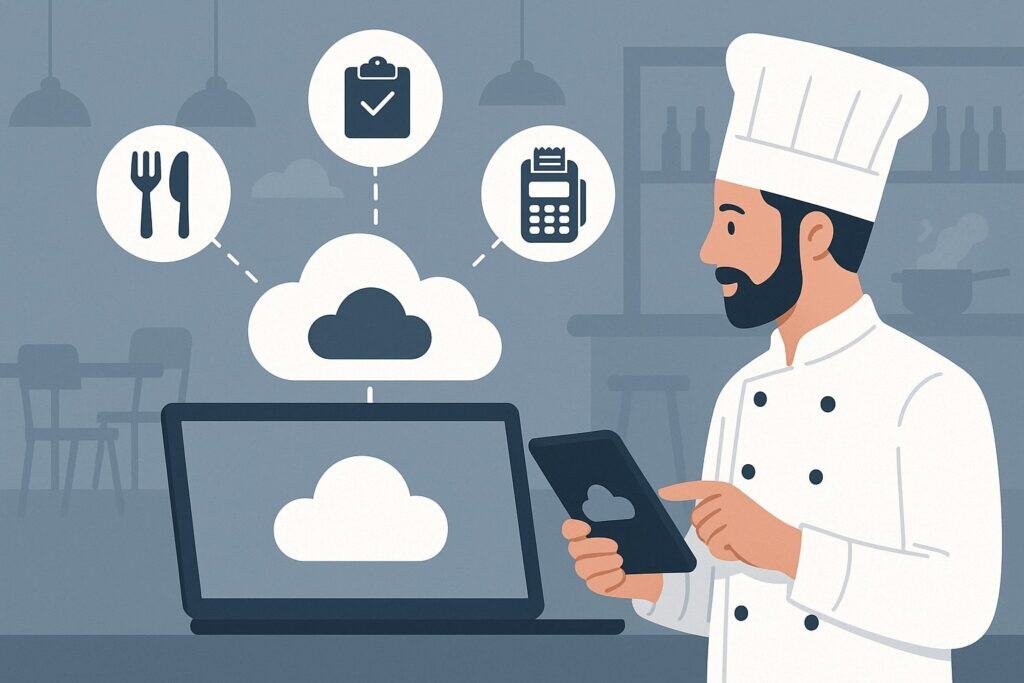
The best practices for running restaurant operations on cloud software start with consolidating these channels into a single platform. This unifies menus, taxes, discounts, and service fees while keeping order origination, prep timing, and driver handoff consistent.
Cloud platforms improve uptime because the heavy lifting happens in secure data centers with redundancy and autoscaling. You gain automatic updates, so features and patches ship without late-night on-site visits.
Staff can clock in from a tablet, managers can comp a check from their phone, and owners can review P&L snapshots from home. With cloud analytics, you no longer wait until month-end to learn what went wrong; you catch exceptions the same day.
The backbone also includes mobile access, so a chef can adjust par levels from the market and a GM can approve schedule swaps on the bus ride in. These are the best practices for running restaurant operations on cloud software because they tighten execution in real time.
Core Capabilities You Should Expect from a Cloud Restaurant Stack
A complete cloud restaurant stack includes POS, kitchen display system (KDS), inventory and recipe management, labor scheduling, payroll integrations, loyalty, online ordering, and delivery dispatch links.
The best practices for running restaurant operations on cloud software require each of these modules to share a single product catalog and a single customer profile. That way, a change to a modifier price, tax rule, or 86 status updates everywhere instantly.
You also want granular roles and permissions so line cooks see tickets, hosts see waitlists, managers see comps and voids, and owners see finance.
Expect strong offline mode for card acceptance and order flow if the internet drops. Look for open APIs and webhooks to connect third-party tools like accounting, tip pooling, reservations, and marketing automation.
A modern KDS should manage prep routing, expo views, and order throttling, not just print tickets. Inventory must support batch/lot tracking, unit conversions, vendor catalogs, and theoretical vs. actual usage.
Dashboards should surface prime cost, item profitability, channel profitability, and void/discount trends. These are the operational pillars behind the best practices for running restaurant operations on cloud software because they centralize control without slowing the line.
Designing a Secure, Compliant, and Resilient Cloud Environment
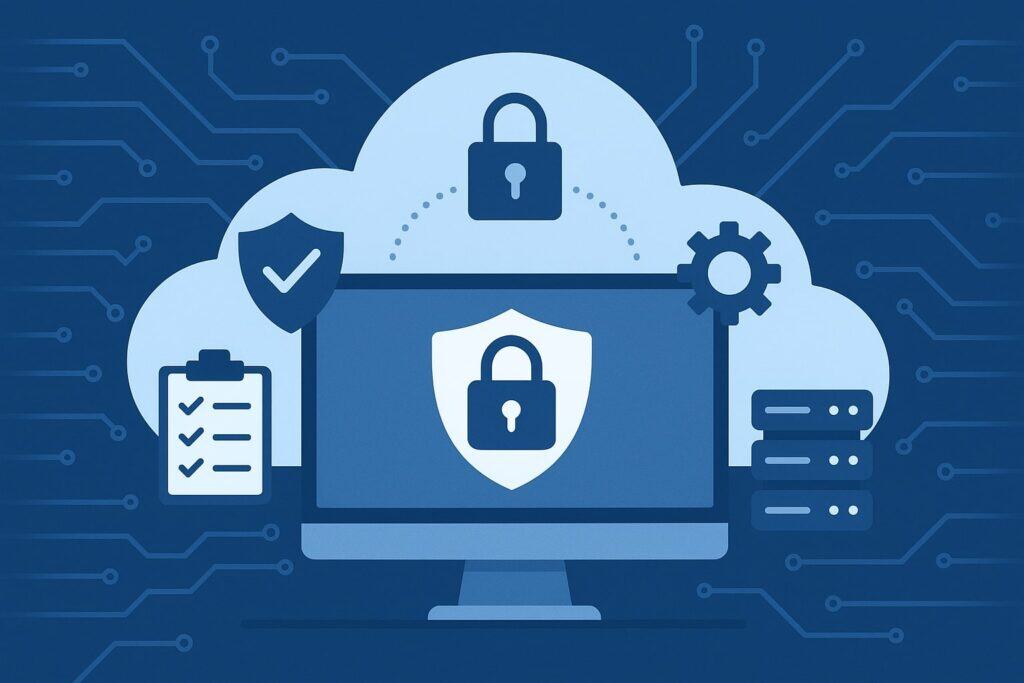
Security is not optional; it is the foundation for guest trust and reliable service. The best practices for running restaurant operations on cloud software begin with identity and access management (IAM).
Enforce multi-factor authentication for managers and owners, and use single sign-on (SSO) if available. Create least-privilege roles for every function and audit permissions quarterly.
Network security matters too: segment POS tablets from guest Wi-Fi, and use managed routers/firewalls with automatic firmware updates. Require HTTPS for all control panels and avoid shared logins.
Resilience means planning for the day something fails. Choose vendors that publish uptime SLAs, status pages, and incident histories. Verify that your POS has true offline payments and queued ticketing, plus automatic sync when the connection returns.
Keep a cellular failover modem in case your primary internet drops during Friday dinner rush. Back up recipes, menus, price lists, and payroll exports to a secure cloud drive.
Practice disaster recovery runbooks with your managers twice a year. These best practices for running restaurant operations on cloud software make sure a single outage does not sink the night.
Payment Security, PCI DSS, and Guest Data Privacy
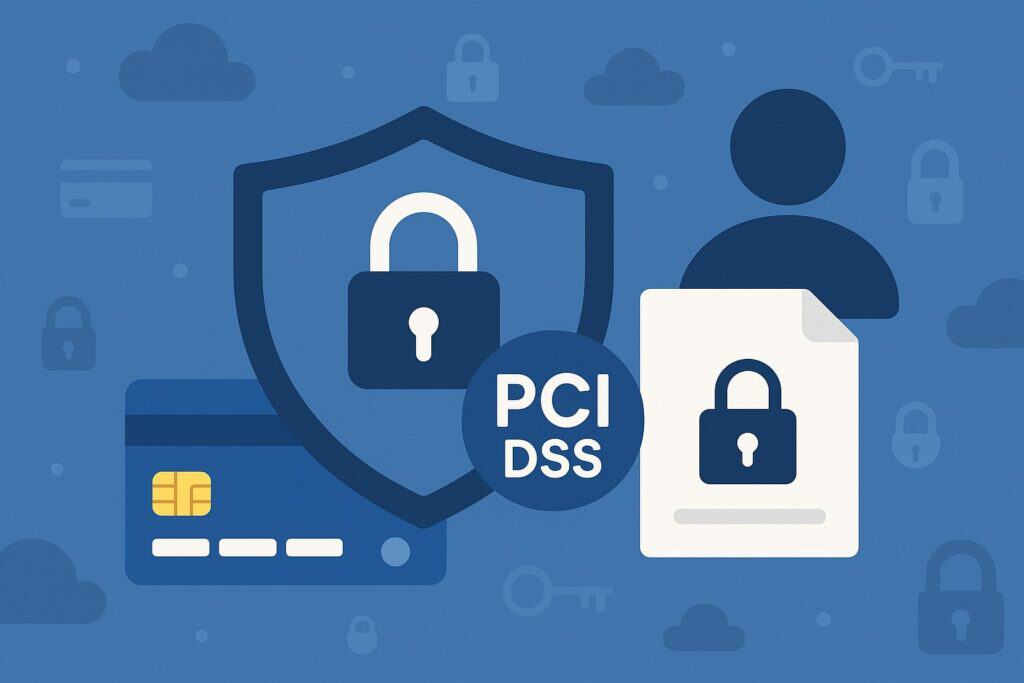
Cardholder data deserves the highest protection. The best practices for running restaurant operations on cloud software demand end-to-end encryption (E2EE) from card reader to processor and tokenization so your systems never store raw card numbers.
Work only with PCI DSS-validated service providers and keep your own PCI scope minimal by using approved P2PE devices. Train staff to recognize skimmers, and lock down terminals physically.
For card-not-present channels, enable 3-D Secure, CVV checks, AVS, and anomaly alerts to reduce fraud. Require unique server logins for comps, voids, and returns so you can trace misuse.
Privacy goes beyond payments. Store loyalty data, emails, and phone numbers securely with role-based access and audit trails. Honor unsubscribe requests and maintain clear consent logs for SMS and email campaigns.
If you operate in multiple jurisdictions, align with local privacy laws and retention policies. Use masked IDs in analytics when possible. These are non-negotiable best practices for running restaurant operations on cloud software that protect guests and protect your brand.
Building a Single Source of Truth: Data, Integrations, and APIs
Restaurants generate fragmented data: POS checks, kitchen tickets, delivery orders, reservation notes, loyalty activity, inventory receipts, invoice PDFs, and labor punches. The best practices for running restaurant operations on cloud software insist on one authoritative dataset.
Start by standardizing menu items, modifiers, and SKUs across locations. Use a master product catalog that pushes changes to every channel—dine-in, takeout, delivery marketplaces, kiosk, and catering. Adopt unique IDs for each item and recipe to align POS, inventory, and online menus.
Open integrations are key. Your cloud platform should expose APIs and webhooks for orders created, checks paid, items 86’d, and shifts published. Connect accounting software for daily sales summaries and automated journal entries.
Sync vendor invoices through an accounts payable tool so invoice costs flow into recipe costs without manual entry. Stream POS data to a business intelligence (BI) tool for dashboards that support pricing decisions and menu engineering.
By unifying data flows, you implement the best practices for running restaurant operations on cloud software that turn daily operations into a continuously improving system.
Practical Integration Map for a Modern Restaurant
A practical integration map begins with the POS at the core. Attach KDS and printers for the kitchen, online ordering for first-party web, and marketplace integrators for third-party platforms. Add a waitlist/reservations tool that shares guest profiles and visit history.
Connect loyalty and gift card systems that use the same customer ID. Pair inventory/recipe management with vendor catalogs and EDI to automate price updates. For the workforce, integrate scheduling with payroll and timekeeping to avoid re-keying hours.
For finance, feed daily sales, tips, taxes, and tenders into accounting with location, revenue center, and service type dimensions. Build a data pipeline into a warehouse or lakehouse so advanced analytics can correlate weather, events, and channel mix with sales.
Set up alerting rules: if food cost spikes, if voids exceed a threshold, or if delivery SLA is missed. This integrated design expresses the best practices for running restaurant operations on cloud software because it keeps every system in sync while giving leadership a single place to ask questions and get answers.
Optimizing Day-to-Day Front-of-House and Back-of-House on the Cloud
A smooth shift comes from predictable steps and automation. The best practices for running restaurant operations on cloud software focus on opening checklists in a cloud task manager, prep lists generated from forecasts, and real-time 86ing that syncs to online menus.
Front-of-house teams use table management dashboards to control pacing, quote accurate wait times, and text guests when ready. Back-of-house uses KDS screens with station-level routing and cook times that auto-sequence tickets for simultaneous plate landings.
Use dynamic throttling for online orders to prevent the kitchen from getting overwhelmed. Enable auto-firing courses based on seat timing or expo actions. Configure auto-gratuity, service charges, and tax rules centrally so no terminal drifts out of policy.
Implement templated comps/voids with manager approval thresholds and require reason codes to preserve data quality. These day-to-day steps are the best practices for running restaurant operations on cloud software that keep revenue steady and guest satisfaction high.
Menu Engineering, Dynamic Pricing, and 86ing with Data
Menu engineering belongs in the cloud because it relies on clean sales and cost data. The best practices for running restaurant operations on cloud software include tagging items as Stars, Puzzles, Plow-horses, or Dogs based on margin and popularity.
Adjust placement, descriptions, and modifiers to shift mix toward higher-margin plates. Push price changes at once to all locations and channels, then monitor contribution margin by daypart. Use A/B tests on descriptions or photos in your online menu to learn what triggers better conversions.
Real-time 86ing prevents disappointment and chargebacks. Tie inventory depletions to POS sales so an item is removed from online menus when par is hit. Add predictive 86ing rules during peak periods to stop overselling.
For events and holidays, apply dynamic pricing or special menus with limited availability. Track refund reasons and remake counts to find prep bottlenecks or training needs. Together, these are sharp best practices for running restaurant operations on cloud software that protect margin while elevating guest experience.
Labor, Scheduling, and Workforce Management in the Cloud
Labor is your largest controllable cost, and the cloud gives you visibility to manage it hour by hour. The best practices for running restaurant operations on cloud software start with accurate forecasts: use historical sales by 15-minute intervals combined with reservations, weather, and local events to build staffing plans.
Create labor templates per daypart and role. Auto-suggest schedules that hit target labor % and compliance rules, then let managers adjust for known constraints. Publish schedules with mobile apps, and enable shift swaps that respect skill and certification requirements.
Use geofenced clock-ins with photo or PIN verification to reduce time theft. Tie task lists to roles and shifts so side work gets done consistently. Track productive vs. non-productive hours, overtime warnings, and meals/rest compliance in real time.
When the forecast changes, re-optimize staffing and notify employees instantly. These best practices for running restaurant operations on cloud software keep labor aligned with demand without burning out your team.
Playbooks for Multi-Location Labor Optimization
Multi-unit operators need consistency and flexibility. Build a labor playbook that sets standards for labor targets by revenue bands, role ratios, and seasonality.
The best practices for running restaurant operations on cloud software recommend a central forecast model that accounts for local comps and events, but allows store-level manager overrides with reason codes. Use cross-location labor pools for nearby stores and track transfer labor for accurate P&L.
Create a performance dashboard showing sales per labor hour (SPLH), covers per labor hour, ticket times, and guest sentiment by location. Highlight outliers and auto-assign coaching tasks.
Standardize onboarding and training content in a learning management system connected to roles. Pay special attention to tip pooling rules; use a compliant, automated solution that integrates with payroll to avoid errors.
This playbook approach is a hallmark of the best practices for running restaurant operations on cloud software because it scales culture, not just schedules.
Inventory, Procurement, and Cost Control with Real-Time Analytics
Food cost control happens every day, not just at inventory counts. The best practices for running restaurant operations on cloud software connect purchase orders, invoice capture, recipe yields, and theoretical usage.
When invoices land, prices update automatically in your recipes, so you see the true contribution margin by item and daypart. Use perpetual inventory for high-value items, with variance alerts when actual usage exceeds theoretical.
Conduct frequent cycle counts on tight SKUs and weekly full counts for the rest, using mobile scanners to speed the process.
Automate ordering with vendor parts and lead times. Create substitutions and secondary vendors before a shortage strikes. Track waste with reasons (spoilage, over-prep, training) and tie it to prep guides. Visualize food cost against sales mix daily, not monthly.
By moving these steps into the cloud, you embed the best practices for running restaurant operations on cloud software that keep the cost of goods stable even when markets are volatile.
Forecasting, Waste Reduction, and Vendor Management
Forecasting must be granular to be useful. Build item-level forecasts that roll up into batch prep and purchase needs. The best practices for running restaurant operations on cloud software include weather, school schedules, concerts, and sports events in your demand model.
Translate forecasts into smart prep lists that match station capacity. Track waste by station and recipe to pinpoint training issues. Use portion controls, calibrated scales, and batch tags with make/expire times to maintain consistency.
Vendor management improves when everything is digital. Compare vendors on price, fill rate, and on-time delivery. Flag contract price variances automatically. Store allergen and nutrition data at the ingredient level so menu labels are accurate across channels.
Maintain recall readiness with lot tracking for at-risk products. This complete picture demonstrates the best practices for running restaurant operations on cloud software because it connects forecasting, purchasing, and prep in one continuous loop.
FAQs
Q.1: What is the best way to migrate a restaurant to cloud software?
Answer: Successful migration starts with a phased plan and clean data. First, audit your current tools and map every workflow—dine-in, takeout, delivery, catering, inventory, payroll, and accounting.
Choose a cloud platform that covers 80–90% of needs natively and supports open APIs for the rest. The best practices for running restaurant operations on cloud software recommend building a master product catalog with standardized item names, IDs, modifiers, taxes, and service charges.
Migrate this catalog first, then connect labor, loyalty, and online ordering. Run the new system in parallel for one or two slow shifts to validate pricing, taxes, and tipping. Train staff in short, role-based sessions with checklists and quick videos.
Schedule go-live early in the week, and keep vendor contacts on speed dial. After launch, monitor KPIs—ticket times, voids, comps, and errors—and adjust quickly. With this approach, the migration is controlled, measurable, and aligned with best practices for running restaurant operations on cloud software.
Q.2: How does cloud POS differ from legacy POS for restaurants?
Answer: Legacy POS systems rely on local servers and manual upgrades; cloud POS runs in secure data centers with automatic updates. That shift changes everything. You gain access from any device, real-time multi-location controls, and easier integrations for online ordering, delivery, loyalty, and accounting.
Offline mode still takes payments and prints tickets when the internet fails, then syncs later. Cloud POS also supports a single product catalog across locations, so price or menu changes go live everywhere at once.
The best practices for running restaurant operations on cloud software also emphasize analytics: cloud systems surface labor %, food cost, ticket times, and channel mix by the hour. Security improves with E2EE, tokenization, SSO, and granular permissions.
For operators, the difference is operational agility—faster menu updates, better forecasting, cleaner data, and less maintenance—exactly why best practices for running restaurant operations on cloud software center on cloud-native architecture.
Q.3: What KPIs should I track daily in a cloud restaurant operation?
Answer: Daily focus prevents end-of-month surprises. The best practices for running restaurant operations on cloud software recommend tracking sales by channel, average check, covers, sales per labor hour (SPLH), labor %, food cost %, voids/discounts, ticket times, delivery SLAs, and guest sentiment from reviews or surveys.
Watch contribution margin by item and daypart to see how mix shifts affect profit. Monitor waste by reason and inventory variance on key SKUs. Use alerts for overtime risk, sudden spikes in comps, unusual refund patterns, or marketplace outages.
Keep a daily dashboard that managers review at close, with notes on what to repeat or change tomorrow. When these KPIs live in one cloud platform, they drive faster action and embed the best practices for running restaurant operations on cloud software into your rhythms.
Conclusion
Modern hospitality thrives when the back office and the line move as one. The best practices for running restaurant operations on cloud software align people, processes, and platforms around a single source of truth. Secure identity, encrypted payments, and reliable offline modes protect the shift.
Centralized menus, open APIs, and real-time 86ing synchronize channels. Data-driven labor, menu engineering, forecasting, and vendor management stabilize margins.
By standardizing your stack, documenting runbooks, and training in small, role-based bursts, you create an operation that is predictable on busy nights and resilient during surprises.
Commit to these best practices for running restaurant operations on cloud software, and you’ll serve hotter food, happier teams, and healthier P&Ls—across every location you open next.