
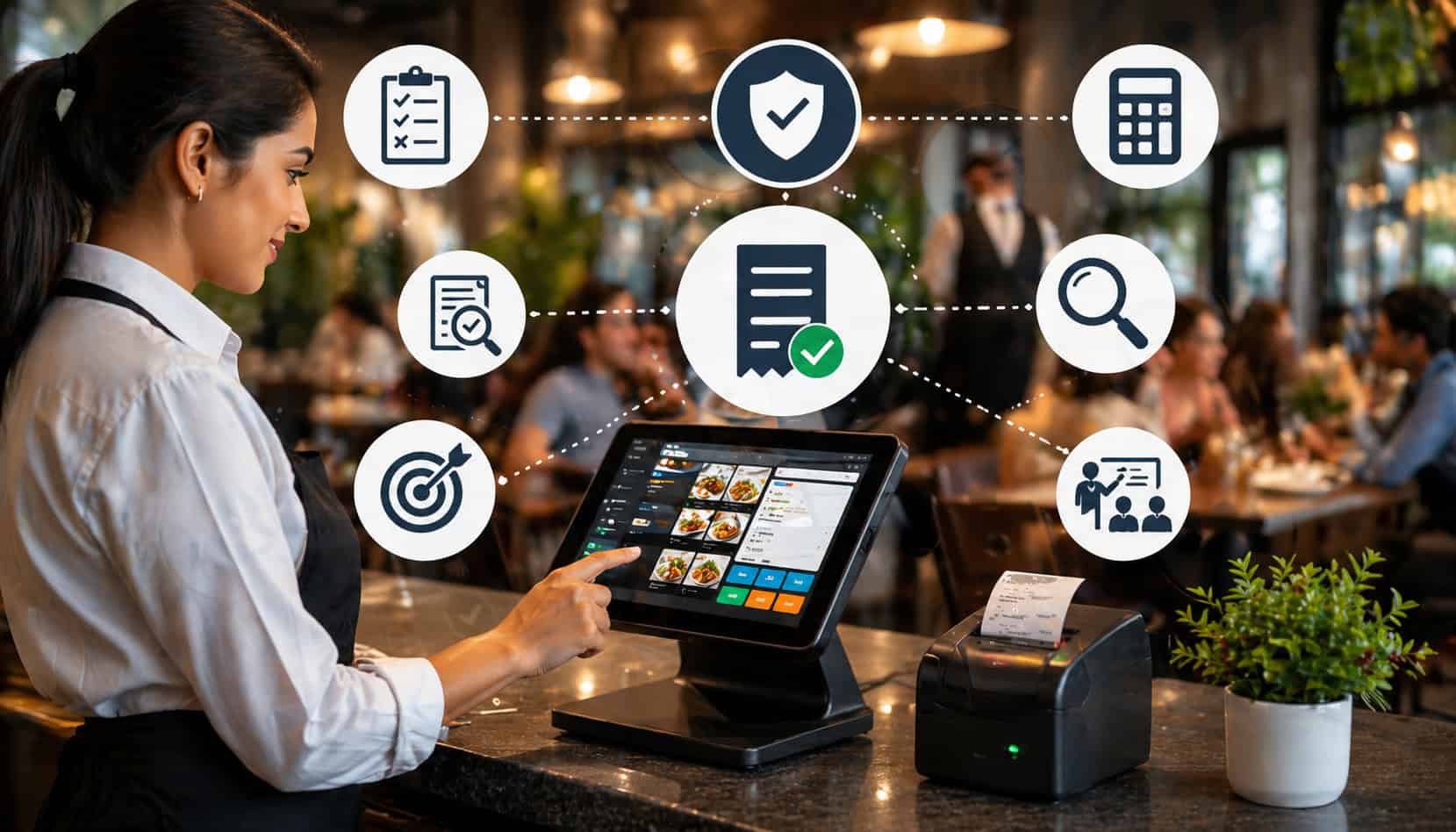
Billing accuracy is one of the quiet foundations of a well-run restaurant. Guests may remember the food, service, and atmosphere first, but the final check often shapes their last impression. A wrong price, missing discount, duplicate item, incorrect tax, or tip error can quickly turn a positive meal into a frustrating experience.
For restaurant owners, managers, cashiers, servers, and food service operators, billing mistakes do more than inconvenience guests. They create refunds, disputes, revenue leakage, staff stress, reconciliation problems, and avoidable manager involvement during already busy shifts.
The good news is that restaurants can reduce billing errors in restaurants by combining better systems, clearer workflows, and consistent staff habits. Accurate menus, well-configured POS settings, trained employees, careful receipt review, and disciplined end-of-day reconciliation all work together to protect revenue and improve trust.
This guide explains practical restaurant billing errors solutions you can apply across dine-in, takeout, delivery, catering, counter service, and multi-location operations.
What Are Restaurant Billing Errors?
Restaurant billing errors are mistakes that happen between the time a guest places an order and the time payment is completed, recorded, refunded, adjusted, or reconciled. These errors can happen at the table, counter, bar, drive-through, kiosk, online checkout, delivery platform, or back office.
Some billing errors are obvious, such as charging a guest twice for the same entrée. Others are harder to spot, such as a modifier that adds the wrong price, a discount applied before tax when it should apply after tax, or a tip adjustment that does not match the signed receipt.
Common restaurant billing errors include:
- Incorrect menu prices
- Missing items on a guest check
- Duplicate charges
- Wrong quantities
- Incorrect modifiers or add-ons
- Missing discounts or incorrect discount amounts
- Tax calculation errors
- Service charge or gratuity mistakes
- Tip errors
- Payment mismatches
- Split bill errors
- Wrong tender type recorded
- Voids and refunds entered incorrectly
- Online order pricing mismatches
- Delivery fee or packaging fee mistakes
- Order-to-check discrepancies
A billing error can start with a simple order entry mistake. For example, a server may tap the wrong item on the POS screen, forget to add a modifier, or accidentally send a duplicate drink order. The kitchen may prepare the right food, but the check may still be wrong.
Other errors come from restaurant billing system errors, such as outdated menu pricing, incorrect tax settings, broken integrations, poorly configured automatic gratuity, or inconsistent pricing across dine-in and online ordering channels.
Why Billing Errors Hurt Restaurant Operations
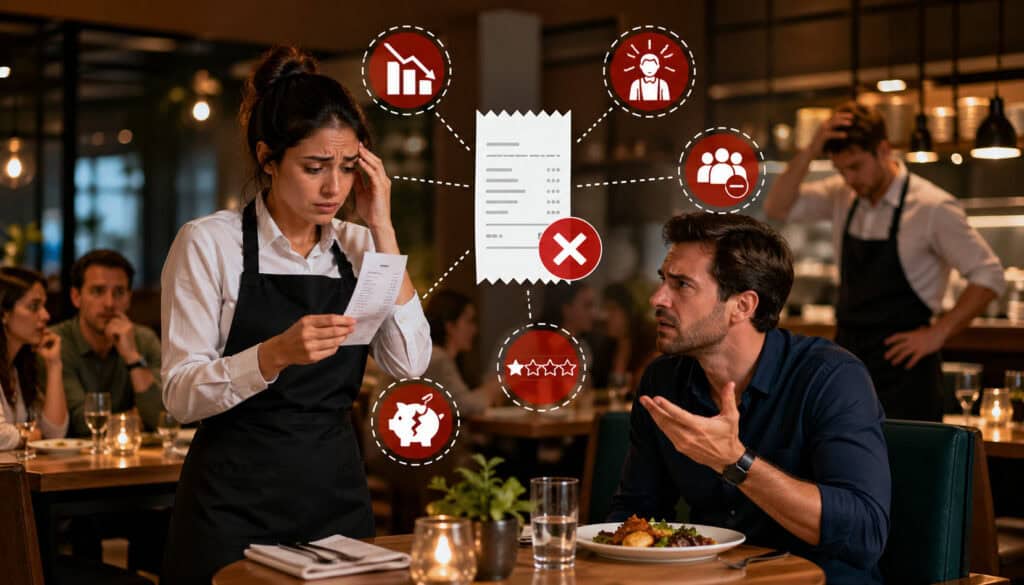
Billing mistakes affect nearly every part of restaurant operations. A small error at checkout can create a chain reaction that touches guest satisfaction, staff productivity, revenue reporting, cash reconciliation, accounting, and payment dispute management.
From the guest’s point of view, a wrong bill feels careless. Even if the mistake is unintentional, the guest may question whether they were overcharged. That doubt can damage trust, especially when the issue involves tips, taxes, discounts, or duplicate payments.
Billing errors can also slow service. When a guest disputes a check, the server may need to find a manager, review the order history, void an item, reprint the check, adjust payment, or issue a refund. During peak hours, this pulls attention away from other guests and increases pressure on the floor.
For managers, billing mistakes create avoidable interruptions. Instead of coaching staff, monitoring service, or supporting the kitchen, managers may spend time investigating split checks, refund requests, missing payments, or incorrect closeout totals.
Operationally, billing mistakes can affect:
- Guest experience and repeat visits
- Online reviews and word-of-mouth
- Server confidence and morale
- Cash drawer accuracy
- Tip reporting
- Sales reporting
- Tax reporting
- Inventory tracking
- Refund and void analysis
- Chargeback exposure
- Accounting accuracy
- Manager workload
Restaurant payment processing also becomes more difficult when POS totals, card batch totals, gift card redemptions, cash collections, and third-party delivery deposits do not match. Even small differences can take time to investigate.
Accurate billing also supports better decision-making. If your checks contain pricing errors, incorrect discounts, or missing items, your reports may mislead you. You may think a menu item is underperforming when it was simply mispriced, or you may underestimate discount usage because staff applied the wrong codes.
Common Causes of Restaurant Billing Errors
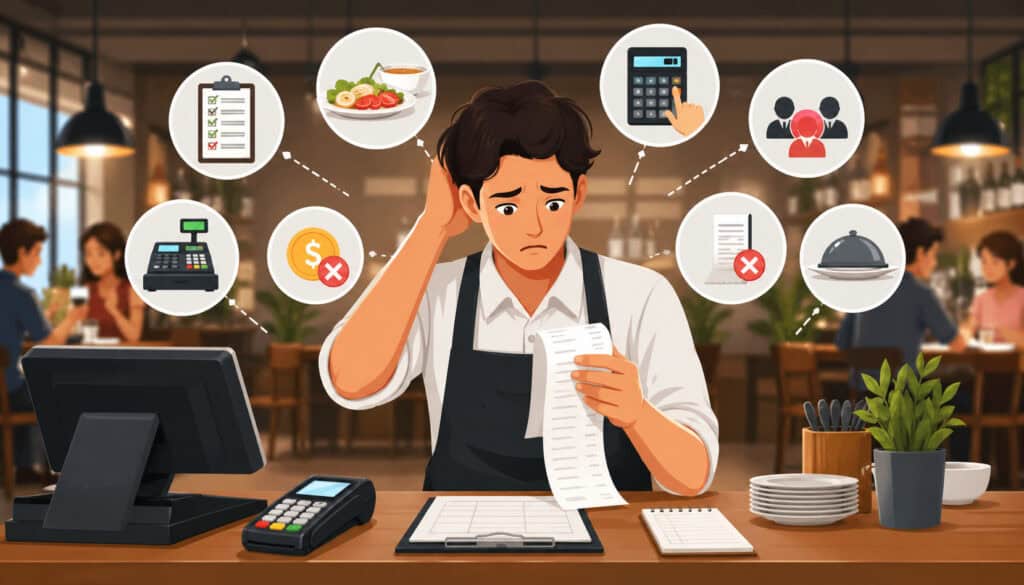
Most billing mistakes are not caused by one careless employee. They usually happen because the restaurant’s systems, menu setup, staff training, and payment workflows are not aligned.
Manual entry is one of the biggest causes. When staff must type custom prices, manually calculate discounts, remember tax rules, or transfer items by memory, errors become more likely. The faster the shift moves, the more risky manual steps become.
Outdated menus also cause problems. If the printed menu, digital menu, POS menu, online ordering menu, delivery app menu, and specials board do not match, guests may see one price while the POS charges another. This is one of the most common menu pricing errors restaurants face.
Poor POS setup is another major issue. Too many buttons, confusing item names, unclear modifier groups, missing required prompts, and unrestricted discounts can all lead to billing mistakes. A restaurant POS billing workflow should make the correct action easy and the incorrect action harder.
Rushed service also contributes. During a busy lunch rush, late-night bar service, or large party checkout, staff may skip receipt review, forget to separate items, or apply tips incorrectly.
Here is a practical overview of common errors and prevention strategies:
| Billing Error | Common Cause | Prevention Strategy |
| Wrong menu price | POS menu not updated after price change | Schedule weekly menu audits and assign one owner |
| Duplicate item | Server taps item twice or forgets order was already entered | Use order review before sending and before payment |
| Missing modifier charge | Modifier not required or not priced correctly | Standardize modifier groups and test common orders |
| Split bill error | Items transferred to wrong guest | Train staff on item-level splitting and review checks with guests |
| Incorrect discount | Staff selects wrong promo or applies discount manually | Use permission controls and clear discount rules |
| Tax calculation error | Wrong tax category or service charge setup | Review tax settings when menus, fees, or service types change |
| Tip error | Tip entered incorrectly after payment | Require tip verification during closeout |
| Refund mismatch | Refund not documented or processed in wrong system | Use refund reason codes and daily refund reports |
For a deeper look at POS configuration, this guide on a POS setup checklist for new restaurants is useful when building or reviewing your system.
Outdated Menu Prices in the POS
Outdated menu prices are one of the easiest billing problems to overlook. Restaurants change prices for many valid reasons: ingredient costs increase, seasonal items rotate, limited-time offers launch, portion sizes change, combo meals get updated, or delivery pricing differs from dine-in pricing.
If those changes are not updated everywhere, billing errors appear quickly. A guest may order from a printed menu showing one price, while the POS charges a higher price. Or an online ordering platform may show an old lunch special that staff no longer recognize.
Modifier pricing creates another layer of risk. Extra cheese, gluten-free crust, premium sides, substitute proteins, sauces, toppings, milk alternatives, and add-ons often have separate prices. If those modifiers are missing, duplicated, or priced inconsistently, the final check may be wrong even when the main item is correct.
The best way to prevent billing errors restaurant teams face from outdated pricing is to create a single menu update workflow. Assign responsibility to one manager or small group, document every price change, and test common order combinations after each update.
Split Check and Group Payment Mistakes
Split bill errors are common because group dining creates complexity. One table may have shared appetizers, individual entrées, multiple rounds of drinks, separate desserts, gift cards, loyalty rewards, and several payment methods.
Mistakes happen when staff transfer items to the wrong seat, divide shared items incorrectly, apply gratuity inconsistently, or forget which guest paid which portion. Large parties can make this even harder because guests may change seats, order for each other, or request separate checks at the end instead of the beginning.
Multiple payment methods add another challenge. A guest may pay part in cash, part by card, and part with a gift card. Another guest may want to cover appetizers for the group. If the POS workflow is confusing, the cashier may record payment incorrectly even if the total collected is right.
To avoid billing mistakes in restaurants during group checkout, staff should ask early whether checks will be separate, use seat numbers consistently, and review item assignments before payment begins. The POS should support item-level splitting, equal splitting, partial payments, and clear receipts.
Discount, Tax, and Tip Errors
Discount, tax, and tip errors can create serious guest frustration because they affect the final amount paid. These errors may also create accounting and reconciliation problems after the guest has left.
Discount mistakes happen when staff apply the wrong promotion, stack discounts that should not be combined, forget to apply a valid coupon, or manually override a price without approval. If discount buttons are unclear, staff may choose the closest option rather than the correct one.
Tax calculation errors can happen when items are assigned to the wrong tax category, service types are configured incorrectly, or fees are treated inconsistently. Dine-in, takeout, delivery, catering, alcohol, bottled beverages, service charges, and third-party orders may have different rules depending on how the restaurant operates.
Tip errors often happen after authorization, especially when handwritten tips are entered later. A misread number, misplaced decimal, or wrong check can create a dispute. Automatic gratuity can also cause confusion if guests do not understand it or if staff apply it inconsistently.
To protect restaurant billing accuracy, restrict discount permissions, review tax settings regularly, use clear service charge labels, and verify tip entries before closing batches.
How to Reduce Billing Errors in Restaurants Step by Step
The best way to reduce billing errors in restaurants is to create a repeatable process that removes guesswork. You need accurate POS data, trained staff, clear controls, and daily review habits.
Start with the POS. Your menu items, modifiers, prices, discounts, taxes, fees, service charges, gratuity rules, and payment settings should be configured carefully. A modern restaurant POS billing setup should reduce manual entry and guide employees through the correct steps.
Next, audit the menu. Compare your POS menu against printed menus, QR menus, delivery menus, online ordering pages, catering menus, specials boards, and promotional materials. Check not only item prices but also modifier prices, combo pricing, add-ons, taxes, and availability.
Train staff on the full billing workflow. Servers, bartenders, hosts, cashiers, shift leads, and managers should understand how to enter orders, adjust items, split checks, apply discounts, process refunds, handle tips, and answer guest questions.
Then, add a review step before payment. Staff should review checks for item names, quantities, seat numbers, modifiers, discounts, taxes, service charges, and gratuity. This small habit catches many errors before they become disputes.
Finally, reconcile daily. Compare POS sales, cash drawers, payment batches, refunds, voids, discounts, tips, gift cards, and delivery deposits. Billing dispute prevention is much easier when issues are caught the same day.
Step 1: Keep Menu Pricing Updated
Menu pricing should never depend on memory. Create a consistent process for updating prices, modifiers, combos, specials, taxes, service charges, and online ordering channels.
Start by deciding who can request price changes and who can approve them. For example, a chef may recommend price changes based on ingredient costs, but a manager or owner should approve the final update. This avoids random changes made during busy shifts.
Use a menu change log. Record the item name, old price, new price, reason for change, approval date, update date, and channels affected. Channels may include dine-in POS, printed menu, QR menu, website ordering, delivery apps, kiosks, catering menus, and digital boards.
After updates, test real order scenarios. Do not only check the base item. Test modifiers, combos, substitutions, taxes, discounts, service fees, and receipts. For example, if a burger price changes, test extra cheese, side upgrades, lunch combo pricing, and online pickup pricing.
Step 2: Train Staff on Billing Workflows
Staff training is one of the most effective restaurant billing errors solutions because many mistakes happen during normal service. Employees need to know not only what buttons to press, but why each step matters.
Servers should be trained on order entry, seat numbers, modifiers, coursing, item transfers, split checks, guest check review, discounts, and service charges. Cashiers should understand tender types, partial payments, gift cards, loyalty rewards, receipts, refunds, and cash drawer closeout.
Managers should be trained on void approvals, refund documentation, discount controls, tax setup, tip adjustments, reporting, and dispute handling. Hosts may also need training if they manage takeout orders, online order pickup, deposits, or reservations with prepaid charges.
Training should include real examples. Walk staff through common scenarios:
- A guest changes an entrée after the kitchen receives it
- A table wants separate checks after shared appetizers
- A discount code does not work
- A guest says the menu price is different
- A card payment is approved but the receipt does not print
- A tip appears to be entered incorrectly
- A refund is requested after closeout
Step 3: Review Checks Before Payment
Check review is one of the simplest ways to prevent billing errors restaurant teams experience during service. It takes only a short moment, but it can catch wrong items, duplicate items, missing modifiers, incorrect discounts, and split-check mistakes before payment.
A good check review includes:
- Item names
- Item quantities
- Seat assignments
- Modifiers and add-ons
- Removed or voided items
- Discounts
- Taxes
- Service charges
- Automatic gratuity
- Payment method
- Guest name or order number for takeout
For dine-in service, servers can review the check before placing it on the table. For counter service, cashiers can confirm the order summary before taking payment. For online orders, the system should show itemized details before checkout.
This step is especially important for customized orders. Guests may request substitutions, allergies, special preparation, extra toppings, or removed ingredients. If those details are not reflected correctly, the kitchen may prepare the order correctly while the bill remains wrong.
How POS Systems Help Prevent Billing Errors
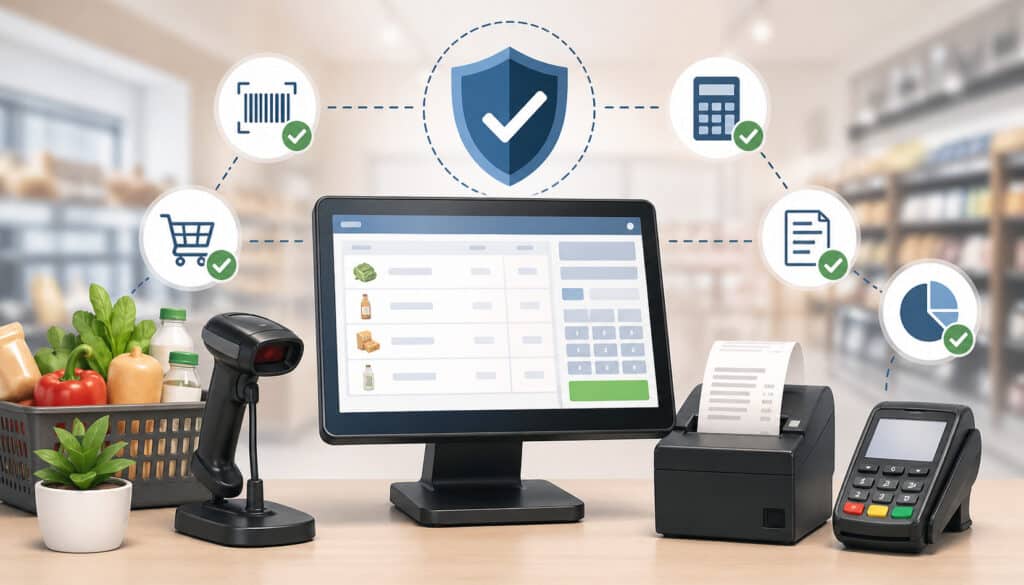
A well-configured POS system can significantly improve restaurant billing accuracy. It does this by reducing manual entry, standardizing pricing, automating calculations, tracking payments, and creating a clear record of every transaction.
Digital order entry helps staff select the correct items and modifiers instead of writing orders by hand or entering open-price items. Required modifiers can prevent incomplete orders, while preset options reduce confusion.
Automatic tax calculation can reduce tax calculation errors when categories are configured correctly. This is especially important for restaurants with multiple service types, such as dine-in, takeout, delivery, catering, events, or alcohol service.
POS systems also support permission controls. Managers can restrict who can issue refunds, void items, change prices, apply discounts, edit tips, or adjust tax settings. These controls help prevent accidental changes and reduce misuse.
Payment tracking is another major benefit. Integrated restaurant payment processing connects the check, tender type, authorization, tip, receipt, refund, and batch record. This reduces the chance of payment mismatch and makes reconciliation easier.
Split check features can also help staff divide items, split payments, transfer checks, and print itemized receipts. For restaurants with large parties, bars, private events, or shared plates, this is essential.
For more background on practical POS capabilities, this article on key POS features restaurants actually need can help operators evaluate which tools matter most.
Use Itemized Receipts and Clear Order Details
Itemized receipts are a simple but powerful billing dispute prevention tool. When guests can clearly see what they ordered, what each item cost, what discounts were applied, how tax was calculated, and how gratuity was handled, confusion drops.
A vague receipt creates uncertainty. For example, a receipt that only shows “Food,” “Beverage,” and “Tax” may be difficult for a guest to verify. An itemized receipt gives both the guest and staff a shared reference.
Clear receipts should include:
- Restaurant name and location
- Date and time
- Server or terminal ID
- Item names
- Modifiers and add-ons
- Quantities
- Discounts
- Taxes
- Fees or service charges
- Tips or gratuity
- Payment method
- Refund or adjustment details when applicable
For takeout and delivery, receipts also help confirm order accuracy. If a guest reports a missing item, staff can compare the receipt, kitchen ticket, and POS history.
Set Permissions for Voids, Refunds, and Discounts
Permission settings are essential for reducing billing errors and protecting revenue. Not every employee should be able to change prices, issue refunds, delete items, apply open discounts, edit tax settings, or adjust tips.
Role-based access helps each staff member do their job without exposing the business to unnecessary risk. A server may need to split checks and apply approved discounts, while only managers can approve voids over a certain amount. A cashier may process payments, but not change menu prices.
Useful permission controls include:
- Manager approval for refunds
- Manager approval for large voids
- Limits on open-dollar discounts
- Restricted access to tax settings
- Restricted access to menu pricing
- Tip adjustment controls
- User-specific login credentials
- Audit logs for sensitive actions
These controls also make reporting more useful. If every employee shares one login, it is difficult to know who made a change. Unique logins create accountability and make coaching easier.
For payment-related controls, the guide on secure payment processing in restaurant POS systems offers helpful context on access, refunds, voids, and payment security.
Best Practices for Restaurant Billing Accuracy
Restaurant billing accuracy improves when daily habits are consistent. Technology helps, but the strongest results come from combining systems with clear routines.
Start with daily POS audits. Managers should review voids, refunds, discounts, open checks, unpaid checks, tax exceptions, tip adjustments, and payment mismatches. These reports help identify errors before they repeat.
Standardize modifiers. Avoid creating multiple versions of the same modifier, such as “Add Cheese,” “Extra Cheese,” and “Cheese Add-On,” unless each has a specific purpose. Duplicate modifier names confuse staff and distort reporting.
Create clear discount rules. Staff should know which promotions are active, who qualifies, whether discounts can be combined, and whether manager approval is required. Expired promotions should be removed from the POS.
Use cashier closing checklists. At the end of a shift, cashiers should verify cash, card totals, gift cards, refunds, voids, tips, and receipts. Managers should review exceptions before final closeout.
Test receipts regularly. Print sample receipts for dine-in, takeout, delivery, split checks, discounts, gratuity, refunds, and gift card payments. Look for confusing labels, missing details, or incorrect totals.
Refresh staff training. Billing workflows should be reviewed after menu changes, POS updates, new promotions, tax changes, staffing changes, and seasonal rushes.
Preventing Billing Errors Across Online Orders and Delivery Channels
Online ordering and delivery channels create more opportunities for billing mistakes because menu data must stay consistent across multiple platforms. A restaurant may have prices in the POS, website ordering system, delivery apps, QR menu, loyalty platform, catering system, and third-party marketplace dashboards.
If these systems are not synced, guests may see outdated prices, unavailable items, incorrect modifiers, missing fees, invalid promo codes, or confusing receipts. Staff may then have to explain why the online total does not match the in-store system.
To avoid billing mistakes in restaurants with online channels, keep pricing, taxes, fees, and menu availability aligned. If dine-in and delivery prices differ, make sure the difference is intentional and clearly reflected in the right channel.
Important items to review include:
- Base menu prices
- Modifier prices
- Combo pricing
- Delivery fees
- Packaging fees
- Service charges
- Taxes
- Promo codes
- Loyalty rewards
- Menu availability
- Item descriptions
- Order minimums
- Refund workflows
- Customer receipts
Integrations can help reduce manual re-entry. When online orders flow into the POS automatically, staff are less likely to mistype items or miss modifiers. However, integrations still need testing and monitoring.
This article on restaurant POS integration with online ordering is a useful resource for understanding how connected systems can reduce re-entry and menu mismatch problems.
Common Billing Mistakes to Avoid
Some billing mistakes are predictable. Once you know the patterns, you can design workflows to prevent them.
One common mistake is relying on custom prices. Open-price buttons may be useful in rare cases, but frequent manual pricing creates inconsistency. Staff may forget the correct amount, enter the wrong price, or use custom pricing to bypass menu setup problems.
Another mistake is skipping receipt review. During rushes, staff may assume the check is correct and take payment quickly. This saves seconds in the moment but can cost much more time if the guest disputes the charge.
Using outdated tax settings is also risky. Tax categories should be reviewed when new menu items, fees, service charges, or ordering channels are added. Do not assume old settings still apply.
Allowing too many employees to issue discounts creates another problem. Discounts should be easy enough for staff to apply when valid, but controlled enough to prevent mistakes and misuse.
Restaurants should also avoid ignoring refunds. Refunds should be documented with reason codes, guest details when appropriate, original transaction references, and manager approval when needed.
Other mistakes to avoid include:
- Failing to test split checks
- Leaving expired promos active
- Creating duplicate menu items
- Not syncing online menus
- Using shared employee logins
- Forgetting to review tip adjustments
- Not reconciling payments daily
- Letting old menu buttons remain visible
- Training only managers on billing workflows
- Not documenting guest disputes
How to Handle Billing Disputes Professionally
Even with strong systems, billing disputes can still happen. The goal is to respond calmly, verify facts quickly, correct valid mistakes, and learn from the issue.
When a guest reports a billing problem, start by listening without becoming defensive. A guest who believes they were overcharged may already feel frustrated. A calm response helps prevent escalation.
Next, review the receipt and POS history. Check item details, quantities, discounts, taxes, gratuity, payment records, voids, refunds, and tip adjustments. If the issue involves online ordering or delivery, compare the order confirmation, POS ticket, payment record, and delivery platform details.
If the restaurant made a mistake, correct it quickly. Depending on the issue, that may mean reprinting the check, voiding an item, issuing a refund, adjusting a tip, or documenting a payment correction.
If the charge is correct, explain it clearly. For example, a guest may not realize automatic gratuity was applied to a large party, or that a modifier had an extra charge. The explanation should be respectful and supported by the receipt.
Document the dispute. Record the date, order number, issue, staff involved, resolution, refund amount if any, and follow-up action. This helps identify patterns.
Finally, use disputes as training opportunities. If several guests question the same fee, label, price, or discount, the problem may be communication rather than staff performance.
FAQs
What causes billing errors in restaurants?
Billing errors in restaurants are often caused by outdated menu prices, manual order entry, poor POS setup, unclear modifiers, rushed service, split check confusion, discount mistakes, tax setting issues, tip entry errors, and weak reconciliation processes.
How can restaurants reduce billing mistakes?
Restaurants can reduce billing mistakes by keeping POS menus updated, training staff on billing workflows, reviewing checks before payment, using itemized receipts, restricting discounts and refunds, testing split checks, auditing reports, and reconciling payments daily.
Can a POS system prevent billing errors?
A POS system can prevent many billing errors when it is configured properly. Useful features include digital order entry, required modifiers, automatic tax calculation, split check tools, itemized receipts, role-based permissions, payment tracking, refund logs, and reporting.
How do restaurants avoid split check mistakes?
Restaurants can avoid split check mistakes by using seat numbers, asking about separate checks early, assigning shared items clearly, training staff on item transfers, testing split payment workflows, and reviewing each guest check before payment.
Why do menu price errors happen?
Menu price errors happen when price changes are not updated across every ordering channel. A restaurant may update the printed menu but forget the POS, online ordering system, delivery apps, QR menu, modifier prices, combo pricing, or specials.
How often should restaurants audit their POS menu?
Restaurants should review high-volume items frequently and complete a full POS menu audit on a regular schedule. Audits should also happen after price changes, new specials, seasonal updates, tax changes, delivery platform updates, or POS software changes.
How should restaurants handle billing disputes?
Restaurants should handle billing disputes by listening calmly, reviewing the receipt and POS history, checking payment records, correcting valid mistakes quickly, documenting the resolution, and using the issue to improve billing workflows.
What reports help identify billing errors?
Useful reports include void reports, refund reports, discount reports, open check reports, tax reports, tip adjustment reports, payment batch reports, cash drawer reports, item sales reports, modifier reports, and online order reconciliation reports.
Conclusion
Restaurants can reduce billing errors in restaurants by building accuracy into every step of the checkout process. Accurate POS menus, updated pricing, clear modifiers, trained staff, check review, permission controls, synced ordering channels, itemized receipts, and daily reconciliation all work together to reduce mistakes.
Billing accuracy protects revenue, improves customer trust, lowers dispute risk, reduces staff stress, and helps managers run smoother shifts. It also gives owners and operators cleaner data for pricing, staffing, accounting, and operational decisions.
The most successful approach is not one big fix. It is a steady routine: keep menus current, train the team, review checks, control sensitive actions, reconcile payments, and learn from every dispute. When billing is accurate, guests leave with confidence—and your team can focus on delivering a better dining experience.