
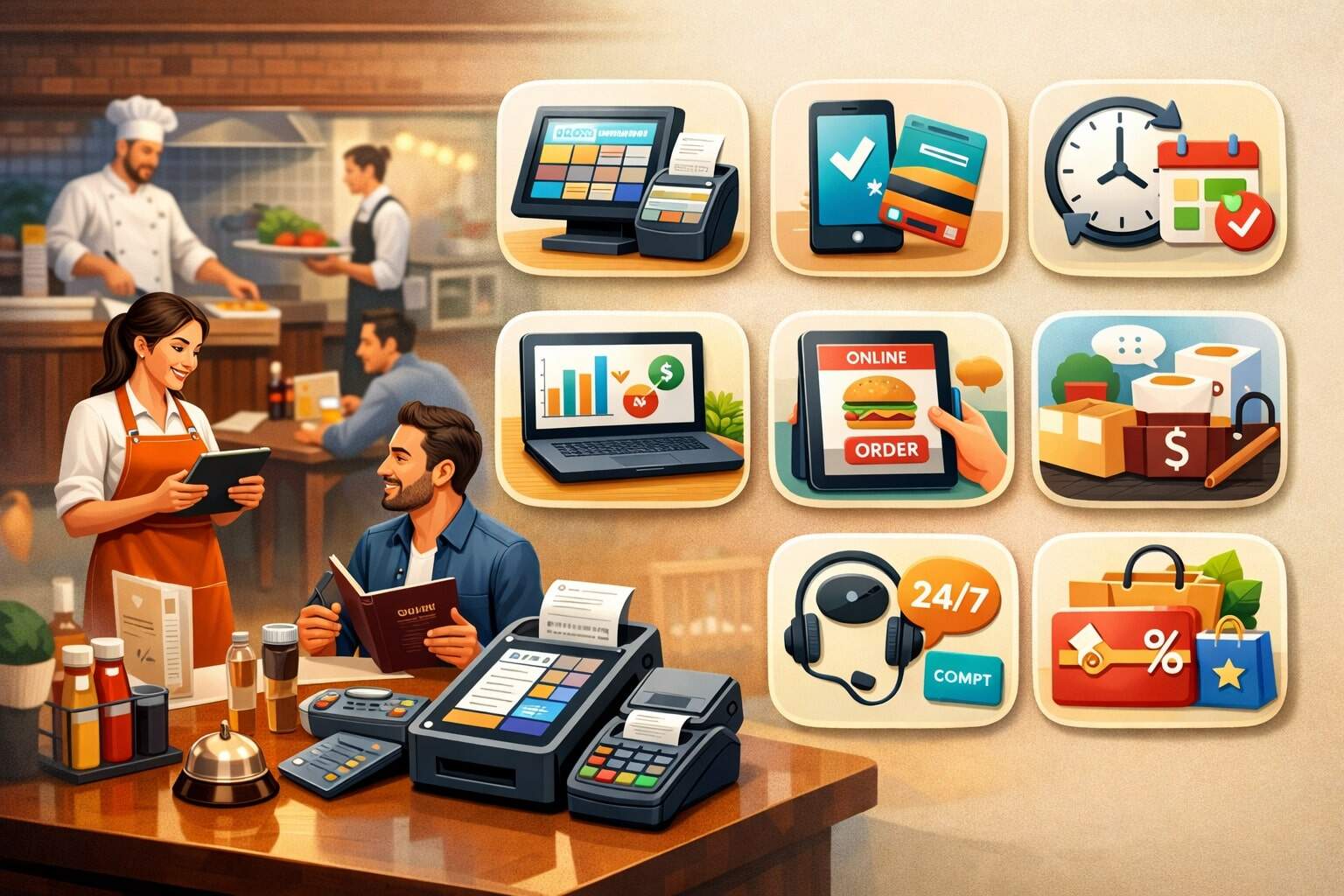
Restaurants don’t fail because they can’t cook—they struggle when service gets chaotic, costs creep up, and the guest experience becomes inconsistent. A modern restaurant POS is no longer “just a register.”
It’s the operating hub that connects ordering, payments, kitchen production, labor, inventory, loyalty, and reporting in one place.
The catch: not every feature that looks impressive in a demo is something restaurants actually need. What matters is what improves speed, accuracy, margins, and guest satisfaction—day after day—across busy shifts, staff turnover, and changing dining habits (especially the continued dominance of off-premise orders like pickup, drive-thru, and delivery).
Below is a detailed, practical, restaurant POS feature guide built for real operations, with future-ready predictions where they’re grounded in current trends.
The Real Job of a Restaurant POS (And Why Feature Lists Don’t Tell the Whole Story)
A restaurant doesn’t “use a POS.” It runs its service model through a restaurant POS—quick service, fast casual, full service, bar, food truck, or multi-concept. That’s why the best restaurant POS features are the ones that reduce friction in the flow of: guest → order → production → payment → fulfillment → repeat visit.
Most feature lists lump everything together: tables, online ordering, reporting, loyalty, and payroll. But operational reality is more specific. A full-service dining room needs table mapping, coursing, and split checks that work fast under pressure.
A counter-service concept needs line-busting, kiosk support, and frictionless digital ordering. A multi-location operator needs menu governance and centralized reporting.
When evaluating a restaurant POS, think in outcomes:
- Speed: fewer taps, fewer screens, faster checkout
- Accuracy: fewer remakes, fewer comps, cleaner tickets
- Margin control: tighter food cost, better labor decisions
- Guest experience: smoother pickup, fewer payment issues, better loyalty
- Resilience: uptime, offline mode, and dependable support
The “right” features depend on how you make money. If 60–80% of your volume is off-premise, your restaurant POS must treat pickup and delivery like first-class workflows—not bolted-on add-ons. Industry reporting has highlighted how off-premise traffic has become dominant and speed is a top customer expectation.
A 2026-ready restaurant POS isn’t the one with the most features. It’s the one with the best execution on the features that match your service model—and the cleanest integrations for everything else.
Fast, Error-Proof Order Entry (Because Every Mistake Becomes a Cost)
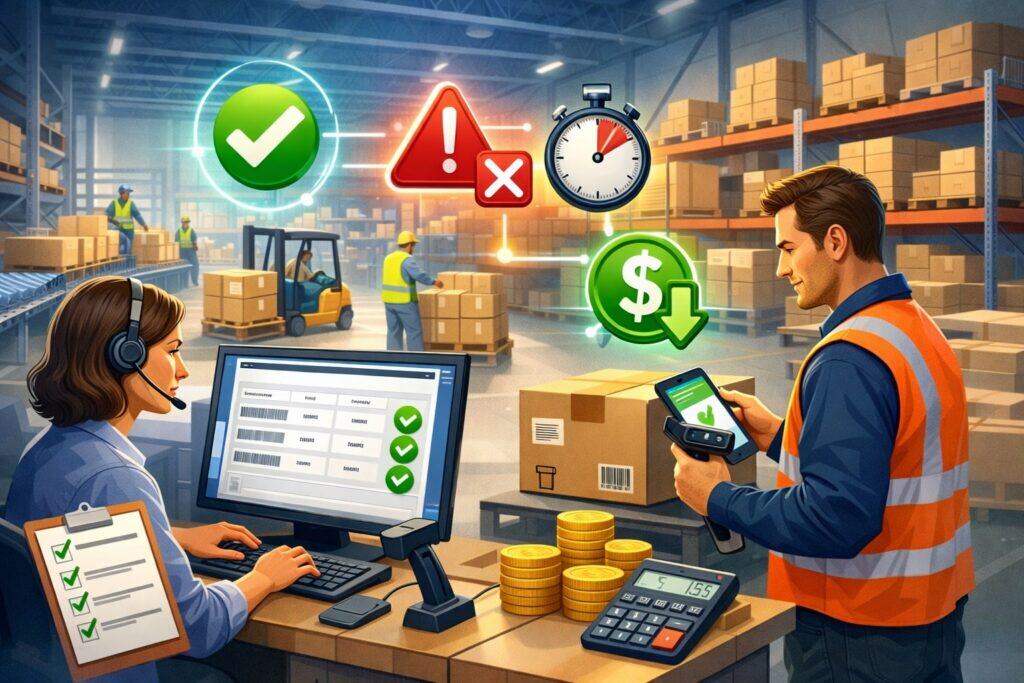
If your restaurant POS can’t take orders quickly and correctly, every other feature is irrelevant. Order entry is the front line: it determines kitchen workload, ticket accuracy, prep timing, guest satisfaction, and even labor efficiency.
Restaurants actually need order entry that is:
- Low-tap and intuitive: common items, modifiers, and combos should be one or two actions—not a maze
- Modifier logic that prevents errors: forced modifiers (temperature, sides), modifier limits, and smart defaults
- Upsell prompts that feel natural: add protein, make it a combo, upgrade size—without slowing the cashier
- Course and fire controls (for full service): appetizers first, mains timed, desserts held
- Allergy and dietary tagging: clear callouts printed to kitchen and visible on KDS
- Seat-level ordering: especially for table service, so runners and kitchen know exactly where items go
The value is measurable. Faster order entry reduces line abandonment at peak hours. Accurate modifiers reduce remakes and comps. Clear allergy notes reduce risk and build guest trust.
Also, great order entry improves training. With turnover, you don’t want a restaurant POS that only your best staff can use. You want a POS system for restaurants that new hires can learn in one shift, with guardrails that keep tickets clean even when the team is stressed.
When this feature is done right, you feel it: shorter lines, fewer “what did they mean?” moments in the kitchen, and fewer manager interventions. Your restaurant POS should make correct behavior the easiest behavior.
Menu Management That Doesn’t Break During a Friday Rush
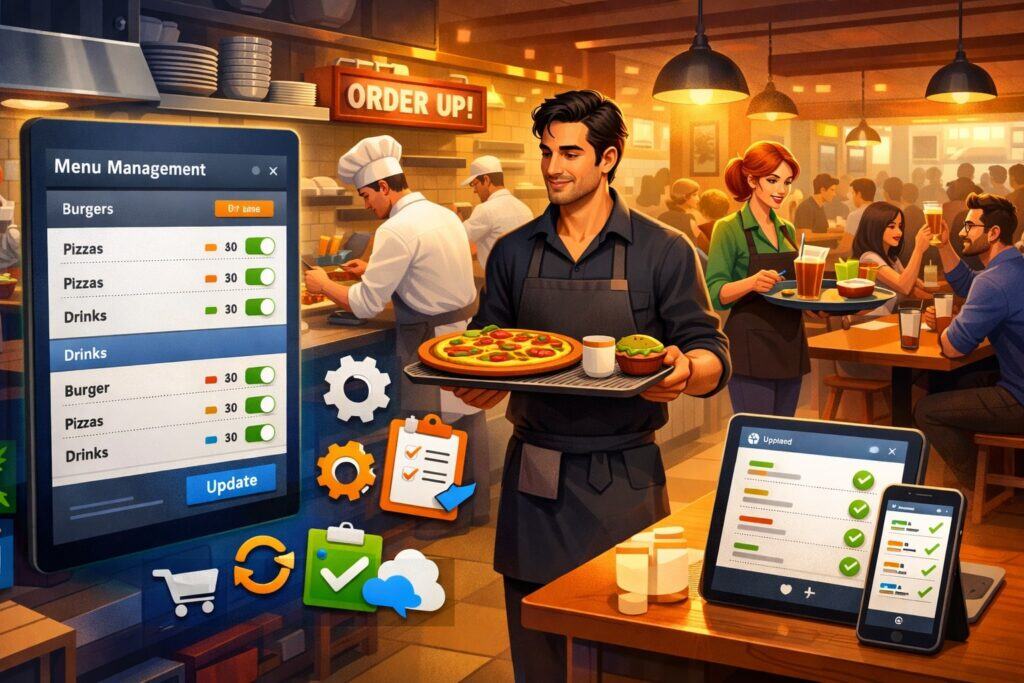
Menu management is where many restaurant POS systems look good in setup… and fall apart in real life. Restaurants actually need menu tools that support speed, accuracy, and control across channels—front counter, handhelds, kiosks, online ordering, and third-party delivery.
A strong restaurant POS menu system includes:
- Centralized item library: one item definition feeds every channel
- Modifier groups with rules: required modifiers, optional add-ons, max selections, and pricing logic
- Daypart menus: breakfast vs lunch vs late night without manual switching chaos
- Location-based menus: different pricing or availability by store (for multi-location operators)
- Limited-time offers: quick activation/deactivation without breaking reporting
- Clean naming conventions: short names for tickets, guest-friendly names for receipts and online ordering
The hidden need is governance. Without governance, you end up with “Chicken Sandwich,” “Chk Sndwch,” “Chicken Sando,” and “Chicken Sandwich (NEW)” all mapped differently—destroying reporting and inventory accuracy.
Menu management also ties directly to speed. If modifiers are buried, cashiers slow down. If modifiers are missing, the kitchen guesses. A restaurant POS should make the menu flow feel like a conversation: “Pick your protein. Choose your side. Any add-ons?”—fast and predictable.
In 2026 and beyond, menu management is also a data layer. The POS system for restaurants should support tagging (vegan, gluten-friendly, high margin, low margin) so you can analyze performance with real operational insight, not just item counts.
Table, Course, and Check Handling for Full-Service Dining That Staff Actually Trust
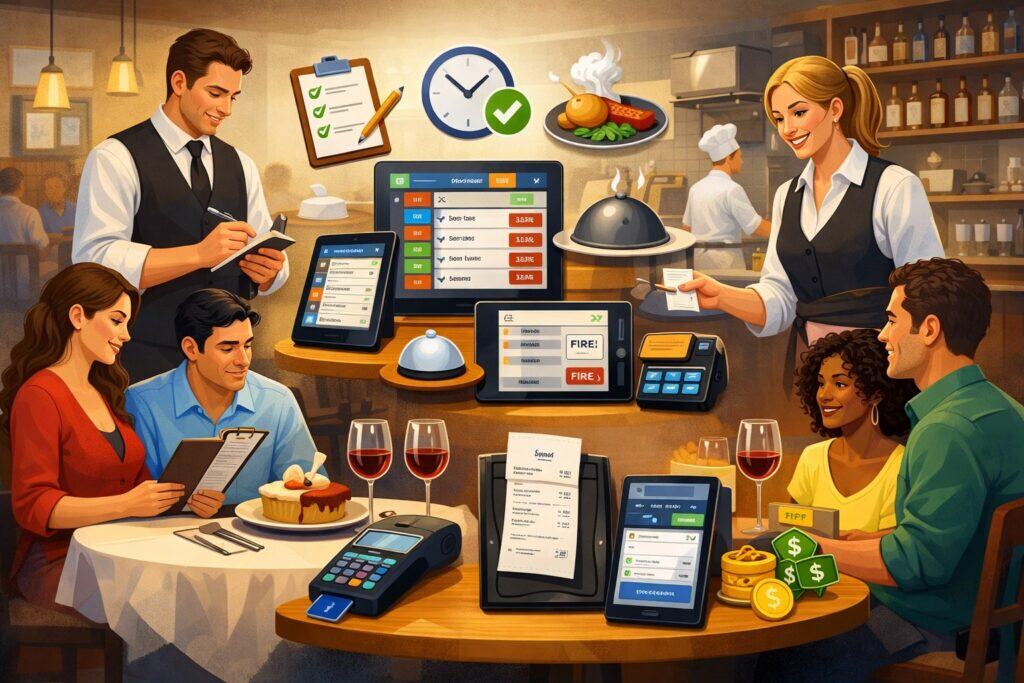
For full-service restaurants, table service features are non-negotiable. A restaurant POS must support the way dining rooms operate in real time: sections, pacing, split checks, and guest preferences.
Restaurants actually need:
- Table mapping and drag-and-drop seating: clear view of occupancy, server sections, and table status
- Coursing controls: hold mains, fire appetizers, pace desserts
- Seat numbers: accurate food running and fewer “who ordered this?” interruptions
- Split checks and split items: by seat, by item, by percentage—fast enough that servers don’t avoid doing it
- Transfer and merge tables: because parties change, guests move, and reality happens
- Pre-auth and incremental tabs: especially for bars and high-ticket tables
The key is speed under pressure. A POS system for restaurants can’t require servers to “go back” through layers to split a check. If it’s slow, staff will find workarounds that create errors: writing notes, comping items, or pushing guests to pay differently than they want.
A reliable restaurant POS also supports service recovery: reopen checks, reprint receipts, adjust tips, and apply manager comps with clear permissions. This reduces disputes and keeps your closing process smooth.
Future-ready table service POS is moving toward handheld-first workflows—servers taking orders tableside, sending to the kitchen instantly, and closing checks at the table. That reduces payment time and improves table turns without making service feel rushed.
Kitchen Display System and Production Controls That Reduce Remakes
A Kitchen Display System (KDS) is one of the most important restaurant POS upgrades because it directly impacts speed, accuracy, and throughput.
Restaurants actually need KDS features that match their kitchen reality:
- Clear station routing: grill, fryer, salad, expo—tickets land where the work happens
- Item timing and prep sequencing: show cook times, hold/firing logic, and staged production
- Easy bumps and recalls: no confusion, no lost tickets
- Rush indicators and promise times: highlight what’s late before it becomes a disaster
- Order type separation: dine-in vs pickup vs delivery vs catering, each with different priorities
- Expo view: consolidated finishing screen for accuracy and quality control
A good restaurant POS + KDS combo reduces paper ticket clutter and stops the “printer stopped working” nightmare. It also creates performance visibility: average ticket time, bottlenecks by station, and peak load.
For off-premises, KDS is even more critical. Pickup guests judge you on timing and accuracy. A POS system for restaurants should support throttling (slowing order acceptance when the kitchen is overloaded), accurate prep times, and routing orders into the correct production flow.
Looking ahead, many platforms are pushing AI-assisted forecasting and operational insights, aiming to turn kitchen data into action—not just reports. The practical takeaway: choose a restaurant POS that can turn production metrics into staffing and prep decisions, not just dashboards no one checks.
Online Ordering Built Into the POS (Not Bolted On)
Online ordering is not optional anymore. It’s core revenue. Restaurants need online ordering that stays in sync with the restaurant POS—menu, pricing, taxes, modifiers, and availability—without constant babysitting.
Restaurants actually need:
- Menu sync: the same items and modifiers as in-store
- Accurate prep times and pickup windows: avoid angry guests and overwhelmed kitchens
- Order throttling: control volume at peak times
- Item availability and 86ing: if you’re out, it should disappear automatically
- Upsells and suggested add-ons: increase average order value without annoying guests
- Branded experience: your ordering, your customer data, not just marketplace traffic
If online ordering is separate from your POS system for restaurants, you’ll experience the pain: mismatched menus, wrong pricing, missing modifiers, and chaotic kitchen tickets. That’s where remakes and refunds explode.
Off-premise demand has become structurally important for restaurants, and speed expectations are high. That means your restaurant POS should treat pickup workflows as seriously as dine-in: clear labeling, staging screens, pickup shelf management, and SMS order updates where possible.
Future prediction: online ordering will become more personalized. Expect POS platforms to use guest history to recommend items, optimize offers, and predict peak prep loads—especially as AI features expand in restaurant operations.
Delivery Integration That Protects Margins and Keeps Operations Clean
Third-party delivery can create revenue—but it can also wreck margins and kitchen flow. Restaurants need restaurant POS delivery tools that bring control back to the operator.
Restaurants actually need:
- Direct integrations or middleware support: orders flow into the POS without manual re-entry
- Order type rules: different prep times, packaging instructions, and routing
- Accurate fee and tax handling: correct reporting by channel
- Menu governance: consistent pricing strategy by platform, with visibility
- Refund and dispute visibility: track errors and patterns, not just eat the cost
- Driver pickup workflow: staging, labeling, and “ready” signals
When delivery is messy, you get phantom orders, duplicate tickets, and wrong items—then reviews the tank. A POS system for restaurants should help you see channel profitability: commission impact, average ticket, refund rate, and repeat rates.
This is also where kitchen capacity matters. If your dining room is full and delivery keeps flooding in, you need throttles. Your restaurant POS should give you controls to pause channels, slow acceptance, or adjust promise times—fast.
Future prediction: delivery will become more dynamic. Expect more automated “smart pausing” based on real kitchen load, and more integrations that optimize for profitability instead of raw order volume.
Handheld Ordering and Line-Busting That Actually Speeds Service
Handheld devices are not just a hardware upgrade—they change how restaurants operate. Restaurants need restaurant POS handheld workflows that are stable, fast, and designed for the chaos of real service.
Restaurants actually need handhelds that support:
- Full menu + modifiers: no “limited mode” that forces staff back to the terminal
- Tableside payments: tap, insert, swipe; plus digital receipts
- Offline resilience: temporary connectivity drops shouldn’t stop service
- Fast device switching: servers clock in and grab a device without IT drama
- Role-based permissions: avoid unauthorized comps or refunds
Handhelds improve speed, but only if the workflow is tight. If handhelds lag or crash, staff will abandon them. That’s why the POS system for restaurants must be designed for high-volume use, not just “compatible.”
There’s also a guest experience upside: tableside payments reduce the awkward wait for the check and can improve table turns. For counter service, line-busting at peak times can dramatically increase throughput.
Future prediction: handhelds will become “always connected” with stronger cellular options and more AI-assisted prompts for upsells and pacing—especially as restaurant tech competition moves toward operational intelligence.
Kiosks and Self-Order That Increase Ticket Size Without Killing Hospitality
Self-order kiosks can reduce labor pressure and increase average check—when implemented with intention. Restaurants need restaurant POS kiosk support that integrates cleanly with menu rules, kitchen routing, loyalty, and reporting.
Kiosks are often associated with higher spending because they can upsell consistently and present add-ons visually. Reporting has cited customers spending 8–15% more at kiosks in some contexts.
Restaurants actually need kiosk features like:
- Unified menu logic: same modifiers, combos, and availability as POS
- High-quality upsell flow: smart add-ons, not random suggestions
- Payment flexibility: card, contactless, digital wallets
- Order status updates: reduce “is my order ready?” pressure
- Accessibility considerations: readable UI, clear flows, appropriate height and reach
But kiosks aren’t a magic fix. They can create new bottlenecks: pickup congestion, kitchen overload, or guest confusion. That’s why the POS system for restaurants must support throttling and staging workflows when kiosks drive higher volume.
Future prediction: kiosks will get smarter, using personalization and dynamic offers based on time of day, weather, and past guest behavior—powered by POS data and AI.
Payments: Contactless, Digital Wallets, and Fast Checkout With Fewer Disputes
Payments are where guest experience becomes “real.” Slow or confusing checkout leaves a bad last impression. Restaurants need restaurant POS payments that are fast, flexible, and secure.
Restaurants actually need:
- Contactless + digital wallets: tap-to-pay is expected by many guests
- Split payments: multiple cards, gift cards, partial cash, and mobile payments
- Tip prompts designed for service model: counter vs table vs bar
- Offline payment capability (where supported): keep selling during outages
- Receipts and dispute support: easy retrieval, signed receipts if needed, and clear audit trails
Payments also connect to margins: processing fees, chargebacks, and fraud. A POS system for restaurants should provide clear reporting on tender types and help reduce disputes by keeping accurate digital receipts and order details.
Security requirements matter too. PCI DSS v4.0 became the active standard in 2024, with transition deadlines that many organizations targeted by March 31, 2025.
Even if your processor and POS provider handle most compliance scope, your restaurant still needs good practices: unique logins, access control, device security, and secure networks.
Tipping, Service Charges, and Payroll-Ready Tip Reporting
Handling tips sounds simple until you’re closing a busy night with multiple tip types, pooled tips, tip share, service charges, and wage rules. Restaurants need restaurant POS tipping and payout tools that are accurate and payroll-ready.
Restaurants actually need:
- Tip prompts that match the context: suggested tips for counter service vs custom tip lines for table service
- Tip adjustments with permissions: reduce errors and prevent abuse
- Tip pooling and tip share rules: configurable and transparent
- Service charge handling: separate from tips, mapped correctly for reporting
- Payout tracking: cash tips, card tips, and digital payouts clearly reconciled
The operational goal is clean closing. If staff can’t trust tip reporting, managers spend hours fixing it. A POS system for restaurants should produce tip reports that payroll can use without manual spreadsheets.
This is also about retention. Staff care deeply about pay accuracy. A reliable restaurant POS reduces conflicts and builds trust.
Inventory and Recipe Costing That Helps You Control Food Cost in Real Time
Inventory is where profit hides—or disappears. Restaurants need restaurant POS inventory tools that go beyond “counting items” and actually support decisions.
Restaurants actually need:
- Ingredient-level tracking tied to sales: recipes mapped to menu items
- Automated depletion: sales reduce theoretical inventory
- Variance reporting: highlight over-portioning, waste, theft, or counting errors
- Vendor and invoice management: track price changes and purchasing patterns
- Low-stock alerts and par levels: prevent 86s that frustrate guests
- Yield and prep tracking: especially for proteins and high-cost items
A POS system for restaurants doesn’t have to do every inventory function natively—but it must integrate cleanly with inventory tools and keep data consistent. If menu items aren’t mapped correctly, inventory becomes garbage.
This is where “latest guide” thinking matters: food costs fluctuate, and restaurants need agility. The best restaurant POS reporting helps you spot margin issues quickly—like a rising cost on a high-volume item—so you can adjust pricing, portioning, or promos before profit bleeds out.
Labor Scheduling and Timekeeping That Reduces Overtime and Improves Coverage
Labor is one of the biggest controllable costs. Restaurants need restaurant POS labor tools that help schedule smarter, track time accurately, and reduce manager workload.
Restaurants actually need:
- Integrated time clock: clock-in/out tied to user roles
- Scheduling with availability: reduce call-outs and last-minute chaos
- Overtime alerts: prevent cost blowouts
- Sales-to-labor visibility: real-time labor percentage tracking
- Role-based permissions: limit overrides and time edits
- Tip and shift reporting: clean closeout for both staff and managers
A POS system for restaurants should allow managers to staff based on data, not guesswork. If you know your 6–8 pm rush is consistently heavy on Fridays, scheduling should reflect that. If lunch has slowed, you should see it and adjust before labor costs spike.
This is also where workforce technology is evolving fast, with industry organizations highlighting workforce technology as a major focus area for restaurants.
Loyalty, Gift Cards, and Marketing Tools That Drive Repeat Visits
A restaurant’s cheapest customer to acquire is the one who already likes you. Restaurants need restaurant POS loyalty features that are easy for guests and easy for staff.
Restaurants actually need:
- Simple enrollment: phone number, email, or app sign-up without slowing the line
- Points or visit-based rewards: aligned with your margins
- Digital receipts and offers: reduce paper and keep guests connected
- Gift cards: physical and digital, tracked in the POS
- Segmentation: reward regulars, win back lapsed guests, and target off-peak promos
- Campaign reporting: understand what offers actually work
If loyalty is clunky, staff won’t pitch it and guests won’t bother. A POS system for restaurants should make loyalty feel natural: “Want to earn points with your phone number?” and done.
This is also connected to off-premise culture. If most traffic is pickup and drive-thru, loyalty is one of the best ways to drive repeat behavior and increase average order value through smart offers.
Reporting and Analytics That Turn Data Into Decisions (Not Just Charts)
Most restaurants don’t need more reports. They need fewer reports that are actually useful. Restaurants need restaurant POS analytics that connect to actions: what to prep, what to cut, what to promote, and where money is leaking.
Restaurants actually need reporting for:
- Sales by category, item, and daypart: identify winners and losers
- Margin and cost indicators: tie performance to profitability
- Labor vs sales: staffing efficiency
- Order timing: ticket times, bottlenecks, peak load
- Discounts, comps, and voids: track reason codes and manager actions
- Channel performance: dine-in vs pickup vs delivery vs catering
A POS system for restaurants should support role-based dashboards. Owners need big-picture profit indicators. Managers need shift-level controls. Kitchen leads need production visibility.
Industry coverage has noted that restaurant technology competition is shifting toward AI-driven insights like forecasting and margin analysis rather than static dashboards. That’s a real direction: the best restaurant POS platforms will increasingly help operators answer “what should I do next?”—not just “what happened?”
Integrations: Accounting, Delivery, Reservations, and Catering Without Data Chaos
No POS does everything perfectly. Restaurants need a restaurant POS with integrations that are stable, well-supported, and consistent in data mapping.
Restaurants actually need integrations for:
- Accounting: clean exports to bookkeeping tools
- Payroll: tip and wage reporting that reduces admin time
- Reservations and waitlist: sync table status and seating flow
- Catering: deposits, scheduled prep, and large-order workflows
- Third-party delivery: as discussed, clean order flow and reporting
- Inventory and purchasing: tighter food cost control
The danger is “integration sprawl.” If every tool has its own item naming and tax logic, your reports become nonsense. A POS system for restaurants must offer consistent IDs, mapping tools, and support that helps you maintain data hygiene over time.
This is why many “best restaurant POS” lists highlight platforms with broader ecosystem support—online ordering, inventory, team management, and integrations—because operators need unified operations, not disconnected apps.
Reliability, Offline Mode, and Support: The Features You Only Notice When They Fail
Restaurants rarely appreciate reliability until the POS fails at peak hours. Restaurants need restaurant POS systems built for uptime, with practical fail-safes.
Restaurants actually need:
- Offline mode: keep taking orders and payments (within supported limits)
- Local fallback options: ability to continue basic operations even if cloud services lag
- Automatic sync: when connectivity returns, data reconciles cleanly
- Hardware durability: spills, drops, heat, and constant use
- 24/7 support with restaurant expertise: not generic call center scripts
- Clear escalation paths: when the issue affects revenue
A POS system for restaurants must be treated like mission-critical infrastructure. If it goes down, you’re not “paused”—you’re losing sales, creating guest frustration, and stressing staff.
Support matters just as much as software. Ask how support works on weekends. Ask about average response times. Ask whether they understand kitchen routing issues, not just login resets.
Security and Compliance: Protect Guests, Protect the Business, Reduce Risk
Security isn’t just for big chains. Restaurants handle payment data and staff access daily. Restaurants need restaurant POS security features that reduce risk without slowing operations.
Restaurants actually need:
- Unique user logins: no shared PINs that destroy accountability
- Role-based access: servers shouldn’t have manager-level refund power
- Audit logs: track voids, discounts, refunds, and time edits
- Secure device management: control updates, disable lost devices, enforce lock screens
- Network hygiene support: guidance for secure Wi-Fi and segmentation
- PCI-aware practices: minimize scope by using secure payment devices and integrated processing
PCI DSS v4.0 timelines and updates have been a major compliance focus, with deadlines pushing many organizations to align with v4.0 requirements by 2025. Your restaurant POS provider and processor should help reduce your exposure, but operational habits still matter.
Choosing the Right Restaurant POS: A Practical Feature Priority Framework
If you want a restaurant POS that actually fits, don’t start with brand names. Start with your workflows. Then map features to revenue protection, margin protection, and guest experience.
A simple priority approach:
Tier 1: Must have (day-one survival): Order entry speed, menu rules, payments, employee permissions, reporting basics, reliability, support.
Tier 2: Growth and control (profit protection): KDS, online ordering sync, delivery integrations, labor tools, inventory integrations, loyalty.
Tier 3: Optimization (scale and strategy): Multi-location governance, advanced analytics, automated forecasting, kiosk expansion, deeper CRM.
Also evaluate the ecosystem. Many reviews and comparisons emphasize that restaurant POS systems differ by strengths—some excel in back-of-house features, others in marketing, others in hardware flexibility. What matters is which strengths match your operation.
Future prediction: the “best” POS system for restaurants will increasingly be judged on intelligence—how well it helps restaurants forecast, optimize labor, control margin, and personalize guest experiences.
FAQs
Q.1: What is the most important feature in a restaurant POS?
Answer: The most important feature is fast, accurate order entry. If your restaurant POS slows staff down or creates modifier mistakes, it increases remakes, refunds, and guest frustration.
A POS system for restaurants must reduce taps, enforce modifier logic, and keep tickets clean. When order entry is strong, kitchen workflow and payment flow become smoother, training becomes easier, and the whole operation gains consistency.
Q.2: Do restaurants really need a kitchen display system?
Answer: If your volume is meaningful—especially during peak hours—yes. A KDS improves speed, routing, and accuracy, and it reduces printer dependency. It also gives you ticket-time visibility so managers can respond to bottlenecks.
For off-premises, a KDS helps stage orders correctly and hit promised times, which matters because pickup and takeout expectations are heavily speed-driven today.
Q.3: Should online ordering be built into the POS or handled separately?
Answer: Built-in or tightly integrated online ordering is usually better because it keeps menu, modifiers, pricing, and availability consistent.
When online ordering is separate, restaurants often deal with mismatched menus, missing modifiers, and inaccurate prep times. A restaurant POS that treats off-premise as core operations is more sustainable long term.
Q.4: Are kiosks worth it for small restaurants?
Answer: They can be, if your concept has counter ordering or high peak congestion. Kiosks can reduce front-counter labor pressure and often support consistent upsells.
Some reporting has found kiosk ordering can increase spending (in certain contexts) by 8–15%, which can be meaningful for margins. The key is making sure your restaurant POS supports kitchen throttling and pickup staging so kiosks don’t overload production.
Q.5: What reporting should every restaurant POS include?
Answer: At minimum: sales by item and category, daypart performance, labor vs sales, comps/voids with reason codes, payment/tender breakdown, and channel performance (dine-in vs pickup vs delivery).
The best restaurant POS reporting doesn’t just show charts—it helps managers act quickly, especially on labor and margin issues.
Q.6: How do I know if a POS is future-proof?
Answer: A future-ready restaurant POS has strong integrations, modern payment options, stable handheld support, clean data structure, and a roadmap toward smarter analytics. Industry coverage suggests POS platforms are moving toward AI-driven forecasting and margin insights, not just static dashboards.
Look for a provider that can support your next phase—online ordering expansion, more locations, kiosks, or better inventory control—without forcing a full system rebuild.
Conclusion
The best restaurant POS is the one that makes service smoother, costs more controllable, and guests more likely to return. Restaurants actually need POS features that support the fundamentals: fast order entry, clean menu logic, reliable payments, strong kitchen execution, and clear reporting.
From there, the growth features—online ordering, delivery integration, loyalty, labor tools, and inventory—help protect margins and scale operations.
Off-premise behavior has reshaped restaurant workflows, and speed expectations are high. At the same time, POS platforms are competing on intelligence—turning restaurant data into forecasts and recommendations.
If you choose your POS system for restaurants based on the way your restaurant truly operates (not generic checklists), you get a system that staff will actually use, managers can actually trust, and owners can actually grow with.