
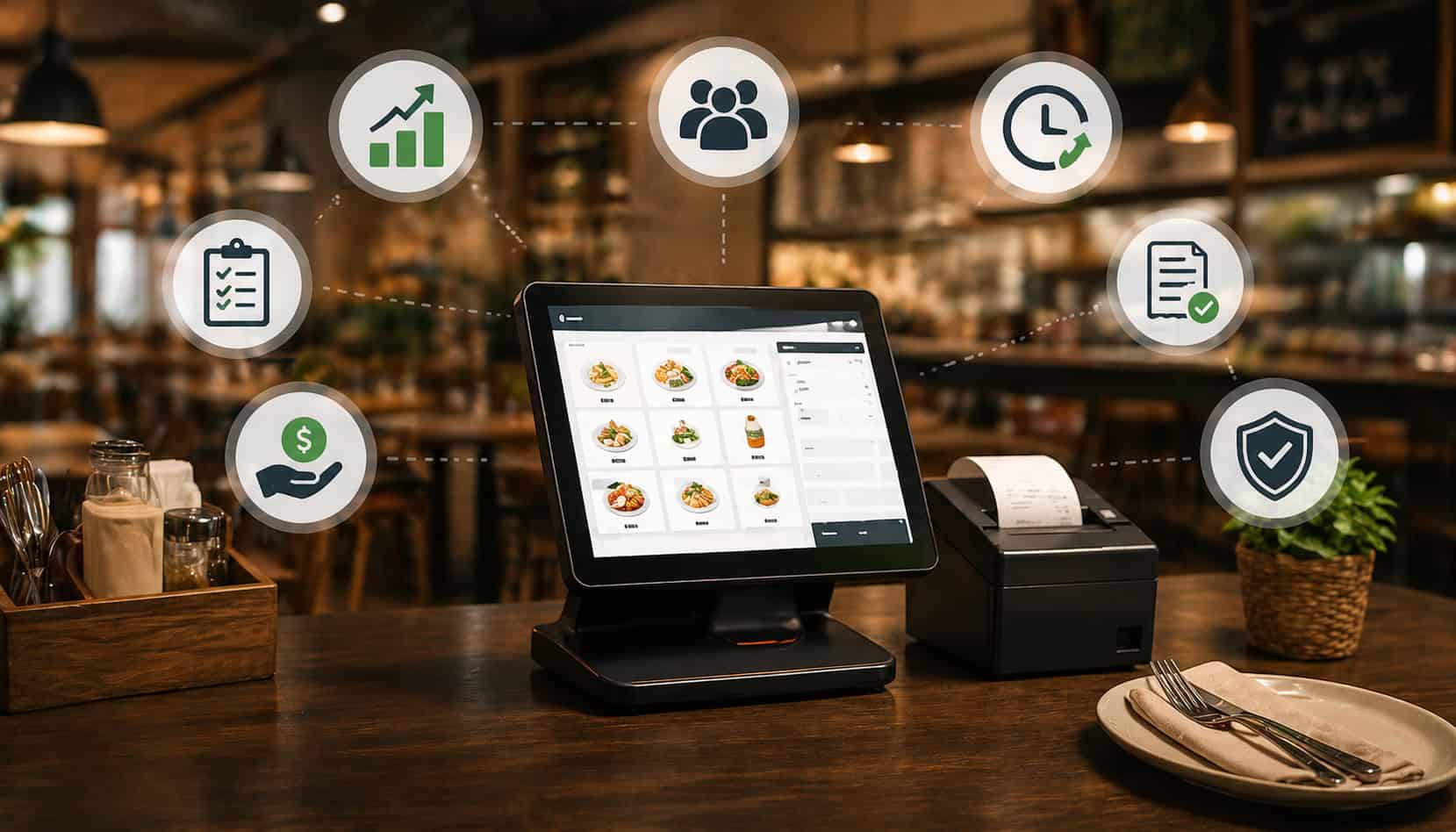
Small restaurants need more than a cash register to stay organized. A busy café, food truck, quick-service counter, family-owned diner, or neighborhood restaurant has to manage orders, payments, staff, menu changes, inventory, tips, discounts, refunds, and customer expectations—often with a small team and limited time.
A POS System for Small Restaurants helps bring those moving parts into one workflow. Instead of writing orders by hand, re-entering tickets, guessing which menu items are selling, or sorting receipts at the end of the day, owners can use restaurant technology to improve accuracy, speed up payments, review sales reporting, manage menus, track inventory, and create a better customer experience.
What Is a POS System for Small Restaurants?
A POS System for Small Restaurants is the technology used to take orders, accept payments, generate receipts, track sales, manage menu items, and organize daily restaurant activity. “POS” stands for “point of sale,” but modern restaurant POS software does much more than ring up a transaction.
For a small restaurant, the POS is often the center of operations. A server enters an order at a terminal or handheld device. A cashier takes a counter order. A food truck operator accepts a card payment. A manager updates a menu price, reviews discounts, checks sales reports, or tracks staff activity.
A restaurant POS system may include:
- Order entry
- Kitchen ticket routing
- Card and contactless payment processing
- Digital and printed receipts
- Menu management
- Discounts, taxes, tips, refunds, and voids
- Staff logins and permissions
- Sales reporting
- Inventory tracking or inventory integrations
- Online ordering connections
- Customer data and loyalty tools
For more background on how POS workflows connect from order entry to payment, this guide on how a restaurant POS system works is a useful companion resource.
Why Small Restaurants Benefit From a POS System
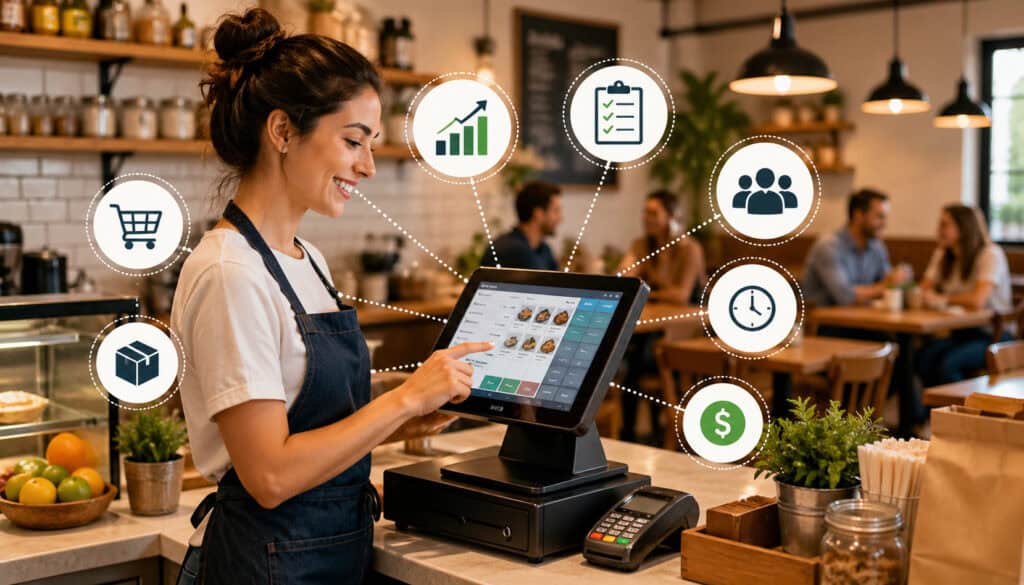
Small restaurants often operate with tight margins, small teams, and fast-moving service windows. That makes manual systems risky. A handwritten ticket can be misread. A discount can be forgotten.
A best-selling item can run low before anyone notices. A cash register total may show revenue, but not explain what actually drove the sales.
The POS system benefits for small restaurants come from replacing scattered tasks with connected information. Orders, payments, menu items, staff actions, and sales data all flow through one system. That gives owners and managers more control without requiring them to watch every transaction in person.
A POS system for small restaurant operations can help teams:
- Serve guests faster
- Reduce order mistakes
- Track sales by item, shift, and daypart
- Update menus more easily
- Manage tips and staff permissions
- Review refunds, voids, and discounts
- Support card, contactless, and digital payments
- Plan inventory based on actual sales
The biggest advantage is visibility. When daily operations are captured digitally, owners can stop relying only on memory, paper notes, or end-of-day totals. They can see what is happening, spot problems sooner, and make decisions based on real restaurant data.
Key Benefits of Using a POS System in Restaurants
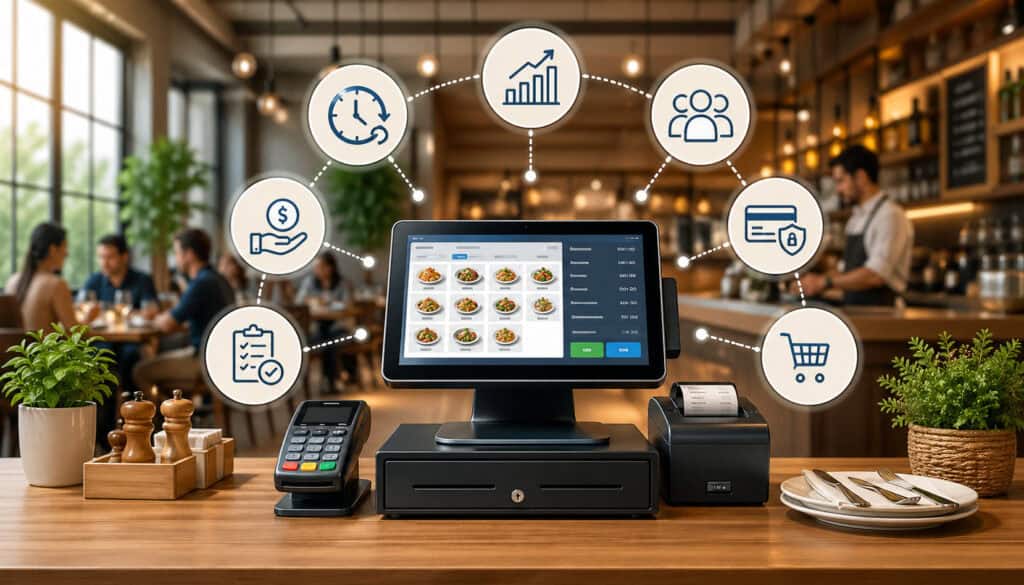
The main benefits of POS systems in restaurants are practical. A POS system helps the front of house move faster, the kitchen receives clearer orders, managers review performance, and owners understand what is happening across sales, staffing, payments, and inventory.
| Benefit | How It Helps | Why It Matters |
| Faster service | Staff enter orders and process payments quickly | Shorter waits improve guest satisfaction |
| Better order accuracy | Modifiers and kitchen tickets reduce confusion | Fewer remakes protect margins |
| Easier payments | Supports cards, contactless, tips, refunds, and receipts | Checkout feels smoother for guests |
| Sales reporting | Shows revenue, peak times, and item performance | Owners can make better decisions |
| Menu management | Updates prices, items, and modifiers in one place | Reduces outdated or inconsistent menus |
| Inventory visibility | Connects sales trends with ingredient demand | Helps reduce stockouts and waste |
| Staff accountability | Tracks users, shifts, voids, and discounts | Managers can spot training or policy issues |
| Customer experience | Faster, cleaner service improves satisfaction | Guests are more likely to return |
Faster Order Taking and Checkout
Speed matters in small restaurants. During a lunch rush, morning coffee line, food truck event, or weekend dinner service, every extra step slows the team down.
A restaurant POS system allows servers, cashiers, and counter staff to enter orders quickly, choose modifiers, send tickets to the kitchen, split checks, apply discounts, add tips, and complete payments without switching between disconnected tools.
For quick-service restaurants, speed may come from a clean touchscreen layout with popular items easy to find. For cafés, it may mean fast modifiers for milk choices, flavor shots, sizes, and add-ons. For full-service restaurants, it may mean splitting checks by seat, transferring tables, or sending appetizers and entrées at the right time.
A modern restaurant payment system also shortens checkout. Staff can accept card and contactless payments, print or text receipts, and close checks faster. That means fewer lines, quicker table turns, and less pressure on employees.
Improved Order Accuracy
Order mistakes cost time, money, and trust. A missing modifier, unclear handwriting, forgotten allergy note, or lost ticket can lead to remakes, delays, waste, and unhappy customers. One of the most important restaurant POS system advantages is that it makes order details easier to capture and send correctly.
Digital order entry lets staff select exact menu items and modifiers instead of writing notes by hand. Kitchen routing can send grill items, drinks, desserts, and takeout orders to the correct station. Clear tickets help kitchen teams see what to prepare, what to hold, and what special instructions matter.
This is especially useful for restaurants with customizable items. Burgers, bowls, sandwiches, pizzas, coffee drinks, and combo meals can all create confusion when modifiers are not organized. A POS system reduces guesswork by making options visible and consistent.
Better order accuracy also improves staff confidence. New employees can follow guided screens instead of memorizing every menu rule immediately.
Better Payment Processing
A good POS system supports more than cash and basic card payments. Small restaurants often need flexible payment options, including chip cards, contactless payments, mobile wallets, split bills, tips, refunds, partial payments, digital receipts, and clean transaction records.
Integrated payment processing reduces manual entry. When the check total moves directly from the POS to the payment device, staff do not have to type the amount into a separate terminal. That lowers the chance of charging the wrong amount and makes reconciliation easier at closing.
Payment records also help with reporting. Managers can review card sales, cash sales, tips, refunds, and voids from one place. For restaurants that want deeper payment security guidance, this resource on secure payment processing in restaurant POS systems explains key operational considerations.
Restaurant POS System Advantages for Sales and Reporting
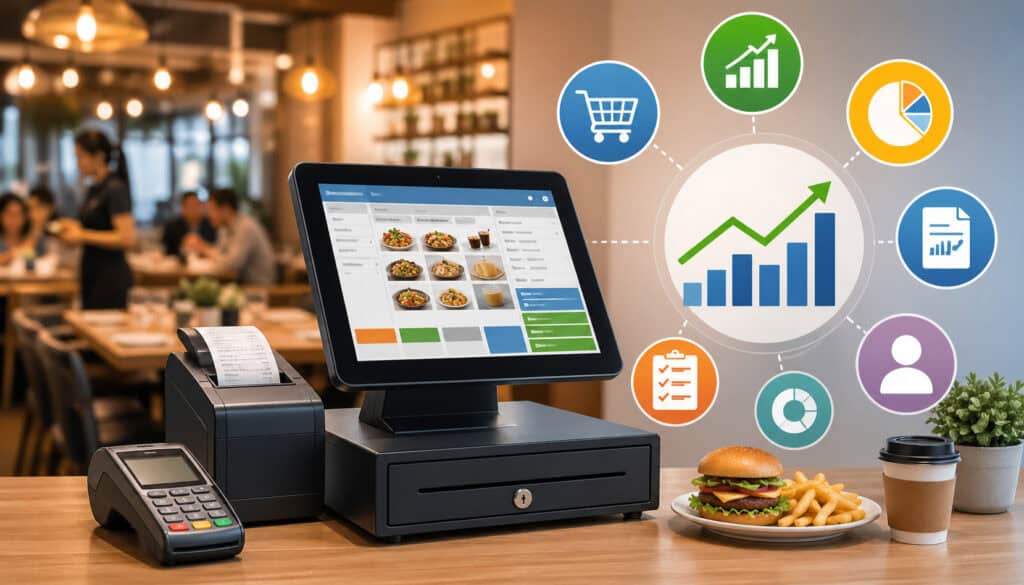
Sales reporting is one of the most valuable restaurant POS software benefits because it turns daily transactions into useful business information. A cash register can tell you how much money came in. A POS system can show what sold, when it sold, who sold it, how discounts were used, and where revenue changed.
For small restaurant owners, this matters because decisions often have to be made quickly. Should you prep more of a popular lunch item? Should you cut a slow-selling menu item? Are sales stronger on weekends or weekday evenings? Is one shift using more discounts than another? Are refunds increasing?
A POS system can help track:
- Daily and weekly sales
- Sales by hour or daypart
- Best-selling menu items
- Slow-moving items
- Average ticket size
- Discounts and promotions
- Voids and refunds
- Payment types
- Staff sales activity
- Menu category performance
These insights help owners move from guessing to managing. Instead of relying only on instinct, they can compare real data with what they see on the floor.
Real-Time Sales Data
Real-time sales data helps owners and managers react while the restaurant is still open. If lunch sales are running higher than expected, a manager may adjust prep, bring in extra support, or watch inventory more closely. If traffic is slower than usual, they may reduce waste by slowing prep or promoting a special before the day ends.
Live dashboards are especially useful for owners who are not always on site. A cloud-based POS system may allow them to check sales, order volume, and payment activity from a phone or laptop. That kind of visibility can be helpful for cafés, food trucks, and small restaurants where the owner manages multiple responsibilities.
Real-time reporting also supports better staffing decisions. If sales consistently spike at certain times, schedules can be adjusted around actual demand rather than habit.
Menu Performance Insights
Menu decisions should not be based only on personal favorites or customer comments. Item-level POS reports show which dishes sell often, which items have low demand, and which categories drive revenue. When combined with food cost information, these reports can help owners improve pricing, portions, specials, and menu layout.
For example, a dish may sell well but have a low margin because ingredients are expensive or portions are too large. Another item may sell less often but produce strong profit. A POS system gives owners the data needed to evaluate both popularity and business impact.
Menu management also becomes easier when updates can be made digitally. Price changes, seasonal items, sold-out items, modifiers, and tax settings can be adjusted in the system instead of relying on staff memory.
For a deeper look at important POS capabilities, review this guide to key POS features restaurants actually need.
How a POS System Helps With Inventory Tracking
Inventory tracking is one of the most practical benefits of a POS system for small restaurant teams. While not every POS includes full inventory management, many systems can show sales patterns, connect with inventory tools, or deduct ingredients based on menu item sales.
This helps owners understand which ingredients are moving quickly and which items may be overstocked. For example, if a café sells more iced drinks during warm weather, the POS data can help guide milk, cup, syrup, and ice planning. If a food truck sells out of one item every weekend, sales history can support better prep.
Inventory visibility can help with:
- Ordering decisions
- Prep planning
- Waste reduction
- Stockout prevention
- Menu availability
- Ingredient usage patterns
- Vendor order planning
The goal is not only to count inventory. The goal is to connect inventory with actual demand. When sales reporting and inventory tracking work together, restaurant owners can make smarter purchasing decisions.
Reducing Stockouts and Waste
Stockouts hurt sales and customer experience. Waste hurts profit. A small restaurant POS system can help reduce both by showing what sells, how often it sells, and when demand changes.
If a popular item often runs out before closing, POS data can show whether the problem happens on certain days, during certain shifts, or after promotions. If ingredients spoil before they are used, item reports may show that demand is lower than expected.
Inventory integrations can make this stronger by connecting menu items to ingredients. When an item sells, the system can reduce ingredient counts automatically. Even if the restaurant still does manual counts, POS sales trends give managers a better starting point.
POS System Benefits for Staff Management
Staff management is easier when each employee has a unique login and clear permissions. A POS system can track who entered orders, who opened checks, who applied discounts, who processed refunds, and who closed payments. This does not mean managers need to micromanage. It means the restaurant has better accountability.
For small restaurants, staff management features can support:
- Clock-ins and clock-outs
- Role-based permissions
- Tip tracking
- Sales by employee
- Shift reports
- Discount and void monitoring
- Training support
- Manager approvals
These tools help managers identify patterns. If one employee has frequent order corrections, they may need more menu training. If voids spike during a certain shift, the manager can review the workflow. If top servers consistently produce higher average tickets, their approach may help train others.
Permissions are also important. Not every employee should be able to change prices, issue refunds, edit time records, or access reports. A POS system helps create structure around those responsibilities.
How POS Software Improves Customer Experience
Customer experience is shaped by many small moments: how quickly guests are greeted, how accurately orders are entered, how long checkout takes, whether payment feels convenient, and how well the restaurant handles special requests. POS software supports these moments by making service smoother.
A POS system can improve customer experience through:
- Faster checkout
- Accurate orders
- Flexible payments
- Digital receipts
- Loyalty options
- Online ordering
- Clear item modifiers
- Better table or order status tracking
- Faster refunds or adjustments when needed
For takeout-focused restaurants, POS integration with online ordering can reduce duplicate entry and menu mismatches. When online orders flow into the POS, staff do not have to retype them, which reduces delays and mistakes. This guide on restaurant POS integration with online ordering explains why connected ordering workflows matter.
Customer experience also improves when staff feel less overwhelmed. If the POS is easy to use, employees can focus more on hospitality and less on fixing tickets, chasing receipts, or calculating totals manually.
Cloud-Based POS vs Traditional Cash Register
A traditional cash register records sales and stores cash. For some very simple operations, that may seem enough. But as soon as a restaurant needs card payments, item reporting, menu changes, staff tracking, inventory visibility, or online ordering, a basic register becomes limiting.
A cloud-based POS system gives small restaurants more flexibility. It can store data online, support remote access, update menus quickly, connect with payment devices, generate reports, and integrate with other restaurant technology. Owners can often review sales from outside the restaurant and make decisions without waiting for printed reports.
Key differences include:
- Reporting: Cash registers show totals; POS systems show detailed sales data.
- Payment flexibility: POS systems support modern payment types and cleaner records.
- Menu control: POS menus can be updated by item, modifier, tax, and price.
- Remote access: Cloud systems may allow owners to review activity from anywhere.
- Integrations: POS systems can connect with online ordering, accounting, inventory, loyalty, and scheduling tools.
- Security: Staff permissions and audit trails support better accountability.
- Scalability: POS systems can support additional devices, locations, or service channels.
A cash register may process a sale. A POS system helps manage the restaurant behind the sale.
How to Choose the Right POS System for a Small Restaurant
Choosing the right POS system starts with your restaurant’s workflow. The best system is not always the one with the longest feature list. It is the one your team can use accurately during real service.
Before choosing small restaurant POS software, consider:
- Restaurant type
- Order volume
- Service model
- Menu complexity
- Payment needs
- Hardware requirements
- Monthly fees
- Processing rates
- Inventory features
- Reporting tools
- Online ordering integrations
- Accounting or payroll integrations
- Staff training needs
- Support availability
- Growth plans
A café may prioritize speed, modifiers, loyalty, and mobile payments. A food truck may need compact hardware and reliable connectivity. A full-service restaurant may need table management, coursing, split checks, and handheld ordering. A quick-service restaurant may need fast counter workflows and kitchen display routing.
Match the POS to Your Service Style
Different restaurants need different POS workflows. A mismatch can slow the team down, even if the software looks powerful.
A café may need fast item buttons, drink modifiers, loyalty, tips, and quick card payments. A food truck may need mobile hardware, offline options, and a compact setup. A quick-service restaurant may need kitchen routing, combo meals, and fast checkout.
A bar may need open tabs, tip adjustments, and age-sensitive workflows. A full-service restaurant may need table layouts, seat numbers, split checks, and coursing.
Before buying, walk through a normal shift. How are orders taken? Where do tickets go? Who handles payments? How are tips recorded? What happens when an item sells out? What happens during a rush?
Review Fees, Hardware, and Integrations
POS costs can include more than a monthly software fee. Small restaurant owners should review the full cost before signing.
Look at:
- Monthly subscription fees
- Payment processing rates
- Hardware costs
- Setup or installation fees
- Support fees
- Online ordering fees
- Add-on modules
- Contract length
- Cancellation terms
- Chargeback or refund handling
- Integration costs
Hardware matters too. You may need terminals, tablets, receipt printers, cash drawers, kitchen printers, kitchen display screens, barcode scanners, or handheld devices.
Integrations should match your needs. Common integrations include accounting, payroll, inventory, loyalty, online ordering, delivery, reservations, and marketing tools.
Common Mistakes to Avoid When Choosing a Restaurant POS
Many small restaurants choose a POS system during a stressful moment: opening a new location, replacing an old register, adding online ordering, or fixing payment problems. That urgency can lead to mistakes.
Common mistakes include:
- Choosing only by price
- Ignoring training needs
- Skipping payment testing
- Overlooking support quality
- Not reviewing contract terms
- Forgetting to check offline mode
- Buying features the team will not use
- Choosing software that does not fit the workflow
- Not testing menu modifiers
- Failing to review reporting details
- Ignoring hardware durability
The cheapest system may become expensive if it slows service, creates reporting gaps, or requires workarounds. The most advanced system may also be a poor fit if staff find it confusing.
Support quality is especially important. Restaurants operate outside standard office hours. If payments fail during dinner service or printers stop working during a rush, responsive support matters.
FAQs
What is a POS system for small restaurants?
A POS system for small restaurants is software and hardware that helps restaurants take orders, accept payments, print or send receipts, manage menu items, track sales, and organize daily operations. Many systems also support reporting, staff logins, inventory tracking, online ordering, and customer management.
What are the main POS system benefits for small restaurants?
The main POS system benefits for small restaurants include faster service, improved order accuracy, easier payment processing, better sales reporting, menu management, inventory visibility, staff accountability, and improved customer experience.
Is a POS system better than a cash register?
For most growing restaurants, yes. A cash register can record transactions, but a POS system provides detailed reporting, payment flexibility, staff tracking, menu controls, and integrations that help restaurants manage daily operations more effectively.
Can a POS system help with inventory?
Yes. Many POS systems help with inventory by tracking item sales and showing demand patterns. Some systems connect directly with inventory tools that deduct ingredients when menu items are sold, helping reduce stockouts, overordering, and waste.
How much does a small restaurant POS system usually cost?
The cost of a small restaurant POS system depends on software fees, hardware needs, payment processing rates, add-ons, and support. Restaurant owners should compare the total cost, including monthly fees, transaction rates, setup costs, and any contract terms.
What features should small restaurants look for in POS software?
Small restaurants should look for easy order entry, payment processing, menu management, sales reporting, staff logins, discounts, refunds, tip handling, inventory options, reliable support, and useful integrations such as online ordering or accounting tools.
Can a POS system improve order accuracy?
Yes. A POS system can improve order accuracy through digital order entry, modifiers, kitchen routing, and clear tickets. This helps reduce mistakes, remakes, service delays, and customer complaints.
When should a small restaurant upgrade to a POS system?
A small restaurant should consider upgrading when manual tickets, cash registers, spreadsheets, or disconnected payment tools start causing order mistakes, slow checkout, reporting gaps, inventory problems, or daily management challenges.
Conclusion
A POS System for Small Restaurants can do far more than process sales. It can improve order accuracy, speed up payments, simplify order management, support menu management, strengthen sales reporting, improve inventory tracking, increase staff accountability, and create a smoother customer experience.
The right POS system should fit the way the restaurant actually works. A café, food truck, quick-service counter, and full-service restaurant may all need different tools and workflows. The best choice is the system that helps the team serve guests confidently, gives owners reliable information, and makes daily operations easier to manage.